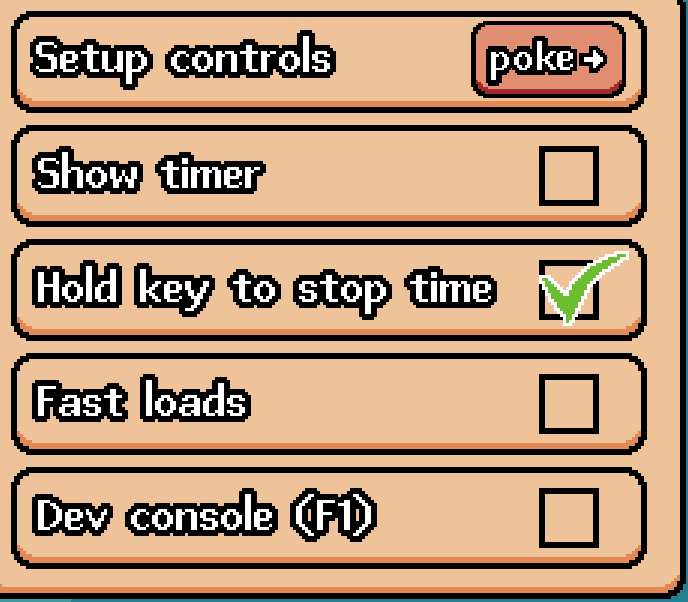
Aaaaaaaaaaaah, ok. I totally missed the "Setup controls" option. I was sure I had checked for it at the beginning. Now looking at it again I remembered why and I missed it again, because I thought it's the header of the menu and not a button, since the text is centered and the form of the button is the same as the menu box. Also, the other options underneath have the checkbox which make it clear that these are clickable. And also, the controls menu is buried a layer deeper than the other options.
Compared to the Screen option which has a drop down arrow. I'd either separate controls into it's own window (4th option), or set the text left bound and add a button graphic (like the back button) with a right arrow -> to make it clear that there's a submenu.