

Yes, I'm on PC. The app has the install button but when you click it there is nothing to choose for zips or exe files like there usually is. And I'm not seeing a "download" option on this page anywhere. Even if I search through all your titles on the itch site it just gives me an option to "play in browser" which is no longer supported. Your Flash games Bundle does the same thing even via "download now" on the site. All of your games do outside of Elven Conquest 1 and 2, as I said. Whether it is via the app's "install" or the site's "download now" it brings up the same screen which has a blank drop down box where it asks what you want to install / download and under that my chosen destination for where to save the would-be files had they appeared.
Edit: Is there somewhere you'd like me to send a screenshot of what I'm seeing?
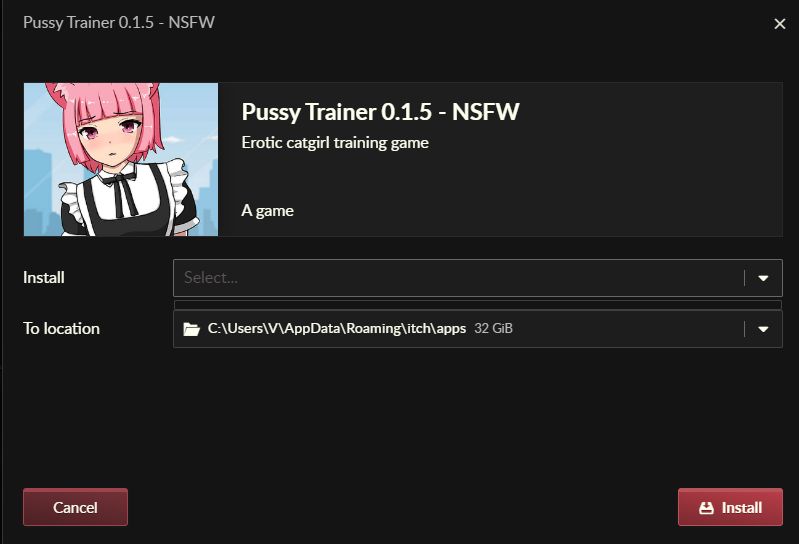 The "download" button was only showing from your main page that lists all of your games but I found it. However, on this (or any of the pages) the when I click it, the screen pops up with "install" and an empty drop down bar with another drop down bar under that for my chosen destination (I. E. C-drive / destination folder). All of your games save for the Elven 1 and 2 have the same issue for me. The Install button on the itch app does the same thing, as I said.