

Hmm. Thinking this through further, there are actually pretty deep issues with putting fullscreen mode under scripted control. In the native version, it's simple. Web browsers, however, can only request a change in fullscreen mode in direct response to user input events. I can probably slip in a keyboard shortcut for web-decker, but that doesn't help users on phones, and to make matters worse iPhones explicitly do not support the browser APIs necessary to enter fullscreen at all.
Similar, but even more rigid; on the JS side, the change must happen directly in the call chain from a user-initiated event handler, like a mouse-click or a keypress, but Lil scripts run asynchronously in the background and do not inherently have the necessary connection to input events, even if they usually are user-initiated in some way.
It's a bit inelegant, but the best compromise I can come up with is to require the user to confirm via a modal when they wish to enter fullscreen mode in web-decker, much like the confirmation modal when you want to "read[]" a file from a script. Exiting fullscreen mode doesn't come with as many strings attached.
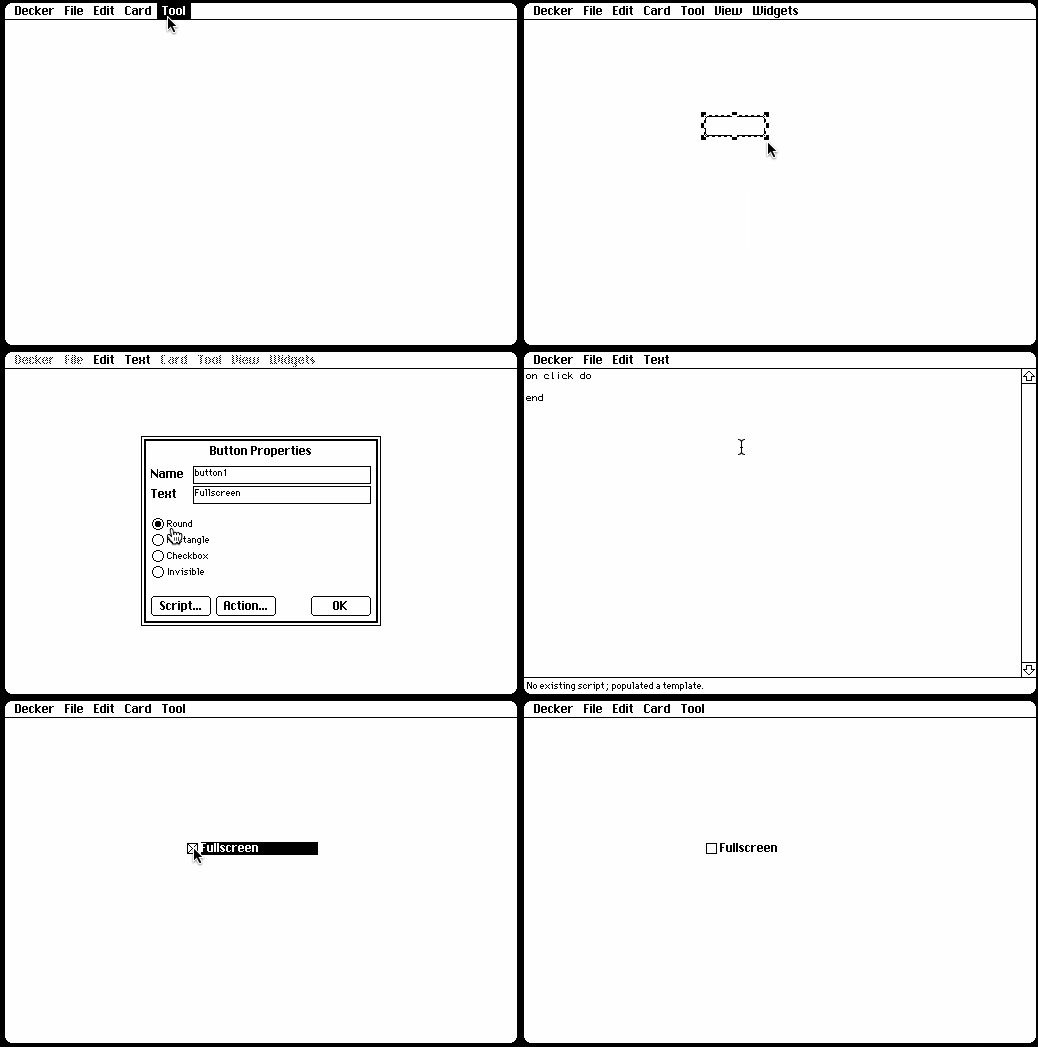
This is available to play right right now: https://beyondloom.com/decker/tour.html
For convenience, a paste-able usage example:
%%WGT0[{"name":"button2","type":"button","size":[112,30],"pos":[25,41],"script":"on click do\n me.text:if sys.fullscreen\n sys.fullscreen:0\n \"Enter Fullscreen\"\n else\n sys.fullscreen:1\n \"Exit Fullscreen\"\n end\nend","text":"Enter Fullscreen"}]
As previously noted, this is all at best a vague suggestion to web browsers, so it's possible that on some devices it simply won't do anything.
Followup: v1.22 includes a small breaking change. The "sys.fullscreen" field should now be "app.fullscreen".