
Indie game storeFree gamesFun gamesHorror games
Game developmentAssetsComics
SalesBundles
Jobs
TagsGame Engines
(1 edit)

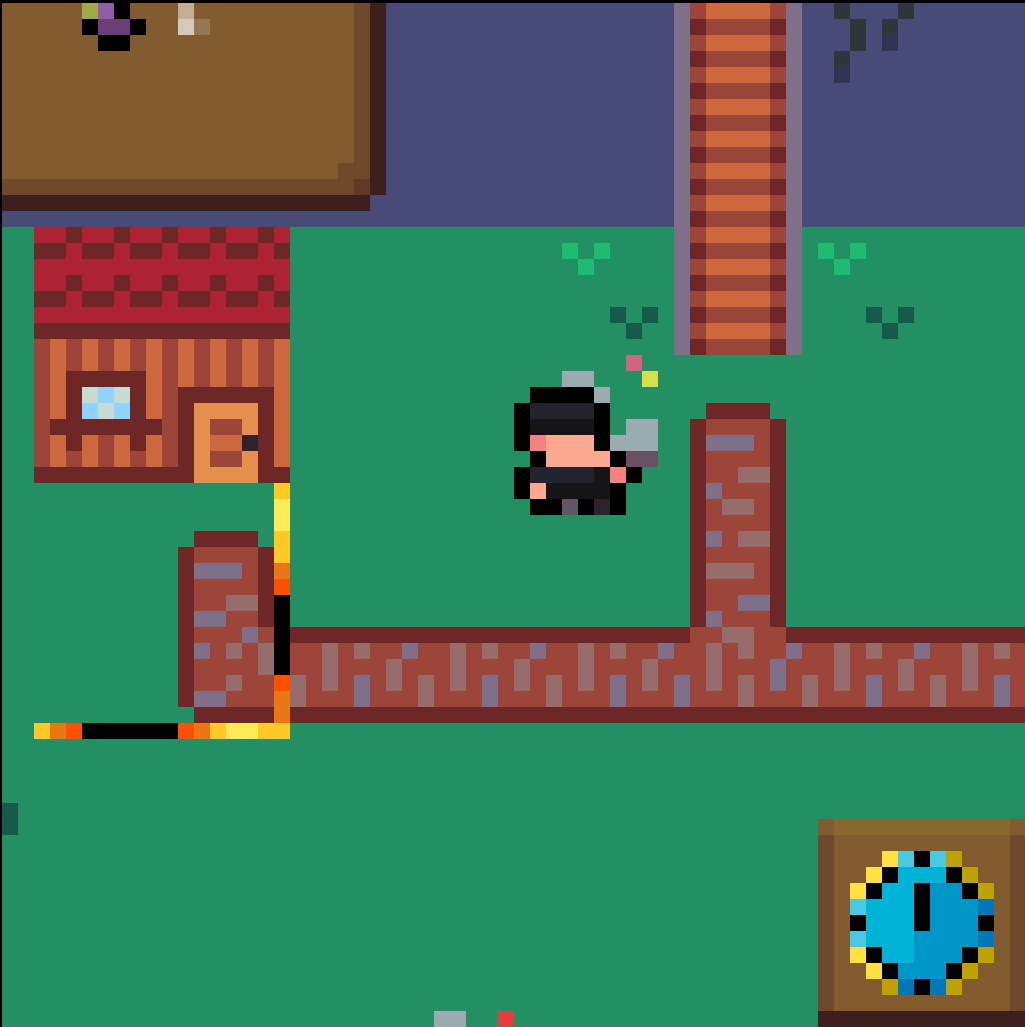
I created the game in 64x64 pixels. If I used a 64x64 resolution as the canvas on the website, it would be too small and unplayable. In fact, as stated in the jam rules, I scaled the size up to 640x640 to make the game easier to play. But the game is created in resolution 64x64.
In fact, if you check the games that won in previous editions, they all have canvases larger than 64x64 pixel. 

But if this causes a problem and I have to change it, if you can explain how to do it so I can play at normal size, that's no problem for me.
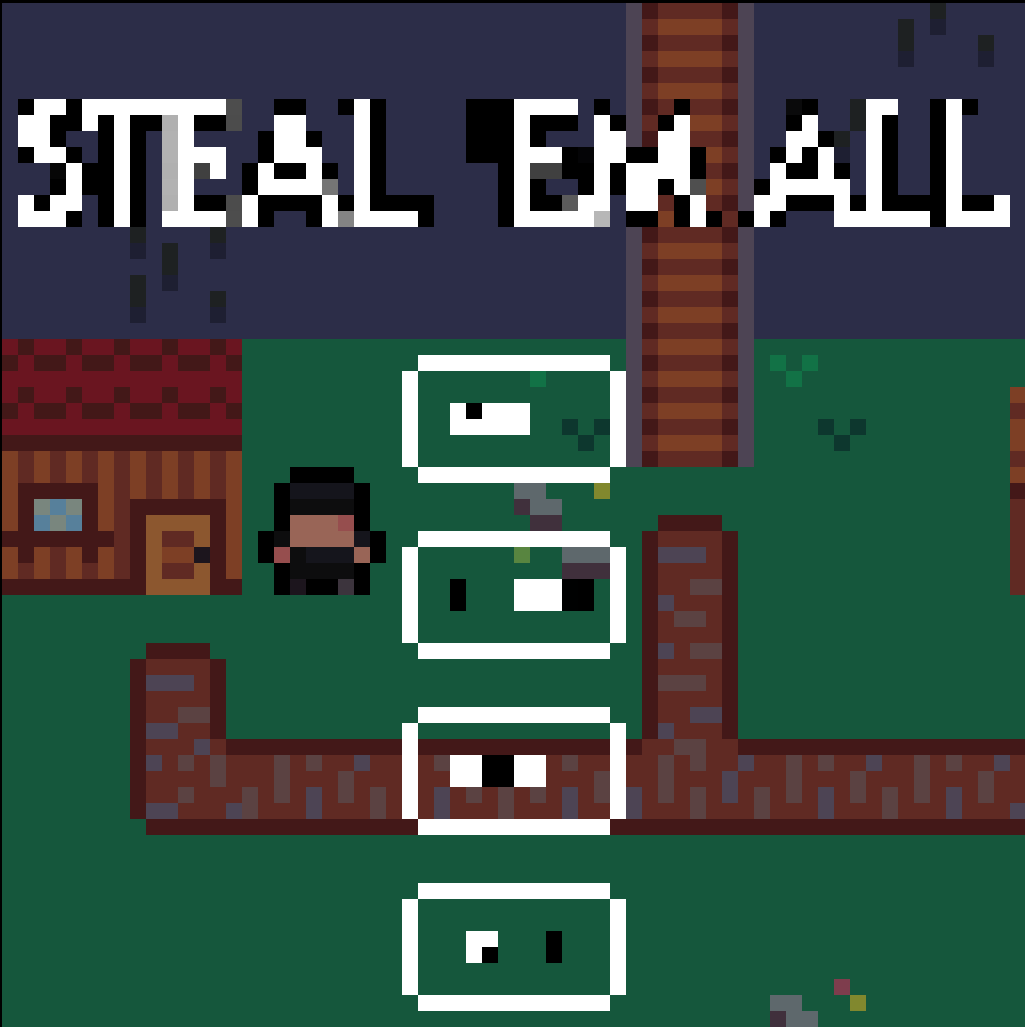
The width and height attributes to <canvas> control the size of its backing framebuffer. So they’re not the same thing as CSS width and height. Set the “Viewport dimensions” in Itch’s controls to something large, 640x640 is good there, and the <canvas> inside will be large, but its framebuffer can still be small – the browser will scale up for you.

I don’t know how to control the canvas size in Godot, but someone in the Discord could help for sure; lots of people using Godot here.

I don't know, I made the project at a resolution of 64x64, and there isn't an export setting in Godot to change the <canvas>. Then I checked the games published in previous editions, and they have the <canvas> modified. I'll look into it a bit more, but I don't think, and I hope, that it will affect for the jam.

The way you upscale is: 
- In Godot, in Project Settings look for Display > Window > Viewport Width/Height. Make those 64.
- In itch.io, edit the project and under Embed Options, change the Viewport to 640x640.

If you change the viewport *in Godot* to 640x640, that's incorrect.

(1 edit)

Thank you so much, but that's exactly what I did. The viewport project in godot is 64x64 and then I upscaled it to 640x640 on itch. Is there anything else I need to do, or is this okay?

OH! I'm so sorry, I totally forgot, there's another section that's important. Display > Window > Stretch: Mode = Viewport, and Scale Mode = Integer. That'll maintain the crispy 64x64px precisely.

Thank you so much, but i've changed the mode to canvas_item, because if I change the viewport, all the textures break and cause problems. Do you know of a way to fix this, or can I just leave it in canvas_item mode?

Here's an example of what happens if I switch to viewport mode

Well, I hate to say it, but the textures break and cause problems because they weren't built in true 64x64px. If you leave it in canvas_item mode, then you're upscaling to use way more pixels than 64x64. The only fix is to redo your UI etc to use actual pixel fonts and stuff.

(1 edit)

If only the UI were the only problem. The main issue is that all the game's textures are glitching, every single one. So am I supposed to redo the entire game in less than two days?

Glancing at the game as uploaded on itch, part of the issue is the wobble and tilt you've added. At 64x64px there simply isn't room for that. The other issue is that your textures aren't being applied in a pixel-perfect manner — look at the size of the clock's pixels vs the character/environment, or the goal-box pixels compared to the same. 

I totally empathize. You've put a lot of work into this and it shows. Your environmental spritework is absolutely delightful. I'm sorry you've run into this at the end of the jam.

I can't tell you what to do about it. You'll have to listen to your heart on that one.