

The holy grail: Non-destructive, non-CAD and non-polygon. It's really pure joy to create with it ❤️
If you plan to make it a commercial product, I think you have a diamond in the rough in your hands! I have some feedback below how you could make it even better (I am a UX designer who has worked a lot with CAD).
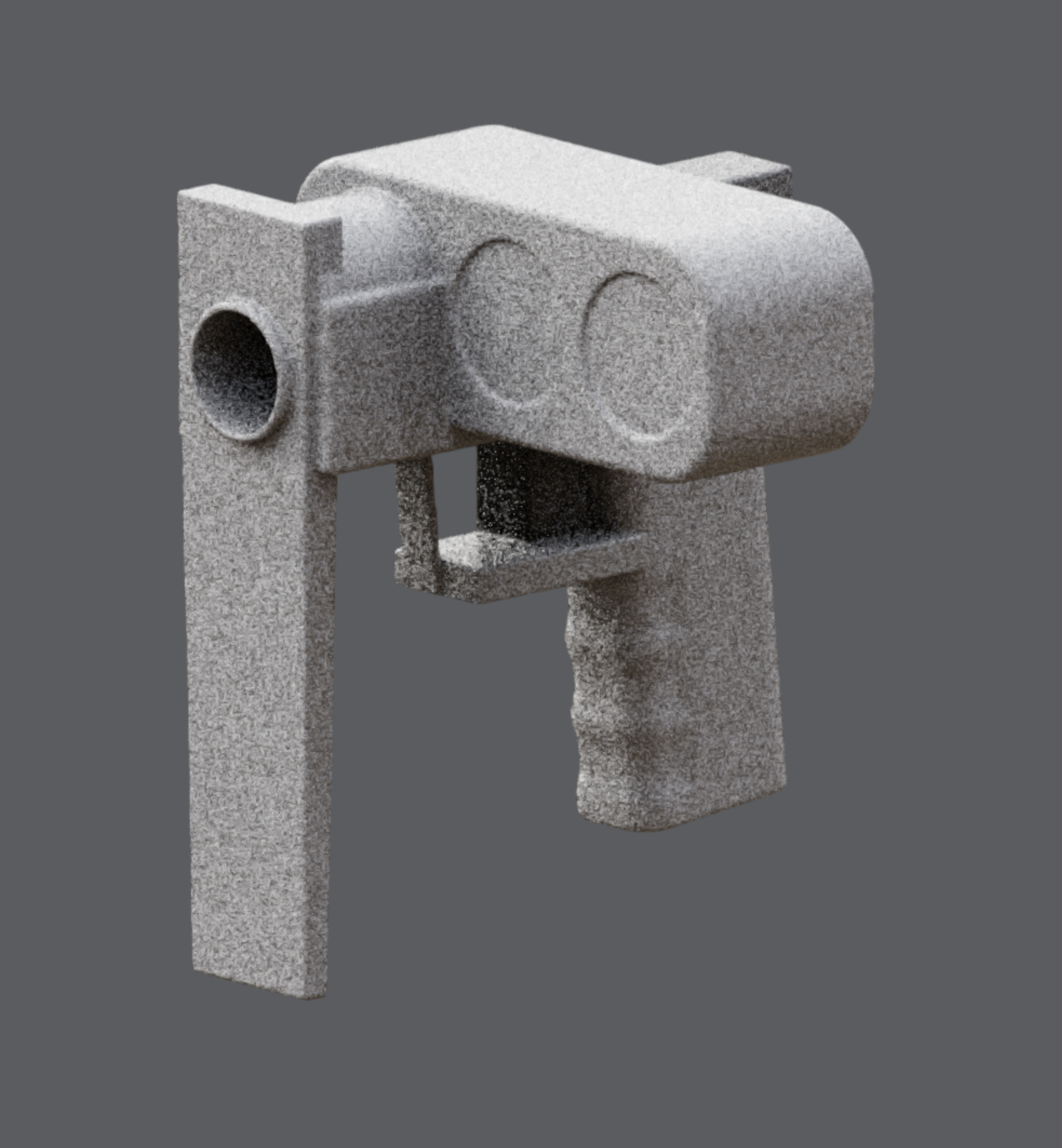
The first thing I created was a sci-fi gun concept:
In case you want some detail feedback (if not ignore it, the tool is already awesome):
- Shortcuts: They don't seem to work on Mac (the instruction mentions settings but I couldn't find any settings)
- Bevel/cone axis: Would be cool to change the bevel and cone axis at any time. I often place the cube first and bevel later, but then the bevel might be on the wrong axis.
- Flip cone: I know I can flip the cone direction by flipping the right axis, but an extra button would be really convenient, then I don't need to think about which axis it was.
- Symmetric scaling: Would be cool to hold alt and drag one of the resize points to resize symmetrically like in design tools like Figma
- Infinite number drag: Tools like Figma allow dragging numbers infinitely far (the mouse wraps around the screen or doesn't move at all when dragging).
- Faster number drag rotation: The number drag for rotations could change faster because the required value changes are much higher than for size or position
- Rotate 90°: A button to rotate 90° would be a cool addition to the rotation gizmo
- Rename parts: Double clicking on a part to rename it would be super convenient. Currently I have to go all the way from the left sidebar to the right.
- Directly select number: Currently editing a number requires double clicking, but a single click like Blender or Figma, thus selecting the number input's content would be convenient.
Grüße aus Ulm!