Indie game storeFree gamesFun gamesHorror games
Game developmentAssetsComics
SalesBundles
Jobs
TagsGame Engines

Zombie Speed Golf version 0.2 Devlog

A topic by BrotherCompost created 12 days ago Views: 157 Replies: 5
Viewing posts 1 to 6
(1 edit)

I'm blitzing through my bug-list to get a playable version ready to release. I'm progressing to 0.2 because this feels like a substantial upgrade. 

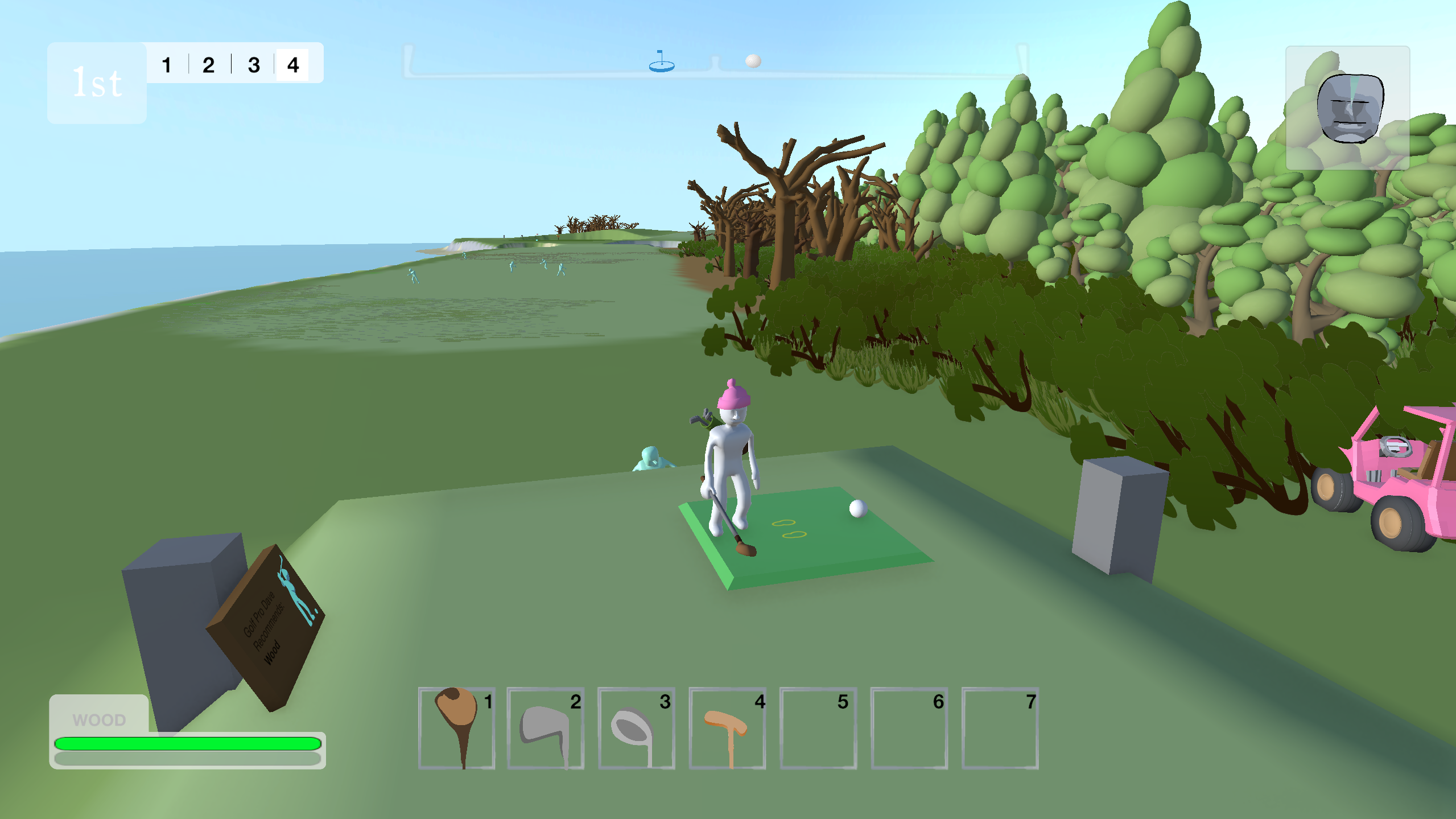
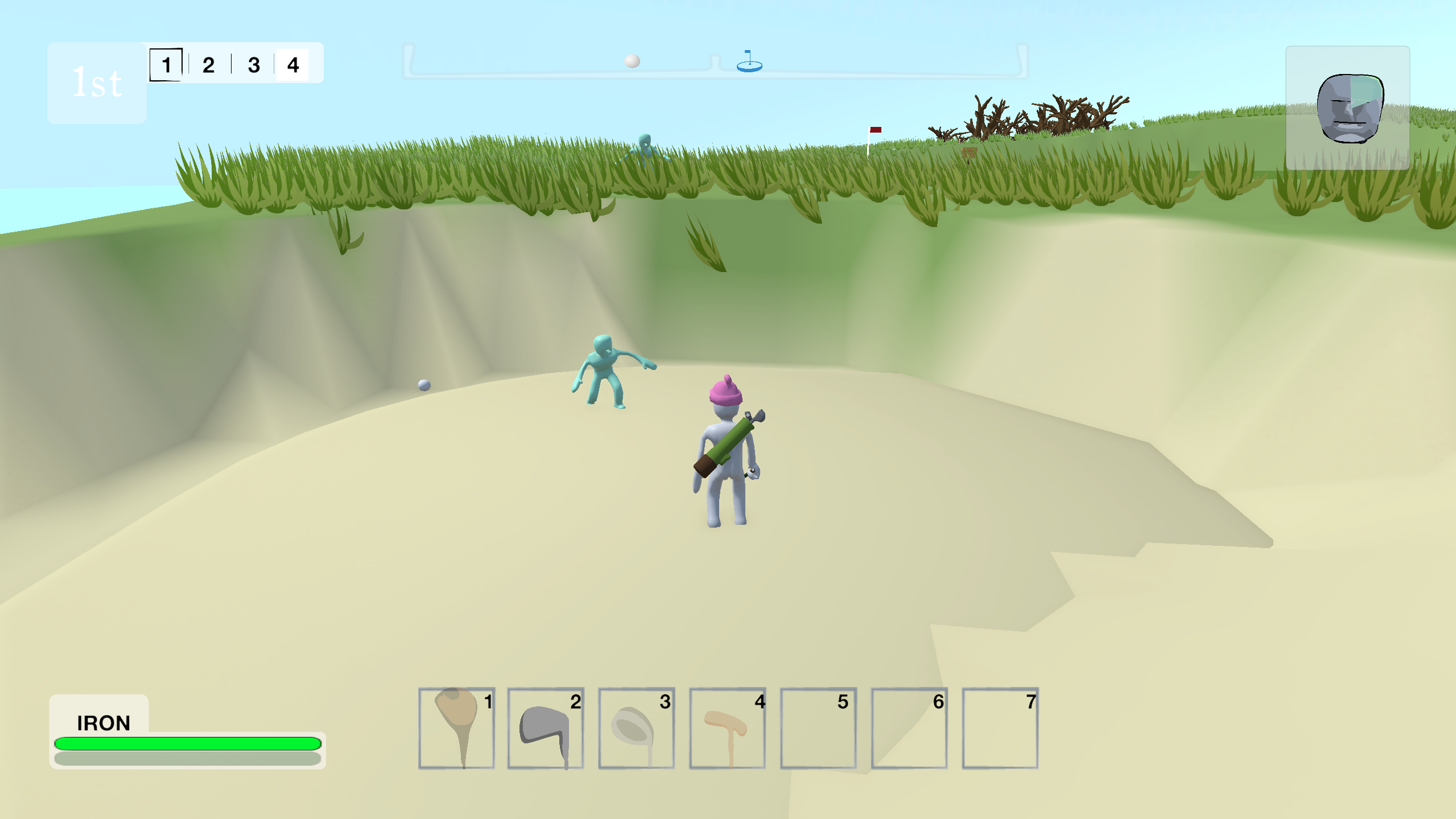
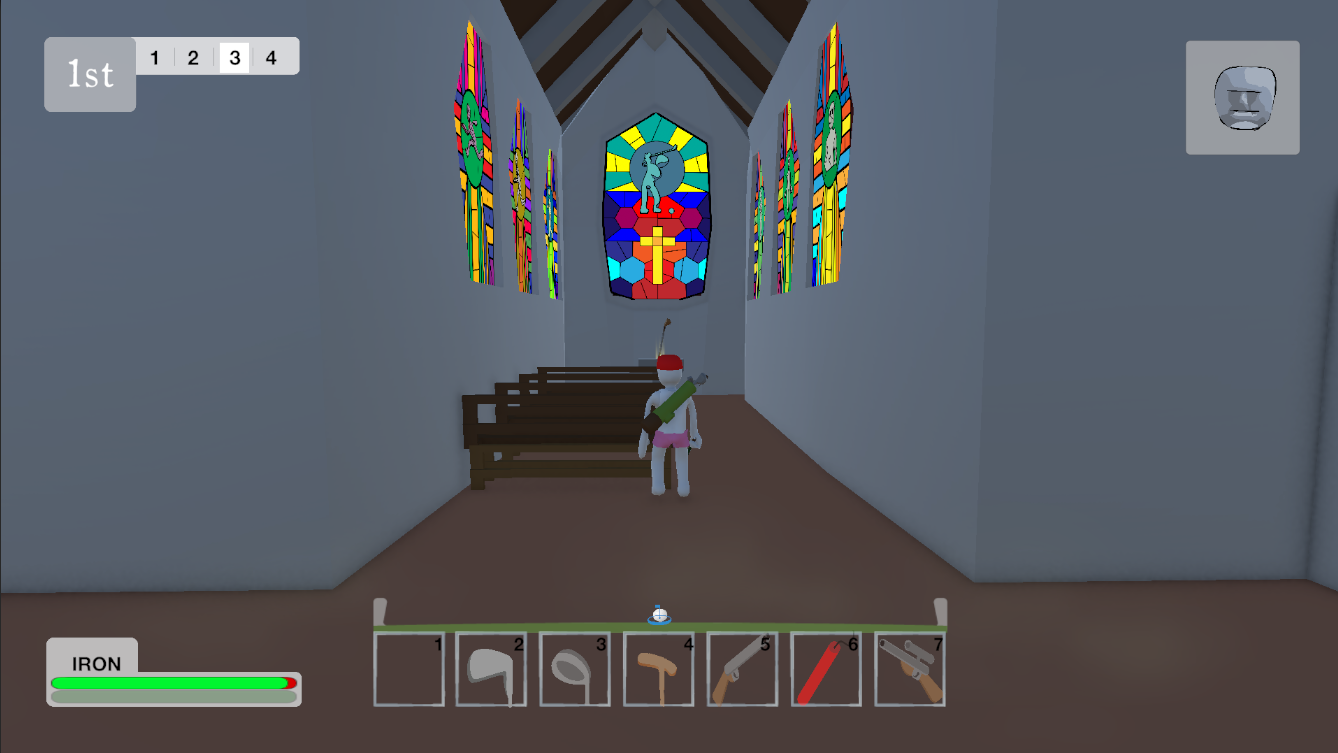
One of the biggest changes has been removing the set timer (replenished by finishing holes) and replacing it with my "sanctuary" system and exposure meter. Now while you spend time outdoors your exposure metre goes up. Make it to a building to recover from your exposure. This has changed the urgency of the game somewhat, but I like it as a mechanic. 

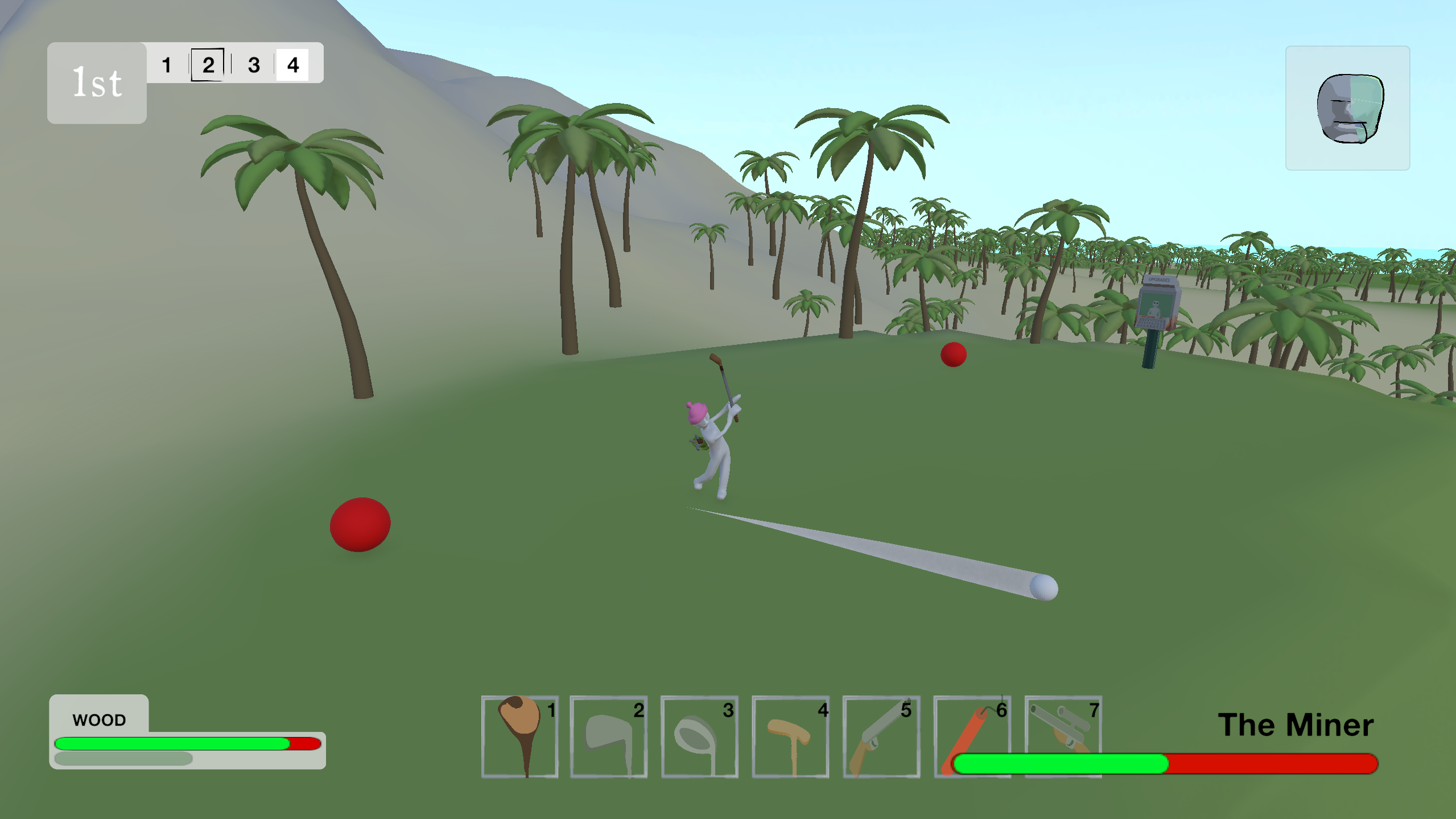
I have also completely re-worked how guns work in the game. Now when you switch to either the shotgun or the rifle it switches to "FPS Mode", and the game plays like a first-person-shooter. Switching back to a club (or dynamite) switches the camera back to 3rd person. 

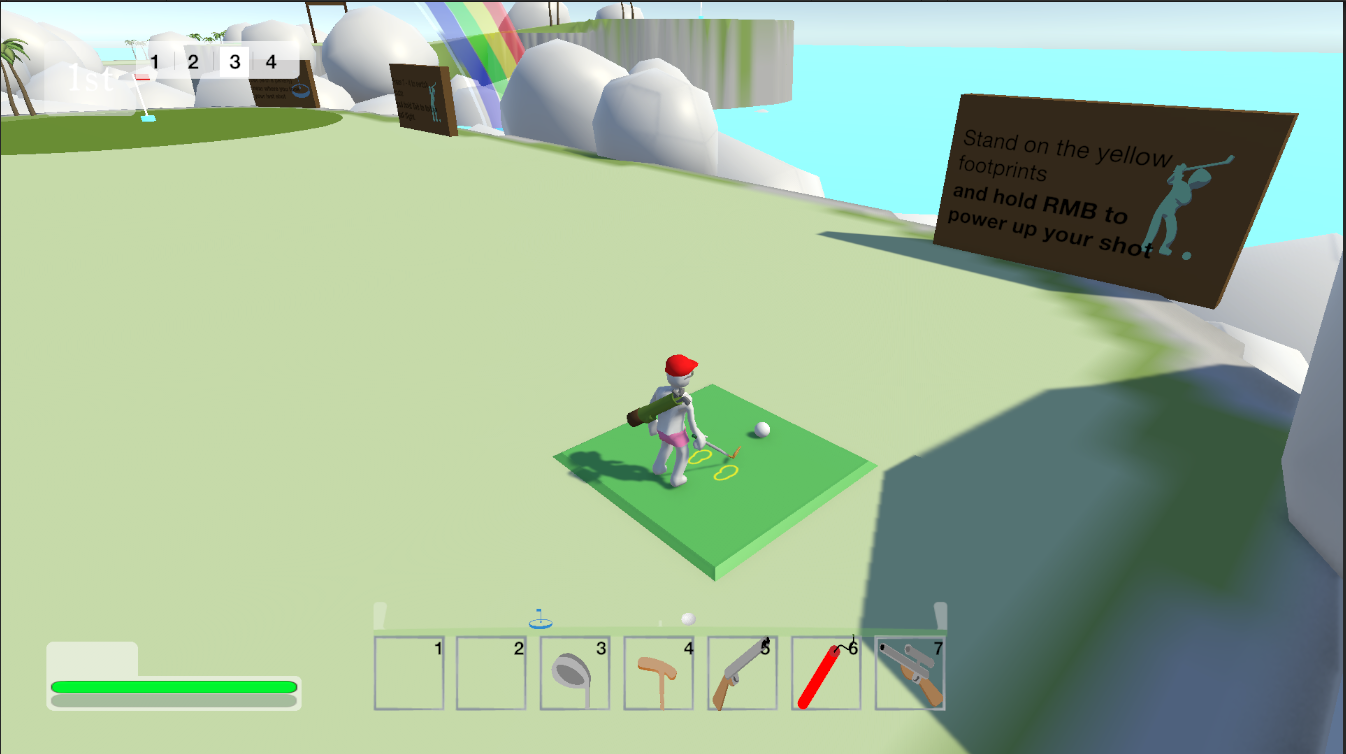
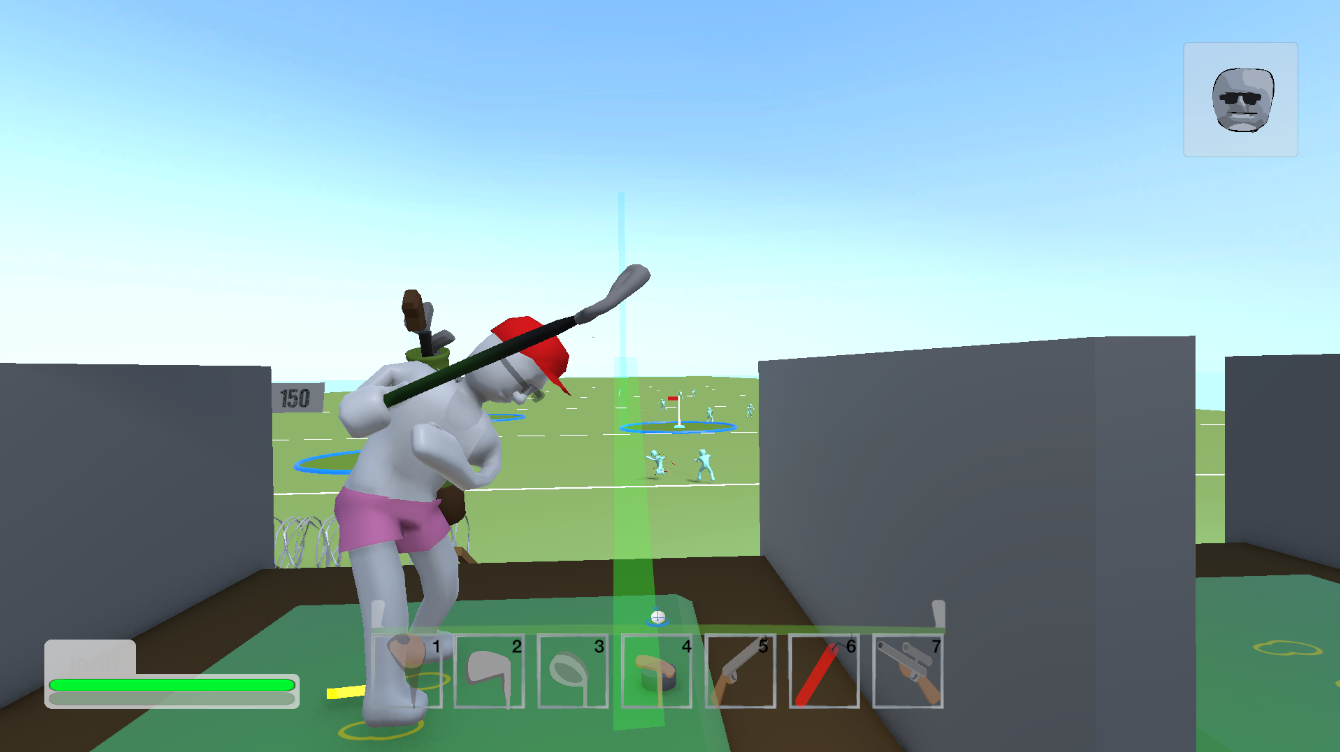
I have made it easier to tell where you need to stand to hit the ball cleanly, and added an aim assist setting so you can make it more difficult/realistic. This comes off the back of my playtest where players found it really hard to line up to hit the ball. 

i've added new zombies, taking the total kinds of zombie up to 4. 
- Standard Zombie
- Tourist Zombie
- Zombie Sheep
- Zombie Viking

I've also added a final mystery boss fight, taking the total up to 3. 

There's loads of stuff I've worked on, exploding buildings, little health bars for the harder zombies, oh and...

The game now has sound!
and controller support (although it still feels a bit janky aiming the guns) 


I'll update this topic when the version is live on my page! Thanks for stopping by!
Accessibility Development: LOW VISION/High Contrast Mode

Just as some background, in my day job I work with blind and visually impaired people. So when I started making my own game, I was always intending to do my best to make it accessible to people with different levels of vision. First step has been a high contrast mode. 

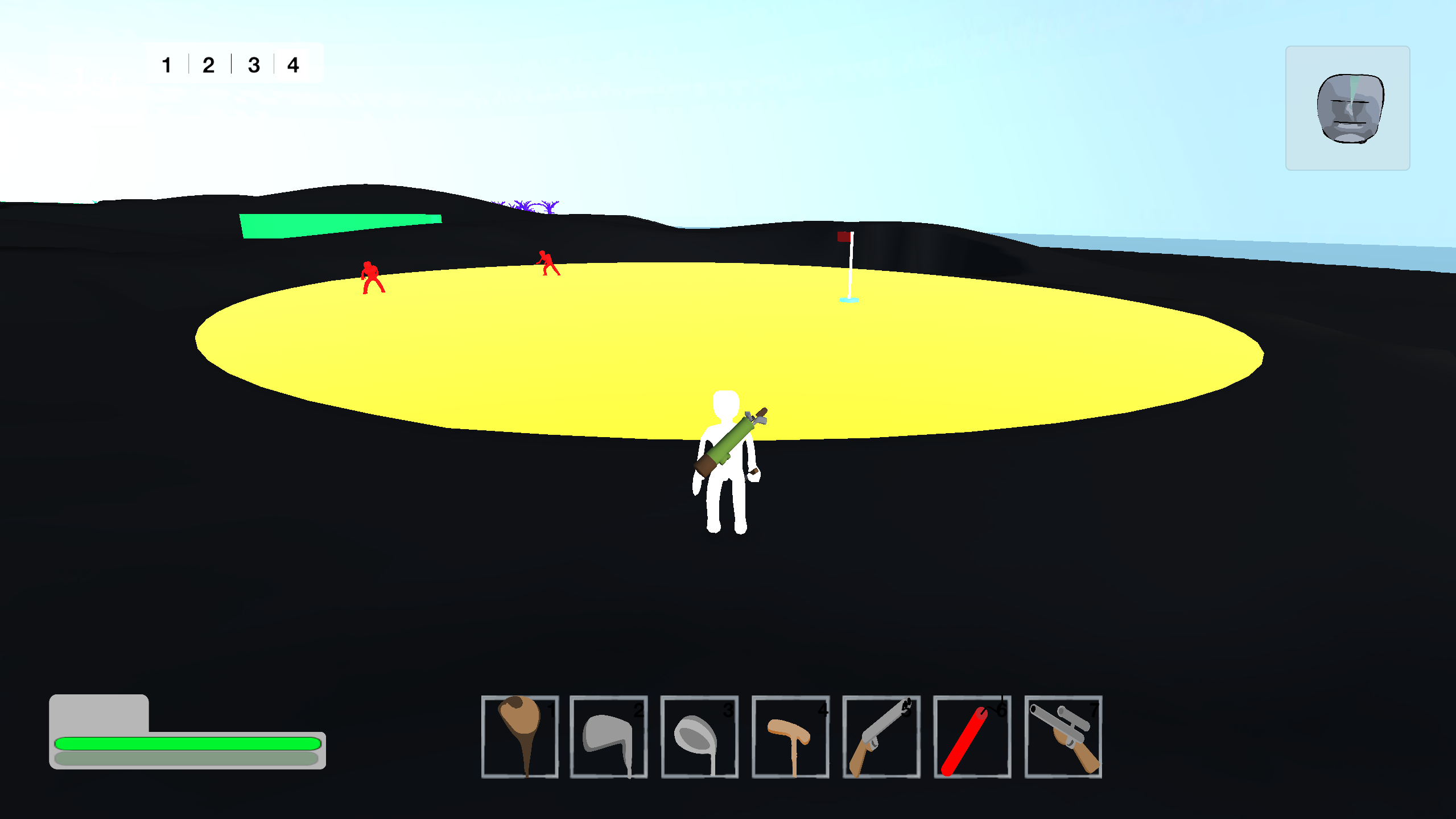
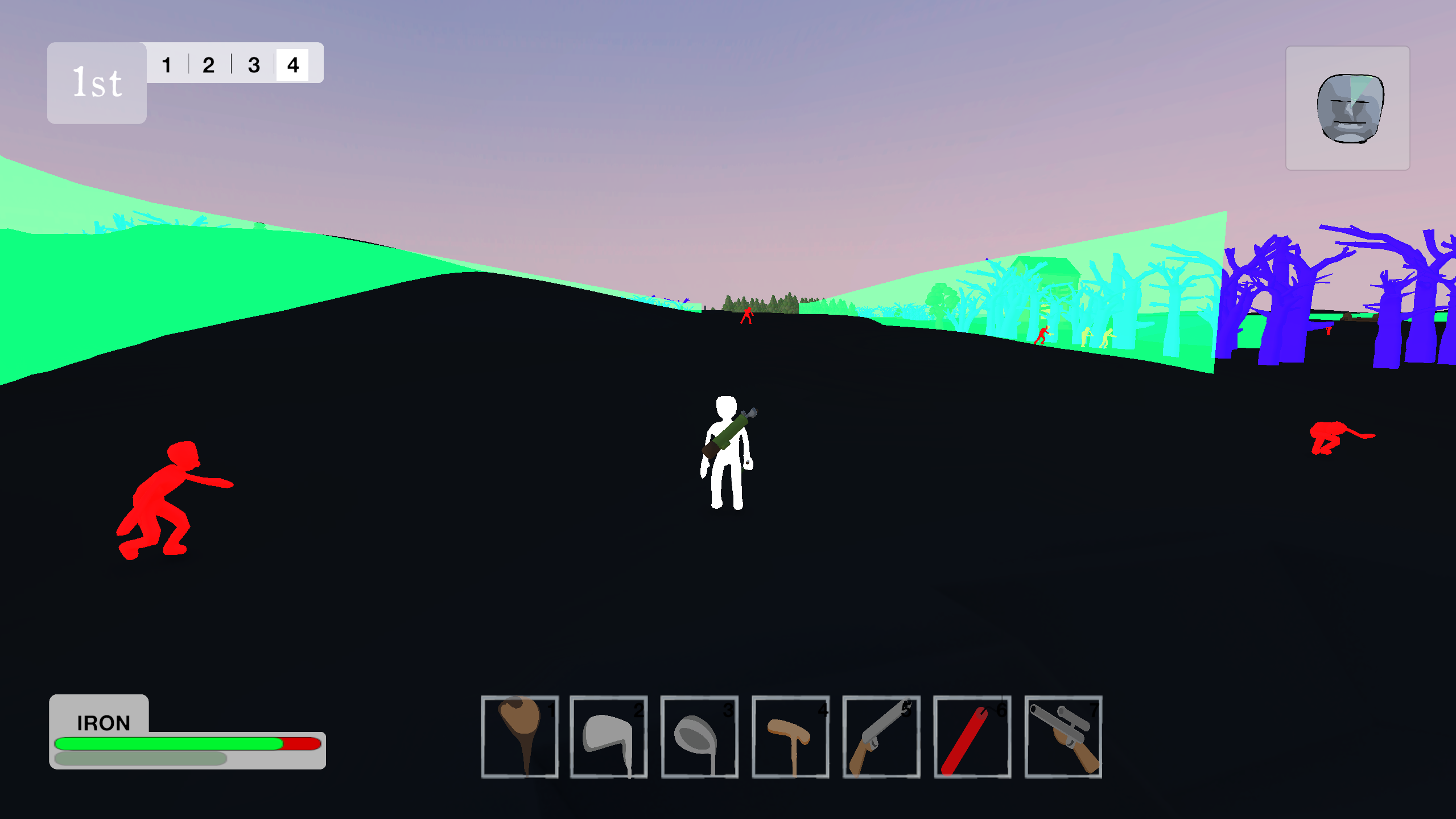
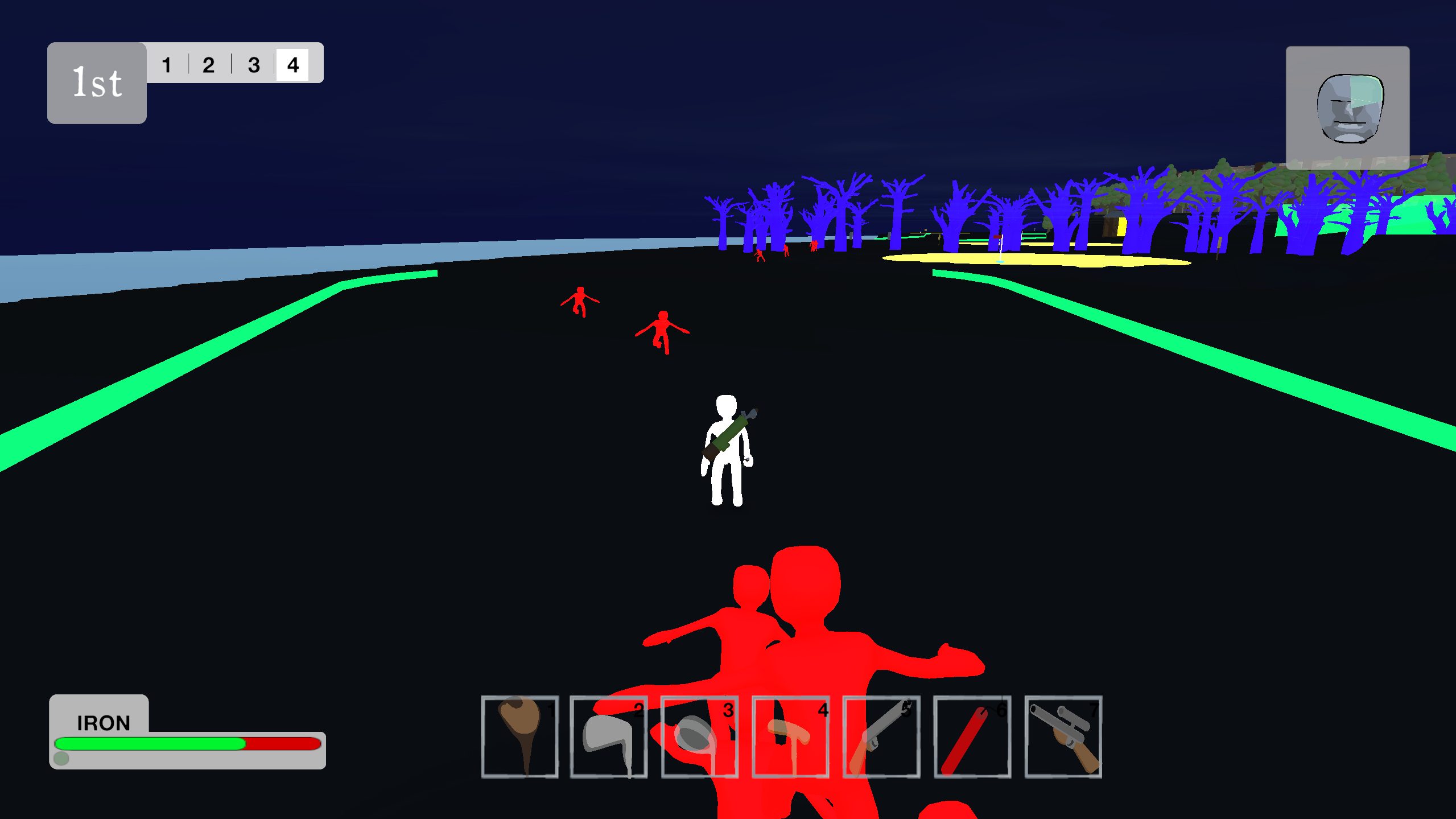
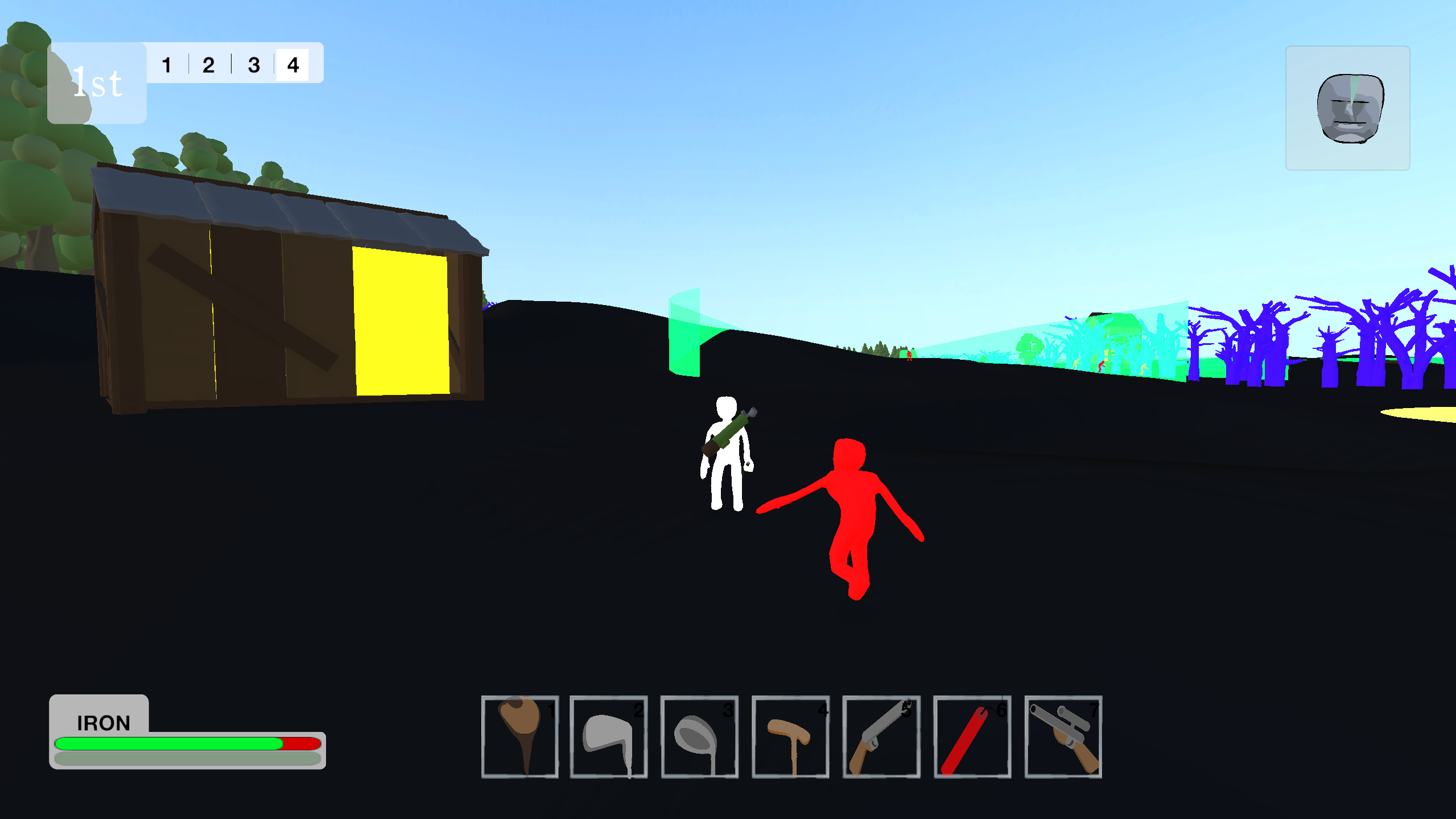
It works really simply. When the game starts, it checks for all the 3D objects with certain tags. At the moment, these tags are Player (obviously), Enemy, Obstacle, Goal and Guide. Then it changes the materials of those objects to high contrast materials with an emission. It also sets the terrain to black. 

All the high contrast guides I saw recommended Shaders, but they still scare me a bit. This was easy enough to code, and it doesn't seem to have any major issues in terms of optimisation. It also lets me do some pretty funky things. For example:

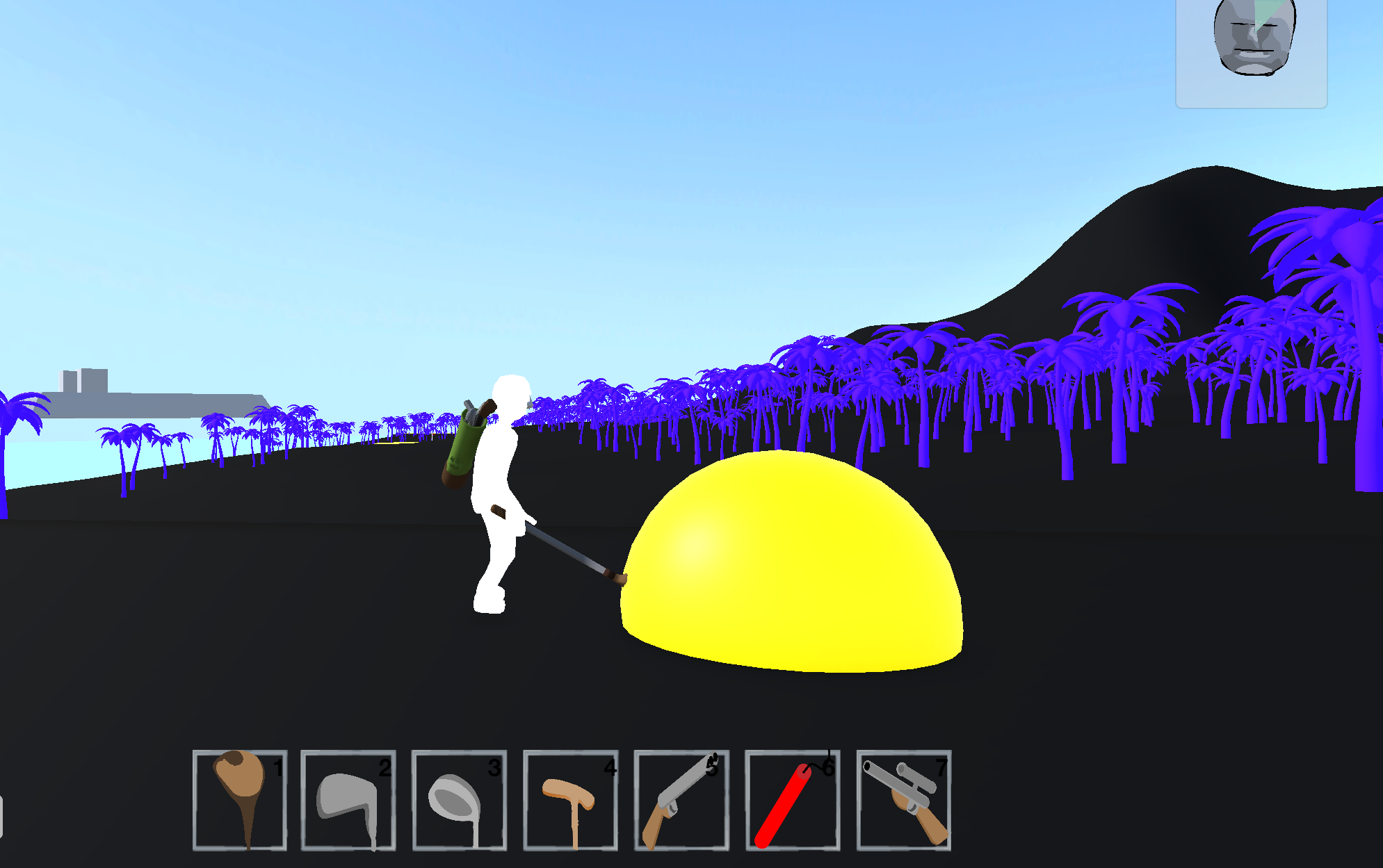
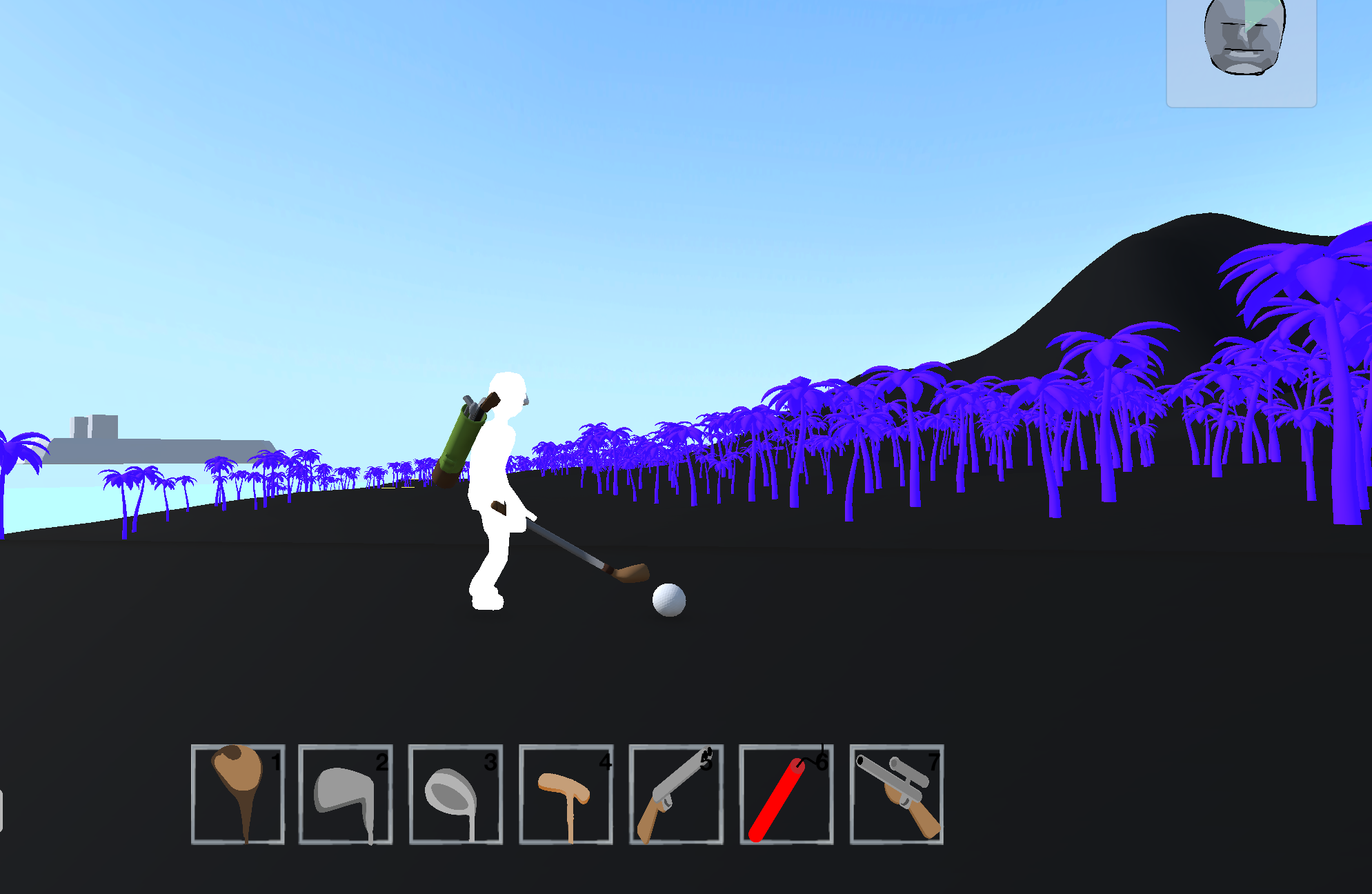
The ball has a large easy to see orb around it, helping the player spot the ball at a long distance. This orb exists even when the high contrast mode is off, it just has a transparent material normally. 

When the player stands closer, the orb disappears to show the ball. This is just a simple collider setup which turns off the model when the player comes near. I have done something similar with the greens: 

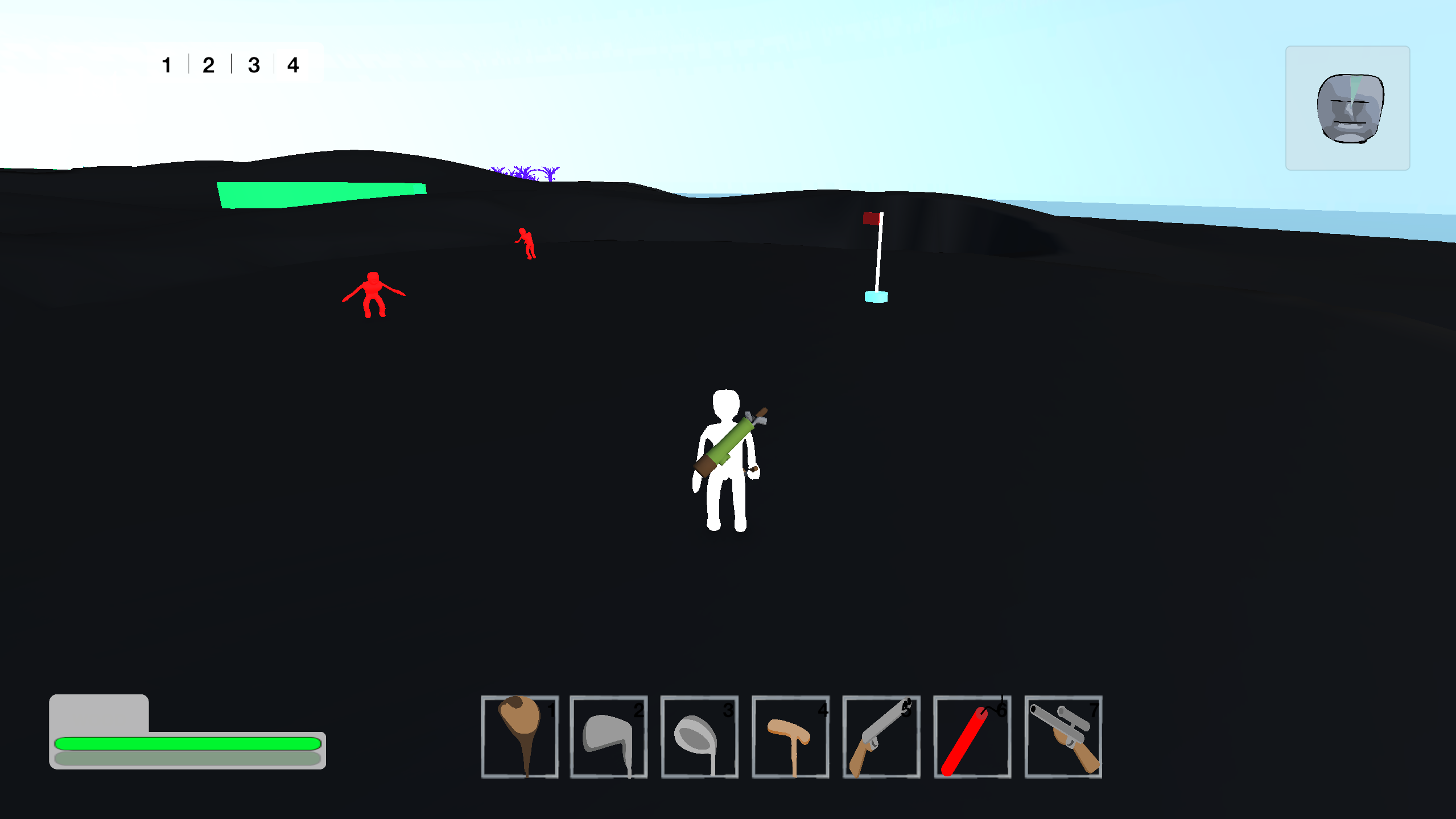
When the player or the ball isn't on the green, it will show up in yellow. But if the player or the ball touches the green, it disappears. 

I may make it so that an outline shows, I'm not 100% sure yet. 

The other feature I can add by using this material based solution is guide lines. I've set these to green, and are translucent. These indicate where the fairway is. The taller they are, the more gradient the fairway has. So low guide lines = flat fairway. High guide lines = hilly fairway. 

I'm really happy with how this accessibility feature is shaping up. I really want it to feel like some effort has gone into it, and it hasn't just been chucked on afterwards as an afterthought. 

Oh, and I also really loving this vaporwave night-time aesthetic!


(+1)

0.2 is here!

It's been a lot of work, but 0.2 of my Zombie Golf game is finally ready to release!

I think i've got all the major bugs out of the way, bare with me while I work at the rest:

Known bugs:

 - Zombies spawning in the sky over greens and bosses.

 - Camera issues (following ball with tab can break) 

 - Bullets bounce off zombies - priority

How do other developers get around the Windows defender flag? 

I'd really appreciate feedback, beta testers really help influence the game's development. If you enjoy it, let me know. If you hate it, let me know even more!


The game is available for FREE!

Zombie Speed Golf by BrotherCompost

0.2.2:

I think, THINK, I've solved the bugs above. 


- Zombies no longer spawn in the air. Turns out it was just a line of code messing with the layer masks. 

- Camera now stays in a consistent direction when swapping between first person and 3rd person modes. All this needed was a little helper function that is called when switching to default the camera to its 3rd person position. 

The 3rd person camera was an asset I downloaded from the asset store, and it wasn't really designed to be switched on and off and moved around as much as I do in this game, so it was always going to introduce bugs. It's working now though.

- I think, THINK, I have solved the bullets bouncing off zombies bug. It was caused by the ragdoll colliders overlapping the collider that handled damage. So it was like the zombies could bat away bullets. I solved this by putting all the ragdoll colliders in a layer called "limbs" and setting my bullets to ignore this layer. 

So all in all a successful bug swatting session. 

0.2.2 is available to download now! 


Added a compass!

My 0.2 playtest has shown me that players still have trouble finding the ball, and knowing what hole they're supposed to be aiming for. I'm going to add a whole load of navigation quality of life updates, the first being a compass at the top of the screen which points you to both your ball and the hole you're aiming for. 

I'm not sure if this is it's final form just yet, so I would appreciate feedback. It's very simple at the moment, but I might make it so that when the exposure meter gets to critical the sanctuary spaces show up rather than the ball and pin. And likewise when the health goes low it shows up health packs. I'm not sure if I want to hold the players hand too much though. 


I also couldn't decide if the compass should calculate from the players facing direction or the camera's facing direction. I decided on the camera because it felt more intuitive when I was testing. It means the indicators move when you orbit the player, gives you a better understanding of direction than if it worked from where the player is facing.

Locking-In:

So in all honesty I've been resisting this feature for a while. When I first designed the game, I had the idea that rather than put the golfing skill test into some novel swing mechanic (tiger woods-esque analogue stick/mouse movement creating a line, the consistency of that line determining how good a strike it is), I would create a simple mechanic where if the player is stood too close to the ball it flies off to the left. if the player is too far from the ball it flies off to the right. Only standing within the goldilocks zone would result in a pure strike. 


More widely I wanted the game to feel more like a real round of golf. When you go to a golf course for the first time, you can get a bit lost. You might only have a scrappy piece of card with a rough map on it. You lose your ball. Unless you've got expensive range finders or GPS, you don't know how far away the hole is or how far you'll have to hit it.  ect ect ect. 

Fast forward to my first playtests: BY FAR the hardest thing players found difficult to get their head around was getting the character in the right position to take a shot. When a mechanic is too difficult, it stops being fun. I wasn't too wedded to the idea of no visual indication of where you need to stand. To me, the fun came in the running up to the ball and taking a wild swing before the zombies got to you.

So first of all I made an in-depth tutorial. A sentence written on a wall wasn't enough. I had to give players a bit more. 


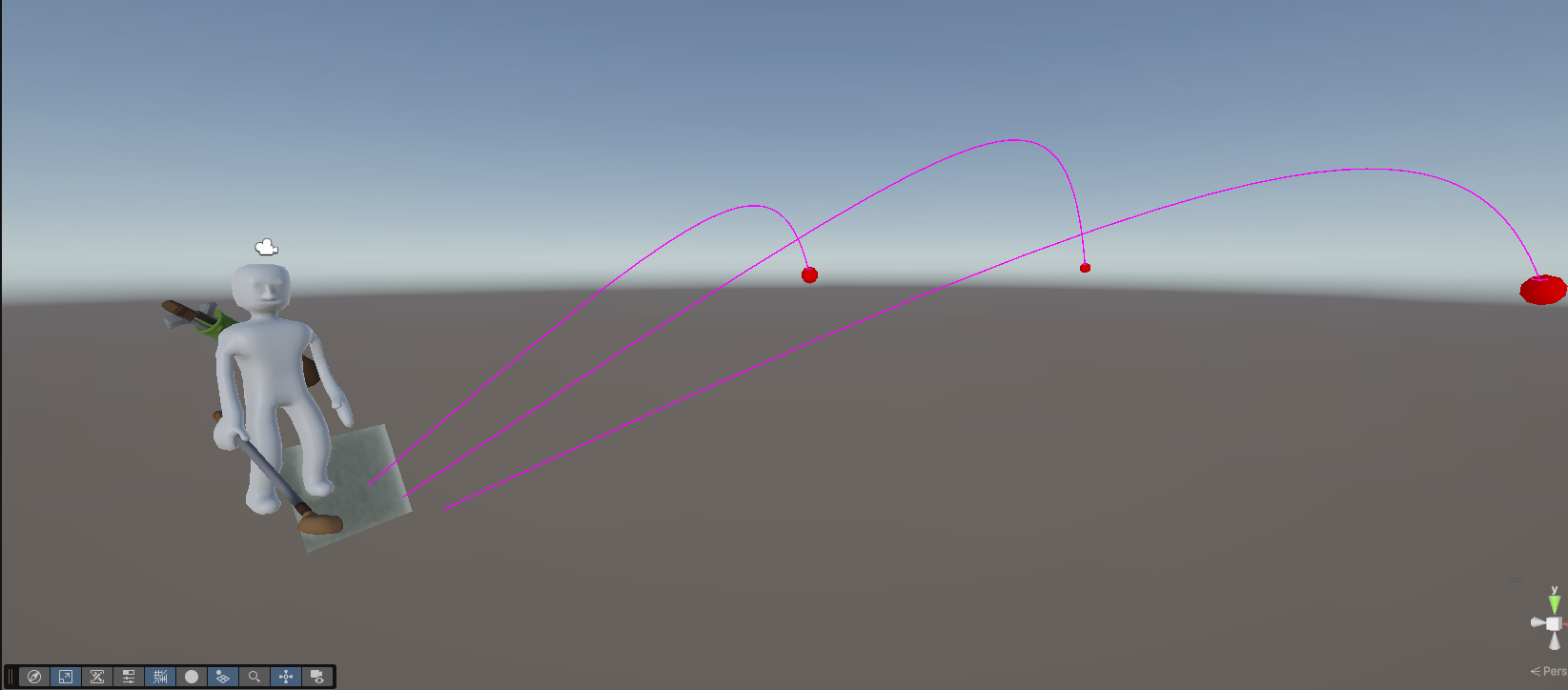
I also added assists. Currently, there are 3 levels in the settings menu. In Easy, the target of the shot (where the shot intends to land before randomisation) appears as a tall green tower extending to the ground that moves away from  you as you power up your shot. In Easy and Medium, a powerup graphic showing the direction and loft of your shot (as well as indicating where the pure hitbox is), gradually fills up as you power up your shot. Hard mode removes these assists and you have to play from your own judgement. 


Fast forward to my current playtests: Players are still struggling. It's BETTER, but not enough. After a while, players get used to the mechanic, but I've got to consider the initial impression that the players have. If they need to spend an hour getting good at a certain aspect of the game before it is fun they'll just bounce off it. 

So I'm ditching one of my guiding principles and adding an extra assist. Now, when you swing the club, the player will auto-move to the right position over the ball.  You have to be standing close enough, but it makes it a hell of a lot more forgiving. At the end of the day, fun over realism. It's a golf game with zombies.

I've packaged this in with Easy-mode for now. I may make it it's own setting. I killed my darling. I added auto-snapping. May the golfing gods forgive me.