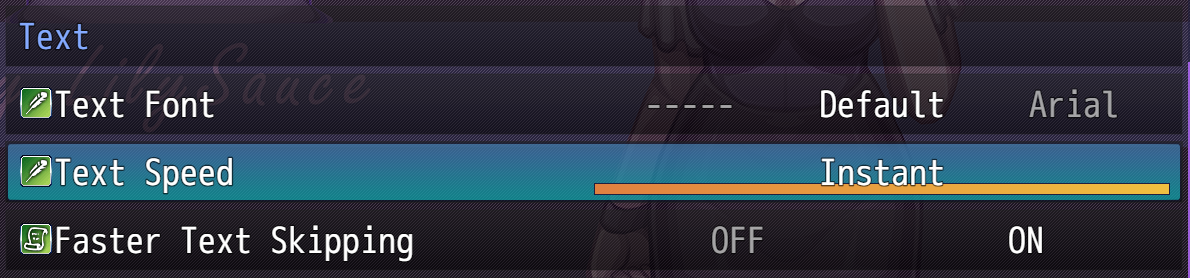
I have text speed at 10 and faster text skipping on, but it still takes forever to actually get through dialogue. It wants to appear on screen so, so, soooo much slower than I can actually read. I can't find a way to just make it appear without a bunch of pauses throughout. Like I have to press X a bunch of times for a lot of lines to get all the text to appear or I have to hold down X or some other key (I haven't figured out a key that works any better, tried like enter, space, ctrl, shift, Z etc) and it still is just glacially slow. It makes it take at least twice as long as it should to get through dialogue. It's common for me to find dialogue in RPG Maker games to be annoying to deal with, but it's not usually this much of an issue.
Am I missing something?
I'm using the free version 0.4.6 of the game with the Mac version of nwjs.
P.S. thanks for the attraction to men toggle. I respect that some people are into it but it might have made the game unplayable to me personally.