Hey, i m glad you like it ! :D
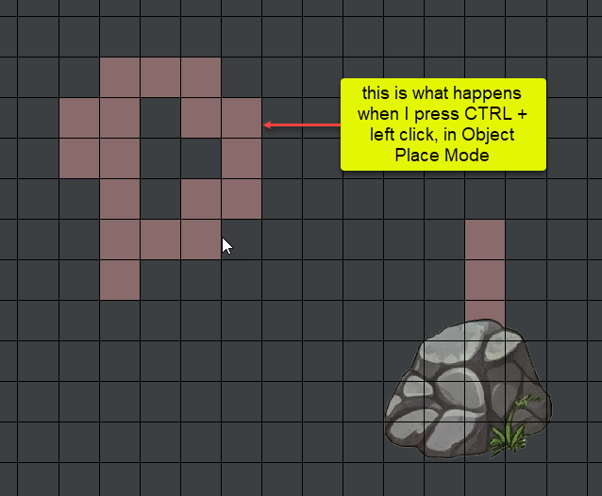
You can in fact move the objects and NPCs too, all you need to do is hold the Left Click and move them around / relocate them.
BUT there are 2 things to keep in mind:
1. if you want to move an object, you need to have an object (any object) selected, that means to be in the mode: "place object mode". And if you want to move an NPC, you need to have an NPC selected, that means to be in the "place NPC mode"
2. you need to hold the placing position for the object (that is the top left corner of the texture object). That is the exact same position you need to click to remove when deleting an object. That way is easier to understand
I hope it helps and you are able to move the items around now! :D