Indie game storeFree gamesFun gamesHorror games
Game developmentAssetsComics
SalesBundles
Jobs
TagsGame Engines

Andrei

5
Posts
1
Topics
29
Followers
22
Following
A member registered 52 days ago · View creator page →

Creator of

Recent community posts

(4 edits)

Hey! Thanks for leaving a comment here!

Currently, TileMaker DOT exports maps using external tileset references to keep files organized. For the Unreal integration plugin, you usually just need to ensure your assets folder is in the same relative location as your exported files.

Edited note*: 

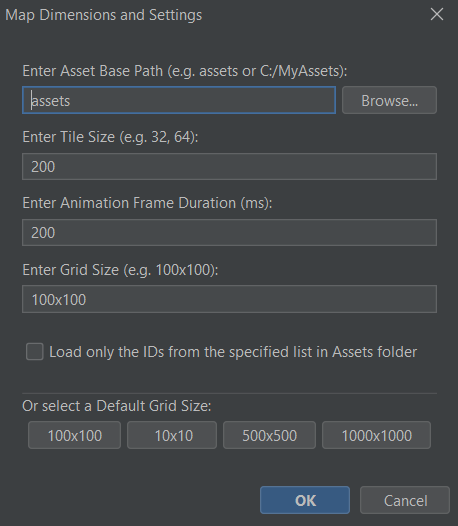
Sorry, if the plugin works with Tiled, then it should work with this tool. Try this before everything else: When starting the app, leave only "assets" in the base path. And after you finish your project, make sure you copy thee assets folder where you will paste your tmx and tsx files in Unity. In this way you make sure it's a relative path to the folder.


I also mentioned this in the README file:
~~~~~~~~~~~~~~~~~~~~~~~~~~~~~~~~~~~~~~~~~~~~~~~

> **⚠️ Important Path Note:** The path you enter or browse for in the **"Asset Base Path"** field at startup determines your export behavior:

> * **Relative Path:** If you keep it as `assets` (or a relative subfolder), the exported `.tmx` and `.tsx` files will use relative paths. This is recommended for moving projects between different computers or sharing with a team.

> * **Absolute Path:** If you use the "Browse" button to select a full path (e.g., `C:\Users\Name\Desktop\assets`), the exported files will hardcode that absolute path.

~~~~~~~~~~~~~~~~~~~~~~~~~~~~~~~~~~~~~~~~~~~~~~~

Please make sure to read the README, you will find useful tips there:)

And if this does not work, then try the following:

There could be a quick fix for this: Open the exported .tmx in the Tiled Editor.

  • Then go to the Tilesets panel, click 'Embed Tileset', and save. This will bundle everything into one file that the Unreal plugin should read perfectly! (I think, but it's worth a try)
  • But could you give me more details about how an embedded tileset should look like? Because honestly I do not know as of now. 
  • But if it is important to you and if I understand how it works, I will be looking into adding a 'Direct Embed' toggle for future updates to make the Unreal pipeline possible. 

  • Thanks for the feedback!  And I am waiting for your reply

  • You gave me something to think about and I tried some things out. 

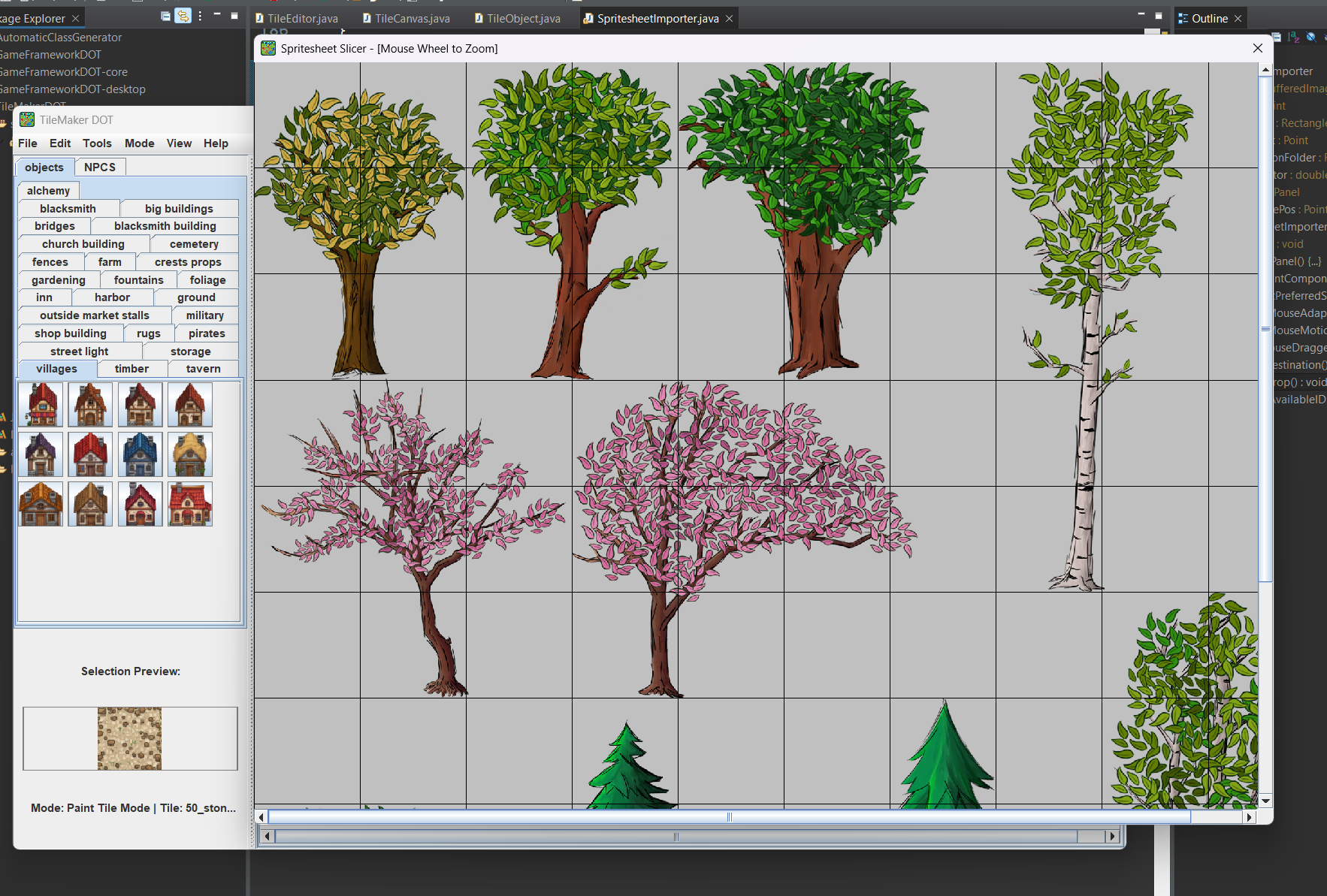
    I will show you a sneak peak ;)

    I can promise that I am working on something and it will look like this; 

    You will be able to load a spritesheet, select a folder to save the textures, and then select the items you want from the spritesheet. The new name and ID will be defined automatically but a popup will let you modify them if you want to, if not just press "ok" or "continue". And then you will be refreshing the assets (I am working on this right now). And you should be ready to go in a few seconds. 

    But I have some other things in my agenda before this, so please stay tuned :D You will get this improvement in the near future, after 2 or 3 more updates before this.

    Thank you for the suggestions and I hope you find my tool useful to you!

    Thank you so much! That really means a lot. My goal is to make the tedious parts of level design a bit more fun for everyone, so I’m glad the mission resonates with you.  As long as I know that my tool is used by other people in their personal or professional projects, I would call this a success on my end.

    I truly believe we build better games when we share better tools. If you ever have ideas on how I can make TileMaker DOT even more useful for your workflow, please let me know!

    Good luck with your projects! 💪

    Hey there! Currently you can import only individual textures. I did this because in this way you can make sure to define your own unique IDs for every texture and you will not be conditioned by the randomizig IDs set in a spritesheet for each tile.

    I decided to do it this way because it was the easiest to work with in the end product for me and maybe for other people too. At my end I import each object individually having unique IDs. 

    To be honest here, I had plans to think of a way to import .png spritesheets while also defining IDs for them, but I have a few other more important features in mind like duplicating chunks of map / exporting and importing them on other maps, automatic defining IDs for all the undefined textures in the assets folders and so on. But I will take your question into consideration and when I will have some time I will think about it:)

    Thank you for your question and feel free to comment at any time:) I will reply

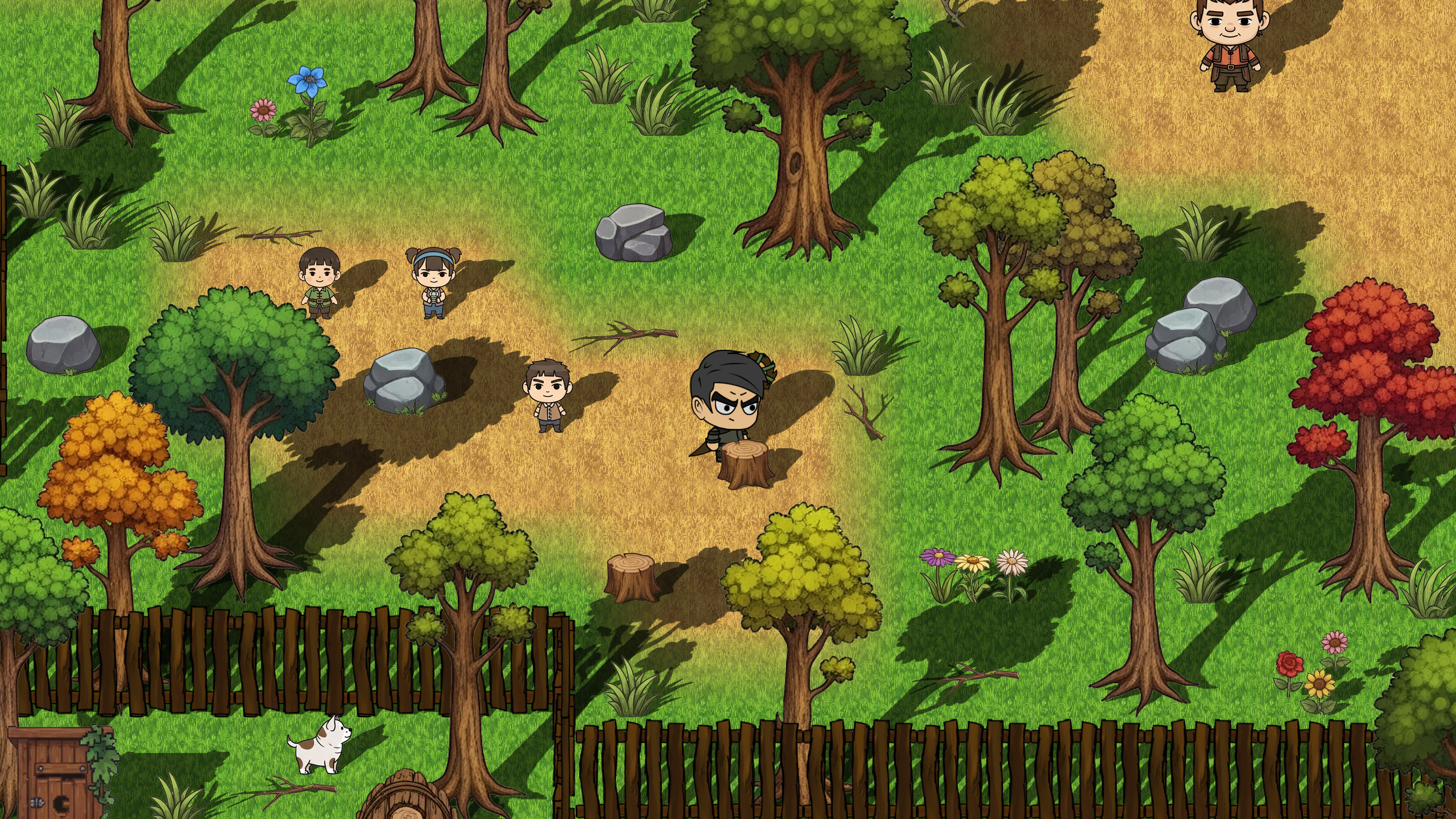
    Stop fighting layers. Start building worlds.

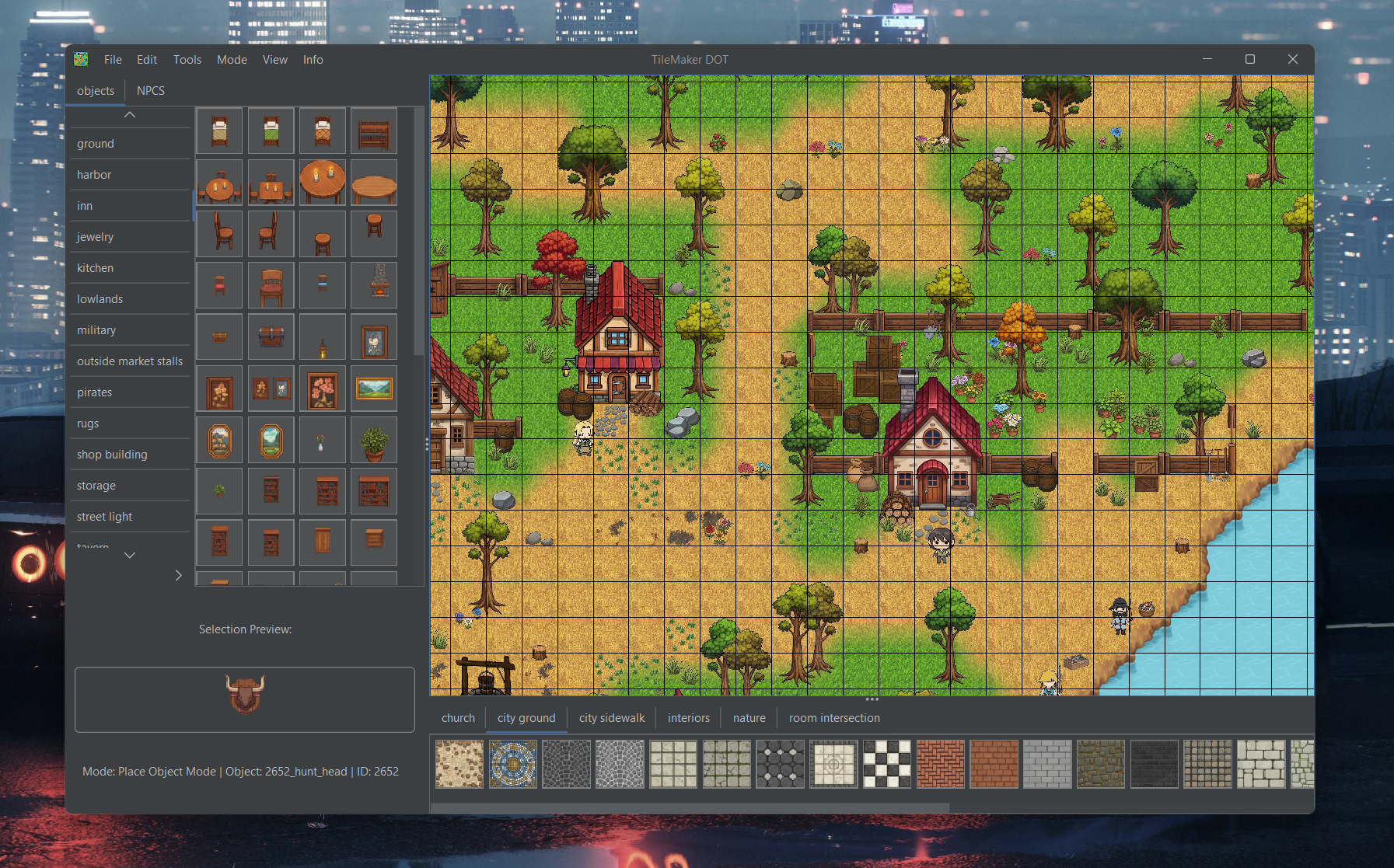
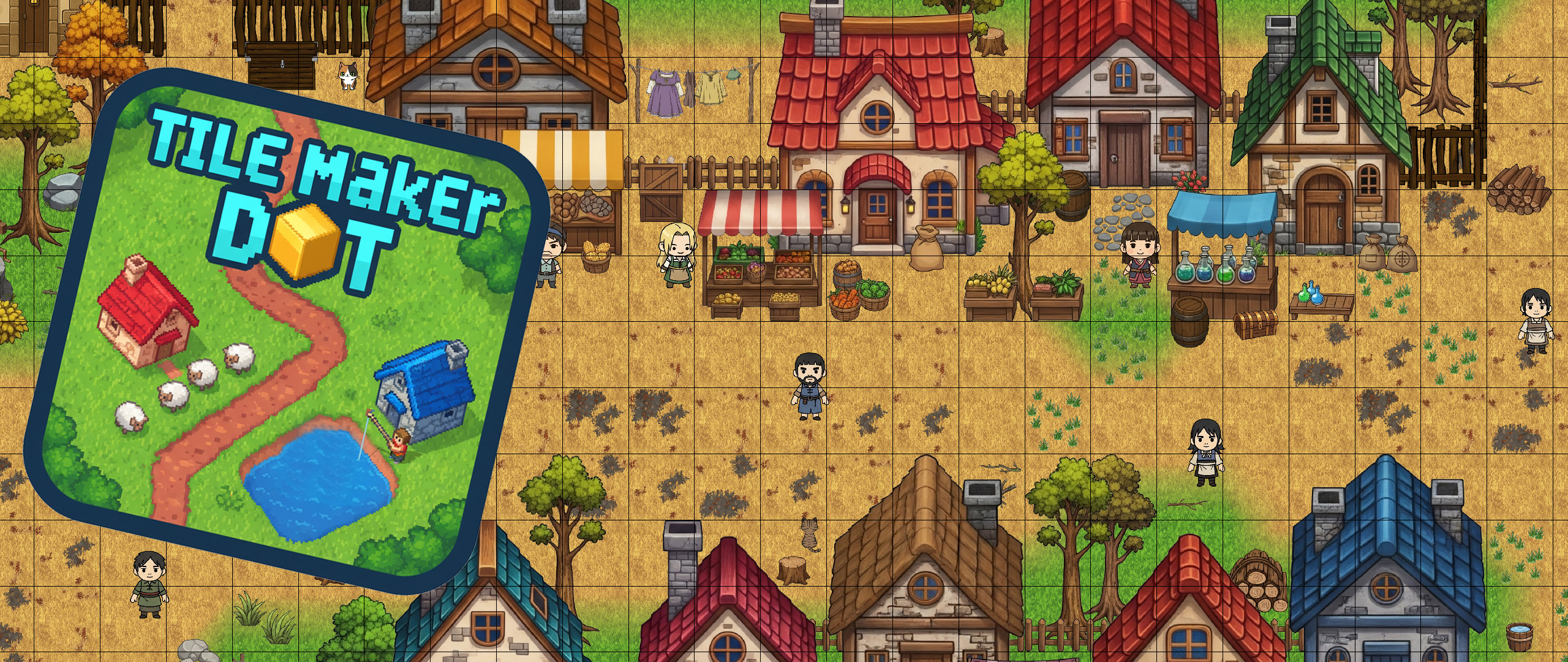
    Hi everyone! I'm Andrei, and I just released TileMaker DOT, a streamlined 2D map editor designed to fix the common headaches of traditional tools. I built this while developing my own games because I was tired of manual layer management and non-syncing IDs.


    Key Features:
    • Smart Depth Sorting: Handle front-to-back rendering automatically based on your art.
    • Data-First Workflow: Your map data stays intact even if you update your assets later.
    • Flexible Exports: Export clean .CSV, .TMX, or .JSON files ready for your engine.
    Included for Free: I’ve included a full starter pack of tiles, objects, and NPCs so you can start prototyping immediately!


    Links:

    I'd love to hear your feedback or feature requests!