Indie game storeFree gamesFun gamesHorror games
Game developmentAssetsComics
SalesBundles
Jobs
TagsGame Engines

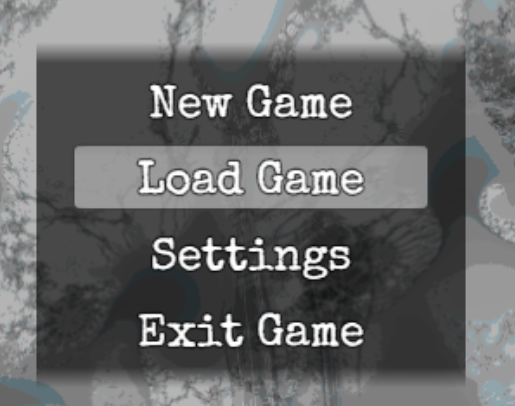
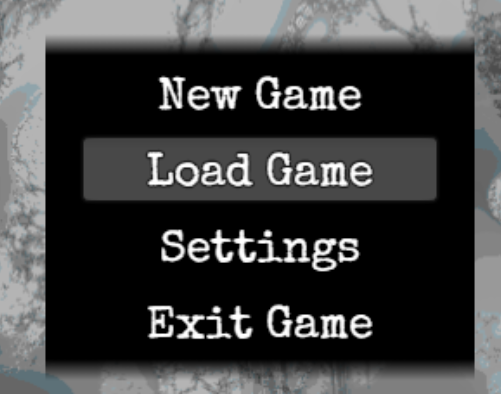
Hey so the plugin works great, everything is in order but there's one small issue, when the window type is set to dim it becomes completely opaque while the plugin is active.

Before:


After:


In "Windows General", you will find an "opacity" setting. That should work.

That solved the issue but now all the menus are also transparent, is there a way to only adjust the opacity of the dialogue box?

My plugin doesn't support the Title Screen. However, you can easily add a new plugin file (with any name) and paste this:


/*
 *: @target MZ
 */
Window_TitleCommand.prototype.getBackOpacity = function() {
  return 196; // any number from 0 to 255
}

Appreciate it! that worked for the title screen, but is there a way to adjust the dialogue box in the same way? 

Yes, you can open the "rmmz_windows" / "rpg_windows" file in your game directory with a text editor and then browse for all the different window names, and then simply repeat the code snippet that we did for the Window_TitleCommand.

(+1)

Yep, tried it and it worked for me, tysm! 🫡

Awesome!