Thanks for your feedback! As you see there are a few rough edges as it’s a beta and I’ve tested it myself but there are always things that slip through.
The file selector on Linux doesn’t work for me; this may be because I don’t have an external one installed, but it doesn’t fall back to the Godot dialog either.
Sorry about that. It’s a bit of a mess, for Windows it should work with native dialogs with no problem. For Linux I have a method where it tries to use zanity or kdialog if they exist, and if they don’t it tries to use a Godot dialog with the “native dialog” option enabled. If Godot can’t use a native one (it sometimes happens) it should use the built-in one (which is very ugly and I should customize the aesthetic more).
If nothing shows up, that’s a big problem for sure. Would you be willing to send a diagnostics file for me to diagnose the problem? If you downloaded it recently it should have a menu option inside “Help”, if not, you can try the latest uploaded version ( https://sergilazaro.itch.io/pixelforge#download ), it has the same display name and version but I added this menu entry to help with diagnosing problems. The thing is, it asks for a folder to generate the diagnostics to, which opens a dialog that you might not see either because of this same problem… If that doesn’t work, manually zipping the folder that (I think) should be at ~/.local/share/godot/app_userdata/PixelForge/ would be equivalent. I think that’s the folder it should be, but I don’t know if Godot uses a different folder for different distros, etc.
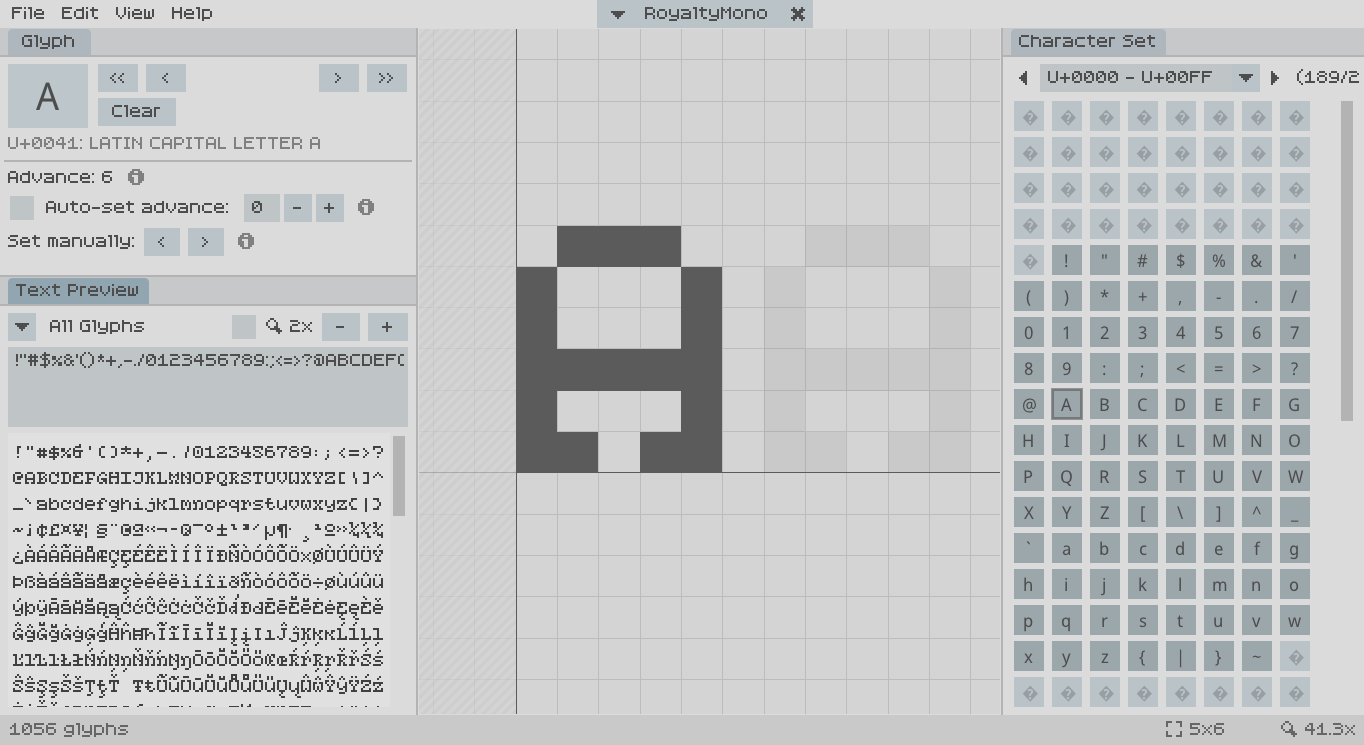
Though the panels can be resized, they can’t be freely arranged as in the C++ version. Not only can I not use the arrangement that I’m used to, but the default layout of three panels stacked on each other is cramped on my 1366x678 display, especially with the file dropdown now being on a seperate row.
Out of curiosity, how did you rearrange the panels in the old version? Did you stack the panels on top of each other to save space? I can try to see if I can make the interface more flexible, I’m not sure how difficult it would be, though.
Tabbed panels are a different color than in the previous version, which is disorienting and unintuitive especially as buttons don’t have a hover indicator.
I will try to make them match the previous aesthetic and behavior, thanks for the tip!
The ‘x’ button on the font dropdown doesn’t do anything
Thanks, I missed that bug! It’s going to be fixed for the next release :)
Keyboard shortcuts for transformations (ctrl+x/c/v for cut/copy/paste, ctrl+arrows to move, ctrl+h/v to flip, etc)
Ctrl-C and Ctrl-V should already work, but I will add more shortcuts as you suggest as well.