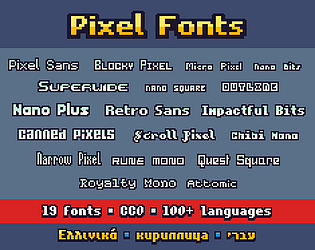
No, I’m not Greek. I have some background in English and Russian, and added Greek because it was similar to those systems.
SpicyGame
Creator of
Recent community posts
If that doesn’t work, manually zipping the folder that (I think) should be at ~/.local/share/godot/app_userdata/PixelForge/ would be equivalent
Is there anywhere you’d reccomend sending the zip file? Anyway, the errors I get whenever I open a file dialog are:
ERROR: Signal 'focus_entered' is already connected to given callable '' in that object.
at: connect (core/object/object.cpp:1650)
ERROR: Signal 'tree_exited' is already connected to given callable '' in that object.
at: connect (core/object/object.cpp:1650)
ERROR: Attempt to disconnect a nonexistent connection from 'root:<Window#24628954452>'. Signal: 'focus_entered', callable: ''.
at: _disconnect (core/object/object.cpp:1733)
ERROR: Attempt to disconnect a nonexistent connection from 'root:<Window#24628954452>'. Signal: 'tree_exited', callable: ''.
at: _disconnect (core/object/object.cpp:1733)
Ctrl-C and Ctrl-V should already work
Somehow didn’t notice that, thanks.
Out of curiosity, how did you rearrange the panels in the old version?
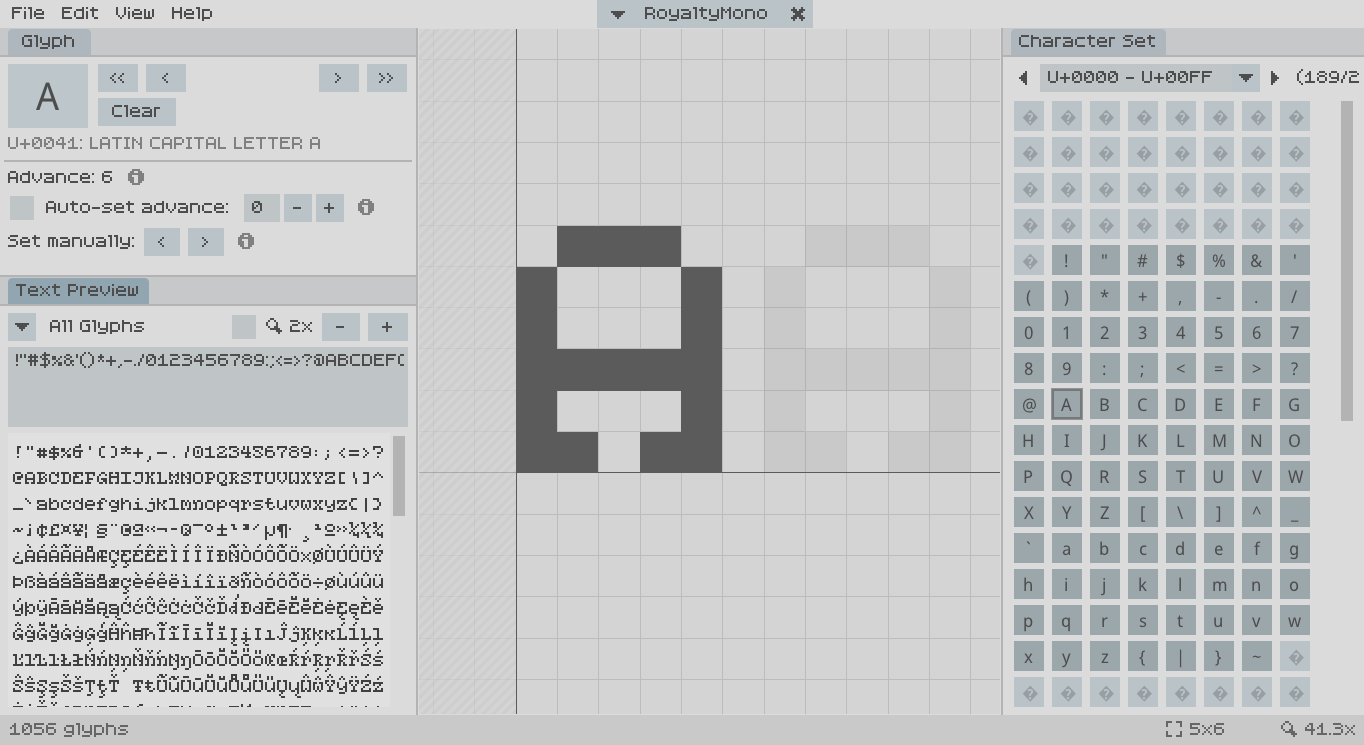
Thanks for updating! While I’m glad this tool is seeing improvements, and that there are features I was waiting for, I find the new version harder to use than the C++ version (even run through Wine).
- The file selector on Linux doesn’t work for me; this may be because I don’t have an external one installed, but it doesn’t fall back to the Godot dialog either.
- Though the panels can be resized, they can’t be freely arranged as in the C++ version. Not only can I not use the arrangement that I’m used to, but the default layout of three panels stacked on each other is cramped on my 1366x678 display, especially with the file dropdown now being on a seperate row.
- Tabbed panels are a different color than in the previous version, which is disorienting and unintuitive especially as buttons don’t have a hover indicator.
- The ‘x’ button on the font dropdown doesn’t do anything
That said, if these problems were fixed and the UI was made as good as the previous version, it would be a great update. Some features I’d like to see in the future are:
- Keyboard shortcuts for transformations (ctrl+x/c/v for cut/copy/paste, ctrl+arrows to move, ctrl+h/v to flip, etc)
- Custom character sets (maybe a ‘favorite’ button for characters)
- More preview examples for other languages, maybe a way to add your own
- Display metrics like the line height or highest/lowest width/height of characters (without fixed metrics)
- Show the current filename in the dropdown instead of family name (or a toggle)
- Show baseline, ascender, etc in the glyph preview
I’ve used this for some of my fonts and I’ve found it useful because I can use all glyphs in the BMP and there are no size constraints. However, this project is no longer updated, closed-source, not command-line friendly, and is constrained to the BMP.
Is there some tool anyone made that exports fonts in a similar format (i.e. the glyphs are sets of coordinates, advance is stored seperatley, glyphs are stored under their unicode number) to TTF (and maybe others)? I don’t have much experience with TTF files and I’d like to convert the fonts I have into a more convenient format that I can compile with some kind of Makefile.
Whenever I browse a game's comments, there's no easy way to tell who the developer is. Sure, you can look at the author's name, but I'd rather know at a glance who the developer(s) is just by looking at the comment. Most platforms like Instagram, Reddit, YouTube, and Itch.io's Discussion Board feature have something like this but it's not shown in game comments. The Monogram page has this feature, but it's made with custom CSS. I believe this should be a default feature so you can easily tell the difference between the developer(s) and some random commenter.
I just added the Joker card and a new back design. Sorry for the late update. 😅