

Turns out the plugin wasn’t working properly on Godot v >= 4.6 due to some changes in depth precision handling, but I just uploaded a fix for it!
If the ghosting problem still persists, you could try setting the “Blend Speed” to around 0.1.Let me know if that solves your problem.
Yeah, the performance unfortunately can’t be much better due to the nature of the rendering technique. It relies on 13 cameras to work (1 main camera + 2×6 cubemap cameras). Try reducing the cubemap resolution and see if that improves performance.
Also, make sure all shadows (if you are using any) are set to a really low quality, and avoid using too many point lights in the scene. If you need point lights, reduce their radius a lot and also enable distance fade.
Thank you for the feedback!

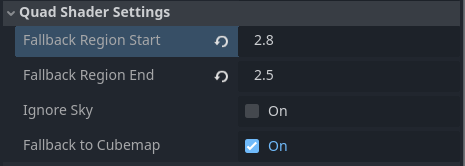 And your meshes still at layer 1.
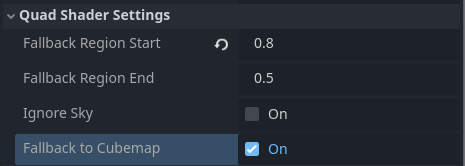 And you move your meshes to Layer 3.