Indie game storeFree gamesFun gamesHorror games
Game developmentAssetsComics
SalesBundles
Jobs
TagsGame Engines
(1 edit)

Spooky! Those little animations, sound effects, and the change in overall lighting sell the atmosphere.

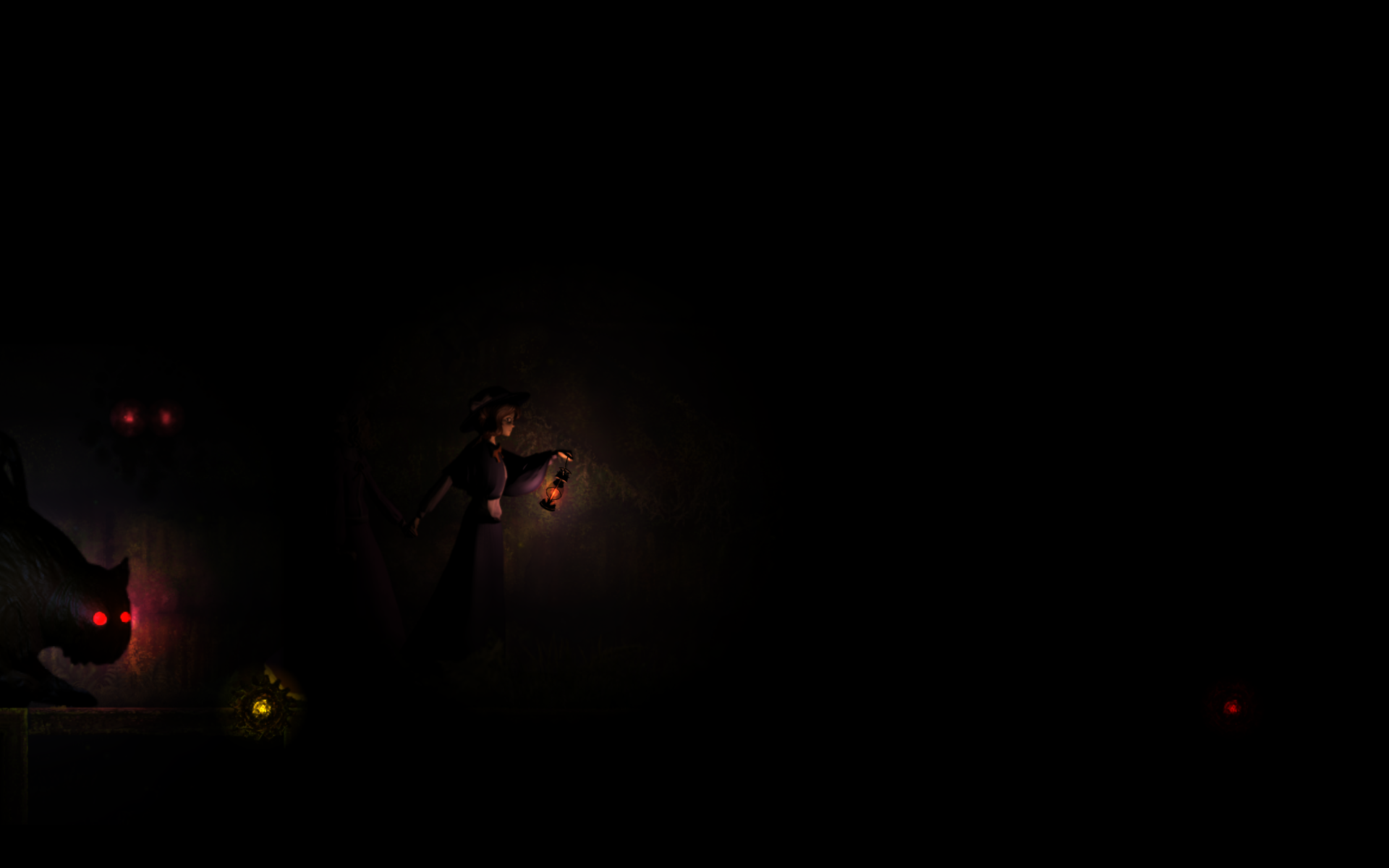
Although, I’m not sure what to do with the “red eye cloud spirit” enemy that makes the light unable to do anything. Looking at your trailer, it appears the enemy’s effect should only be around the enemy, but my playthoughs shows the enemy’s effect to be global — effectively causing a softlock. Also, shouldn’t the enemy have yellow eyes to indicate: “this enemy does not need light”? I was a bit confused on what shining the light on the enemy didn’t do anything.

Note, I play on a 16:10 aspect ratio, if this matters for anything.
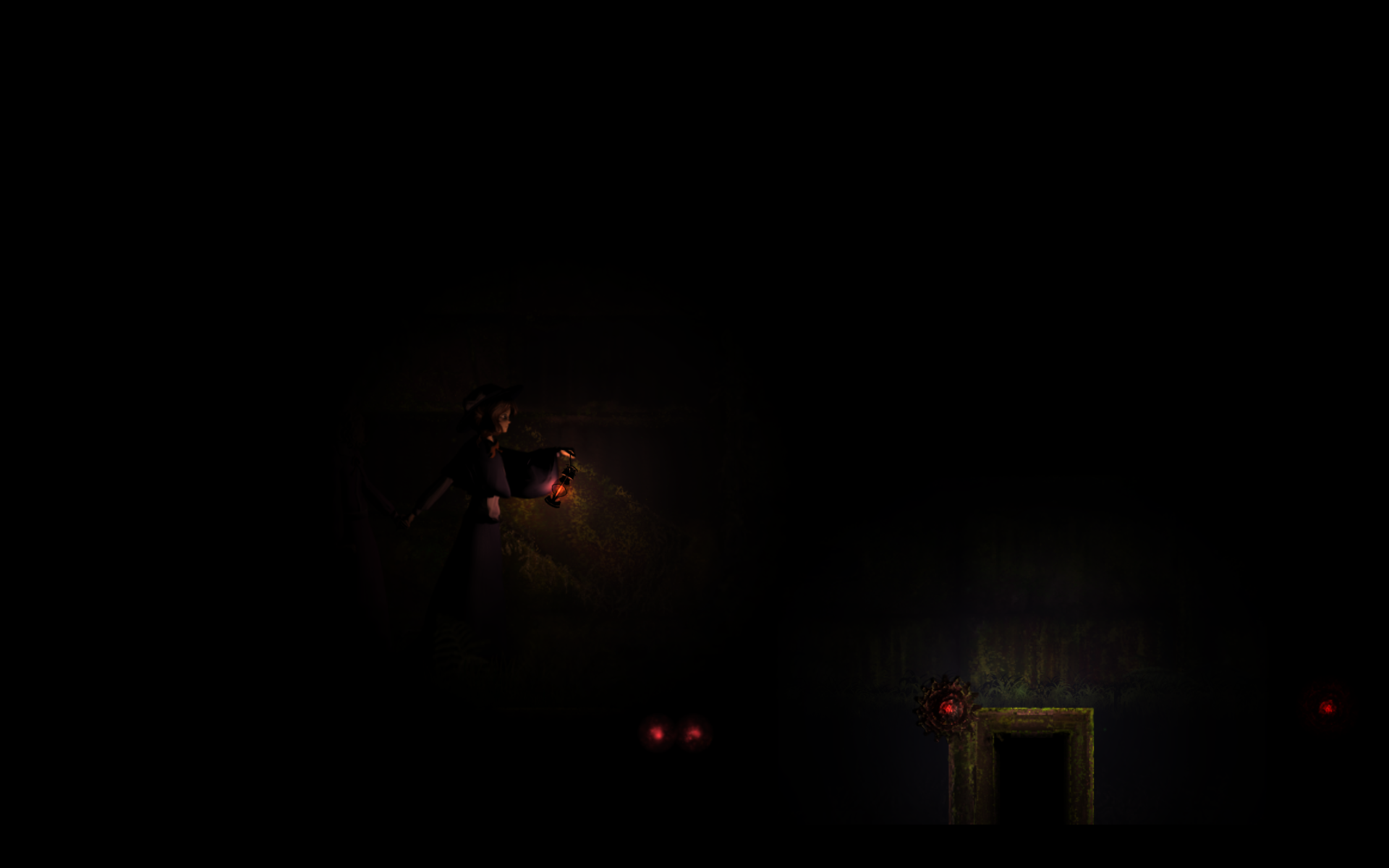
Uhm, the aspect ratio shouldn’t affect anything in this case.

This enemy drains your light’s strength over time when your light is on top of it. If you stay there for too long, you eventually lose all your light and the ability to illuminate obstacles. Your light does recover naturally as long as it’s not touching the enemy. So you need to avoid it with the cursor so you don’t get drained.

Here’s a video from when I first implemented it:

https://youtu.be/yVcf4rfvj_U?si=pX8CulLiV-Rl7s1q

If it turns out the enemy is draining all your light just for being on screen — without you touching it — please let me know and I’ll take a look!

Hzzah! The cloudy enemy is working properly now? The light can shine on trapdoors and chimeras just fine. image.png

Also, found another amusing softlock by timing a trapdoor that it almost time to release right when the blue light transitions when Renko is close. The game over screen doesn’t appear, and it just an eternal loop of Renko & Merry walking. image.png

Yes, that last one happened to me once as well. It’s really hard to catch because it’s very frame-dependent — a tiny timing window that sometimes triggers and sometimes doesn’t. I have a theory about what’s causing it, so hopefully I can patch it.

Thank you so much for letting me know!

The Cloudie bug appeared again, where the light is ineffective despite light still being visible.

Only after I closed out of the game completely, did the bug disappear.

Can you give me more details of what happened?

Now I can clearly see you are lighting a trapdoor with no response. 

How and when the light stoped working? This persisted after a in game restart?

Video of Bug

Timeline

  • Started game.
  • Did some runs that got passed Cloudie.
  • Runs suddenly start to fail at Cloudie. This recording is from this time period.
  • Did another run to get to the same point. Same issue with Cloudie occurs.
  • Restarted game.
  • Runs were no longer affected by the Cloudie bug.

Many thanks for the details! With that I can assume is something related to in-game restarts, I will try to work on a fix.

Good news — I found the bug!

The light’s shape radius was actually persisting between runs, so when the enemy appeared the game said: “oh, the light radius is already small enough, time to deactivate the light.”

This also meant that every time you lost while the radius was reduced, the next run started with an even smaller light radius — giving you a smaller area of effect without realizing it.

Thank you for spotting this! Your feedback helped uncover a pretty sneaky bug.
I will release a patch update with this and the other bug solved.

Hey there! I was just wondering if you ran into any other issues with the game. Also, were you able to finish it after the bugs were fixed? I'm curious, since I don't know if anyone has managed to beat it yet.

(3 edits)

Aside from the web build having the title screen empty of all UI elements for some reason, everything went smoothly. The winning run boiled down to: focus on the spiders and trapdoors, and count to 4 and 2 respectively when shining the light. The rest of the enemies serve to constrain how the mouse can be moved and to keep the mouse moving at all times.

Congratulations on completing the game! It's a pretty challenging one—after all, it's heavily inspired by Touhou—and it looks like you managed to figure out the patterns.

I'm really glad to hear you didn't run into any further problems with the downloadable version.

As for the web version, weird browser-specific bugs are one of the main reasons I usually recommend the downloadable release. Both versions share the same game logic, so it's difficult for me to tell exactly what happened in your case, especially since I haven't been able to reproduce it myself.

That said, I do plan to release a small update focused on improving the browser experience, particularly by optimizing some particle effects and reducing lag.

Thanks again for taking the time to play the game and share your feedback. It really means a lot to me.

(+1)

Hey there! It’s me again.

Pinky Cat, you saved the day once more. Yesterday I ran into an issue uploading the new web version because the file size suddenly became too large, which hadn’t happened before.

After some investigation, I found that some UI nodes in the main menu had unintentionally accumulated a lot of embedded data, likely from copied resources. That caused the scene size to grow significantly. The UI elements you pointed out disappearing in Web version were probably affected because the browser had trouble loading them due to their abnormal size.

Everything still works correctly now, but I’ll be cleaning up those nodes to remove the unnecessary data and reduce the size.

Thanks again!