

Oh after watching CheeseOnCheese’s stream I realize now that this is only happening on my system, apparently because I have my desktop scaling set to 125%. Because of this the white pixel ends up offset to the bottom and to the left. I also noticed now that the offset increases if I move the hand further up or to the right. Here’s a screenshot to show what I mean:
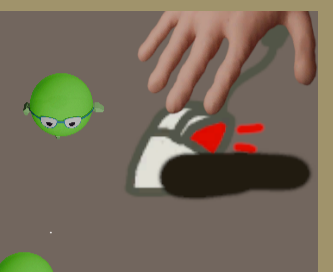
I didn’t have this issue with other mouse-based Unity games (e.g. “button / box”), so I’m guessing this is something you can fix/avoid in your code somehow (not familiar with Unity myself unfortunately).