Indie game storeFree gamesFun gamesHorror games
Game developmentAssetsComics
SalesBundles
Jobs
TagsGame Engines

Not sure if this from the .glb or the game, but when the model is imported it kind of glitches and I can't use it to finish the character.
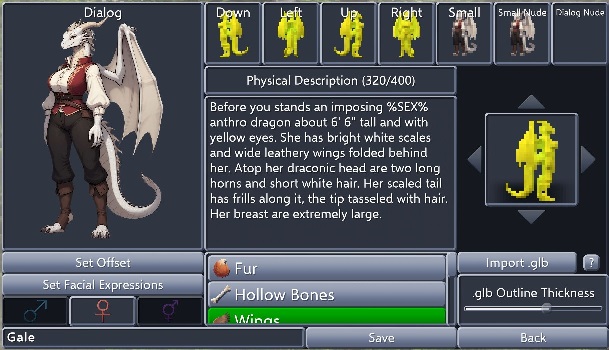
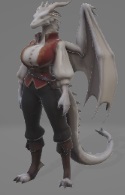
The .glb model, looks perfectly fine when viewed in a 3d viewer.

The game prefers textures of which the name contains "diffuse", "albedo", or "color", and refuses textures with "specular", "metal", "normal", "smooth", or "emission".

Import the model into Blender and check if the actual color texture somehow violates this rule.


It would appear that the textures were given random temp names, with the second one being the culprit the game focuses. I assume I just need to change the name of the first one to something like "character_diffuse" and the second one to something else the game will ignore? What name would you recommend?
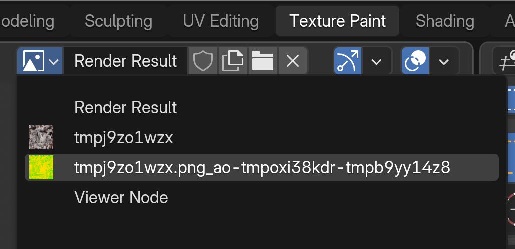
Add diffuse to the first one, delete the second one, or copy the contents of the first one into the second one.

(2 edits)

Thanks that fixed the model on the custom character editor.