
Indie game storeFree gamesFun gamesHorror games
Game developmentAssetsComics
SalesBundles
Jobs
TagsGame Engines

Welcome to RetroFab! If you're launching a sim from the command line (or a third-party game launcher) make sure you're specifying the full path to the file, starting with the drive letter and ending with the .sim file extension and that the path is enclosed in quotes, like

RetroFab.exe "c:\foldername\filename.sim"
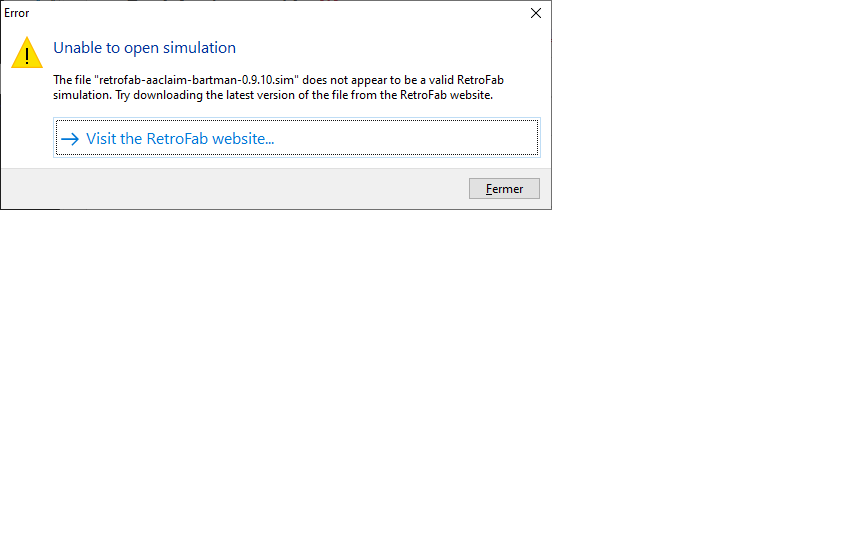
(2 edits)

Thanks for your support. But even if I try command line, I have the same issue. I use the retrofab player 0.2.1 and the games downloaded on the site.

EDIT: I tried command line and fisrt had the same error. But then I retried to open a game and now it works (I have associated sim files with the retrofab player. So when I click on the game.sim it open directly).
If I move the games in another directory, I have the same error again. So I have to launch it again in command line from the new directory. 
I don't know why I had to launch in command line once, but now all is perfect (perhaps a question of registry under windows)
Thanks again