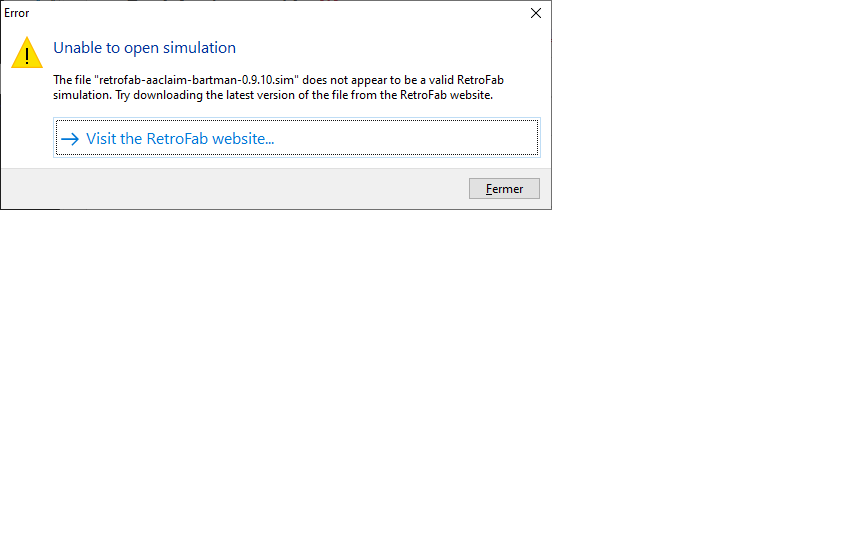
Thanks for your support. But even if I try command line, I have the same issue. I use the retrofab player 0.2.1 and the games downloaded on the site.
EDIT: I tried command line and fisrt had the same error. But then I retried to open a game and now it works (I have associated sim files with the retrofab player. So when I click on the game.sim it open directly).
If I move the games in another directory, I have the same error again. So I have to launch it again in command line from the new directory.
I don't know why I had to launch in command line once, but now all is perfect (perhaps a question of registry under windows)
Thanks again