
Indie game storeFree gamesFun gamesHorror games
Game developmentAssetsComics
SalesBundles
Jobs
TagsGame Engines

I forgot that I used locals, which are a bit more difficult to debug.

There’s a line in the plugin that reads

x += dx, y += dy;

please insert console.log(x, dx, y, dy); directly above that so that it reads:

console.log(x, dx, y, dy);
x += dx, y += dy;

Press F12 and tell me what’s shown in the console there, if anything, when the cursor moves:
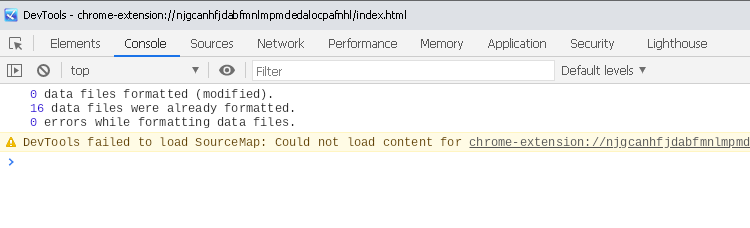
Chromium JS console

(2 edits)

There’s another place that could be helpful:

Where it says

dx += x;
dy += y;

add console.log(x, y, gamepad.id); so that it’s:

console.log(x, y, gamepad.id);
dx += x;
dy += y;

This should show any devices that the plugin sees as controllers.
(Edit: I should be able to exclude the one that causes problems, that way.)

There’s one other place where the plugin can move the cursor, that this doesn’t cover, but that is only reachable when using the “Point at” plugin command.