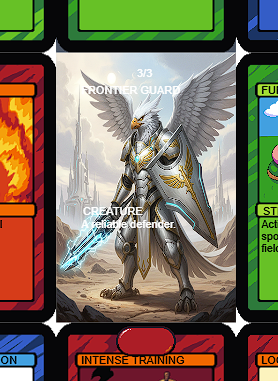
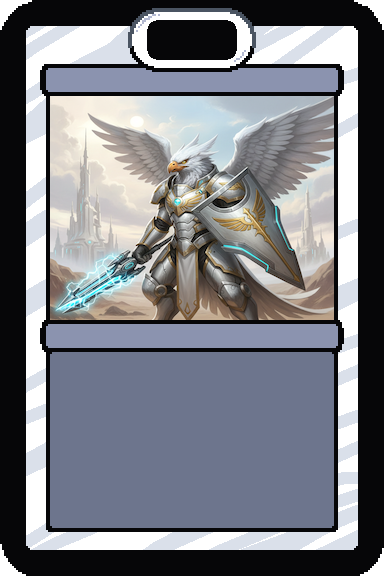
The second issue then was getting width issues for the card images unless I used the built-in image ids. Again according to Gemini the issue is "The engine throws a TypeError: Cannot read properties of undefined (reading 'width') at Card.js:163:38.
Technical Root Cause: The Card.draw function relies on a global Images dictionary to calculate the scaling ratio for card art. Specifically, line 163 attempts to access the .width property of an image object using the card's img key: ctx.scale(me.width / Images[me.img].width, me.height / Images[me.img].height);
Because modded images are not automatically registered into this Images object by the core engine, the lookup returns undefined, leading to the crash."
I eventually hit upon the following code to successfully inject the first custom card, while using the default cards while troubleshooting.
// 2. IMAGE INJECTION (The "Secret Sauce")
const path = 'mods/FactionStarterPack/images/';
const myArt = ['frontier_guard.png', 'card_blue.png', 'card_red.png', 'card_green.png'];
myArt.forEach(file => {
// We strip the '.png' so the ID is just 'frontier_guard3'
const id = file.replace('.png', '');
// Ensure the global Images object exists
if (typeof Images === 'undefined') {
window.Images = {};
}
if (!document.getElementById(id)) {
let img = document.createElement('img');
img.id = id;
img.src = path + file;
img.style.display = 'none';
// Forced dimensions to satisfy the engine
// We set these properties directly on the object.
// This satisfies the game's Card.draw() requirements immediately.
img.width = 384;
img.height = 576;
document.body.appendChild(img);
// This is the direct fix for the Card.js error
Images[id] = img;
console.log("Registered to Images object:", id);