

Hello, inushisyo!
Can you check the Event Viewer for any errors on Windows 10? You can see them by opening Event Viewer and then going to Windows Logs -> Application.
Thank you for your reply!
I checked the error logs in the Windows 10 Event Viewer, but no errors were found.
Since no logs are being generated, I don’t know the exact details of the error, but selecting “Package game files” consistently causes an error on Windows 10.
Image that appeared during the build on Windows 10
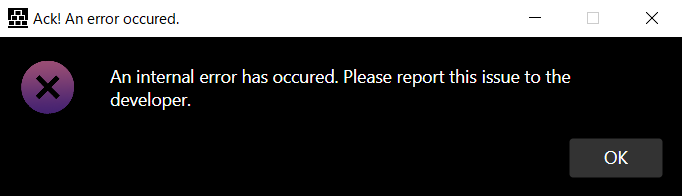
Image that appeared when trying to open game files built on Windows 11 using Windows 10
[NW.js v0.48.4]
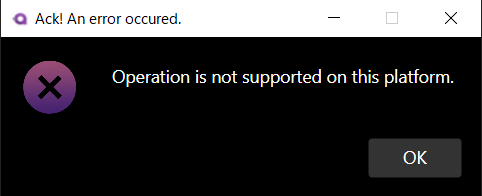
It's rather weird that this error happens when "Package game files" is turned on. I want to take a closer look at whatever logs are available (accessible via Utilities -> Export logs). Maybe I can find the error.
As for the second error. I'm not sure why this happens, but I have a suspicion as to what's causing it. I'll look into it and send you a test build.
Thanks for your response!
However, I tried various things, but nothing changed at all compared to before.
The issue where a build made on Windows 11 doesn’t run on Windows 10 is still the same. I’m building with NW.js 0.48.4.
I thought it might be dependent on my environment, so I made some fixes on my side as well, but I wasn’t able to resolve it.
As before, it seems that checking “Package game files” causes the problem.
If it’s unchecked, the build completes successfully.
The error point when building on Windows 10 is shown in the image, as you can see.

