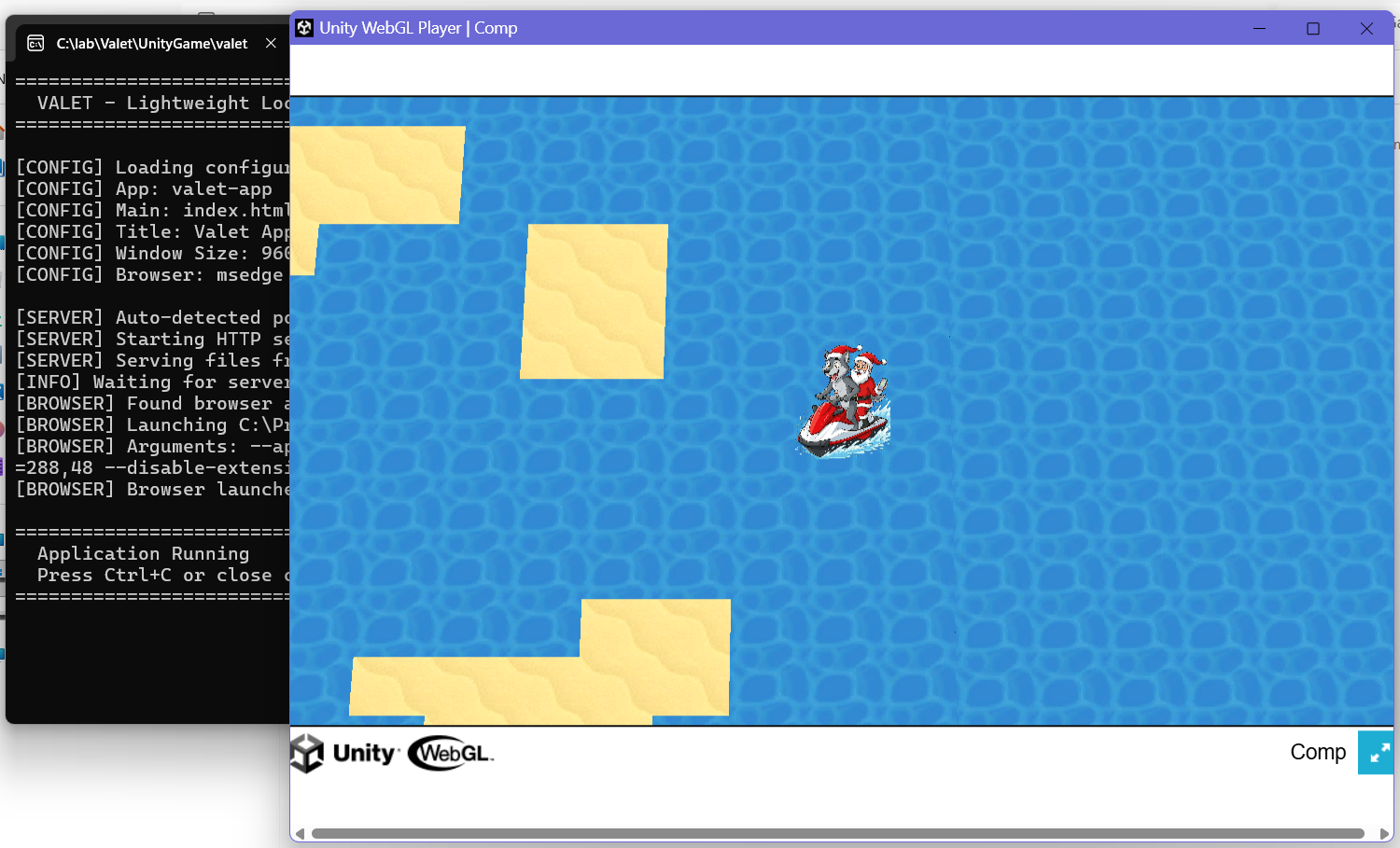
As mentioned yesterday, the problem for me is unzipping the three files compressed by Unity when creating an HTML5 game in .gz format, starting with framework.js.gz. If it helps, here's the console report:
===============================================
VALET - Lightweight Local Webserver
================================================
[CONFIG] Loading configuration from package.json...
[CONFIG] App: valet-app
[CONFIG] Main: index.html
[CONFIG] Title: Valet App
[CONFIG] Window Size: 960x720
[CONFIG] Browser: msedge
[SERVER] Auto-detected port: 8000
[SERVER] Starting HTTP server on http://localhost:8000
[SERVER] Serving files from: D:\UNITY\Valet
[INFO] Waiting for server to start...
[BROWSER] Found browser at: C:\Program Files (x86)\Microsoft\Edge\Application\msedge.exe
[BROWSER] Launching C:\Program Files (x86)\Microsoft\Edge\Application\msedge.exe
[BROWSER] Arguments: --app=http://localhost:8000/index.html --app-name=Valet App --window-size=960,720 --window-position=480,160 --disable-extensions --disable-translate --user-data-dir=D:\UNITY\Valet\.valet_data
[BROWSER] Browser launched successfully
================================================
Application Running
Press Ctrl+C or close console to exit
================================================