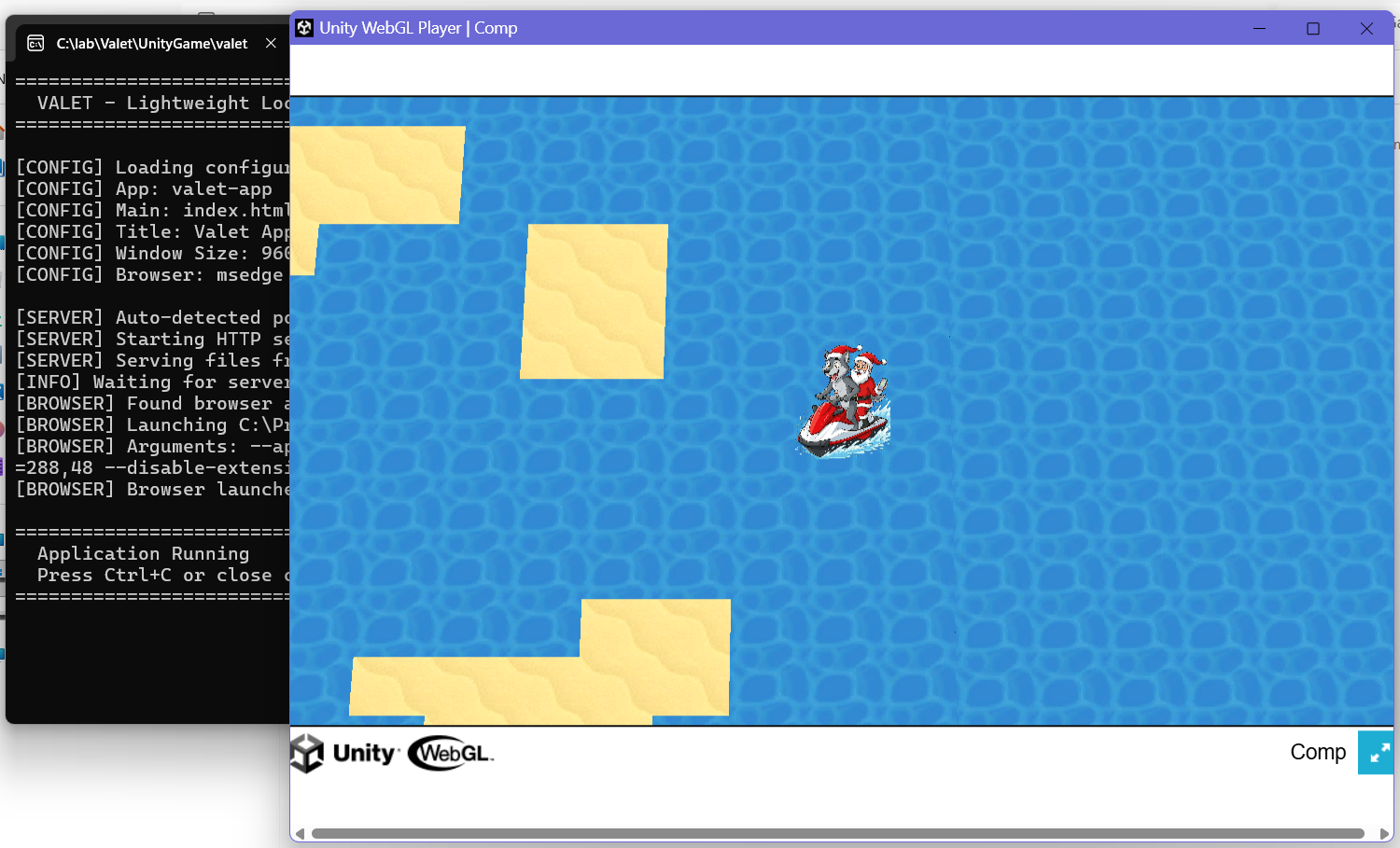
There are 2 options to make me understand the problem better:
1. Give me a simple demo version of your Unity game or any Unity game
2. Press F12 when using Valet for your game, see what is the error message
https://1fichier.com/?qbdeco63m710b1ljy2yk
Here's an example of a simple game not compressed by Unity, which limits the problems. If you manage to run it, I can give you a link to the same game but compressed by Unity and therefore smaller...
https://1fichier.com/?k9m7z59xvkaxbmpxfd12
Here's an example of the same game compressed by Unity (.gz files), which causes problems for local servers. It's unfortunate because the file size is between 30 and 40% smaller, which has a considerable impact on 3D games.