
Indie game storeFree gamesFun gamesHorror games
Game developmentAssetsComics
SalesBundles
Jobs
TagsGame Engines
(+1)

Swish swish!

Really pleasant controls and a charming concept — I found quite a few items, though I didn’t have the patience to clear the whole area 😄

Great job with the lighting and animations! I noticed how shadows behave around objects, and it looks very polished.

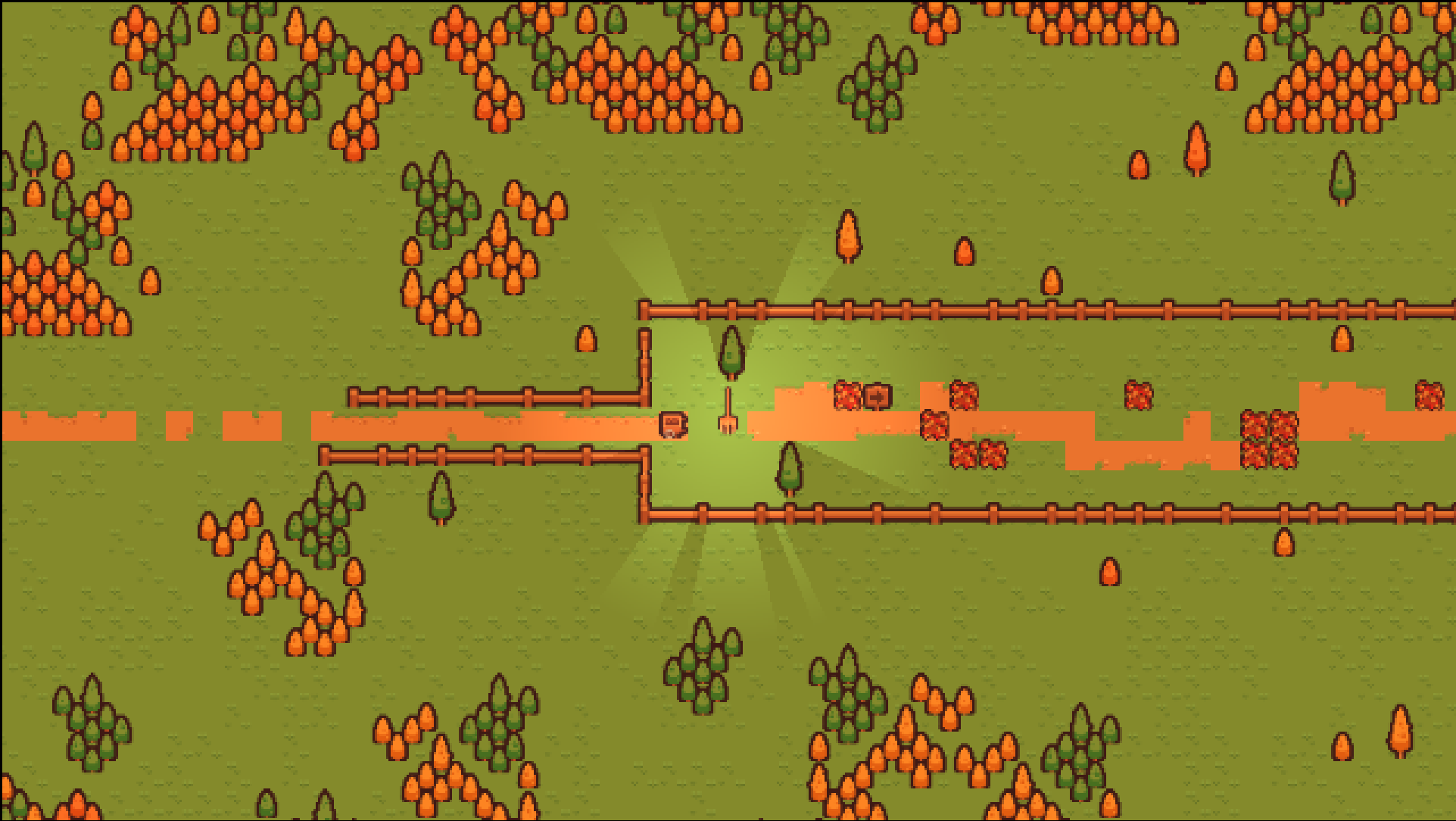
One small thing: on my 2K monitor, the image looked a bit blurry — possibly due to resolution scaling or texture compression? Might be an engine limitation or just some setting that went off.

Still, I totally felt the vibe of being a magical janitor — and that’s something I didn’t know I needed in life. Great work!
(2 edits)

Hey, thanks for the feedback, and I’m happy you enjoyed it. It’s strange to hear about the resolution problem. I tested it on 2560x1440 and on 1080p and it looked fine. I wonder what’s different in your setup.

Can I please ask you to share a screenshot of what is blurry, and your screen's resolution? I would love to have a look at what causes it.

Edit: if you mean the text at the very end, then I know what the problem is; it’s caused by improper scaling of its parent node. I implemented that screen at the very end, and didn’t have time to deal with it correctly. But still, it would be nice to know if the game is blurry in other areas :)

(+1)

Here’s how it looks for me in browser — usually in pixel art games I expect every pixel to have clean borders, but here it feels kinda soft/blurry. It jumps into my eye and I already imagine my pixel art friend scolding me for not noticing it 😅
In Unity I sometimes get same thing when sprite filtering or compression is enabled. I always need to manually turn off all the default stuff for pixel art

Thanks! Godot also has the same settings, so I’ll have a look to see if they’re enabled.