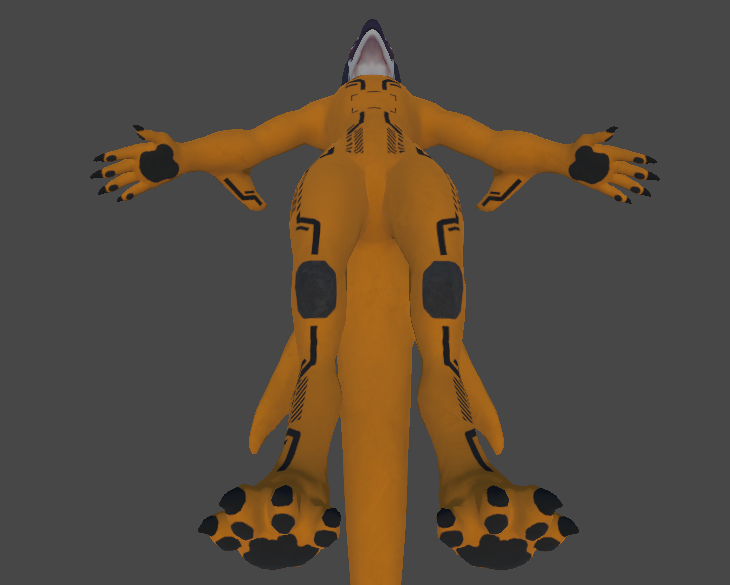
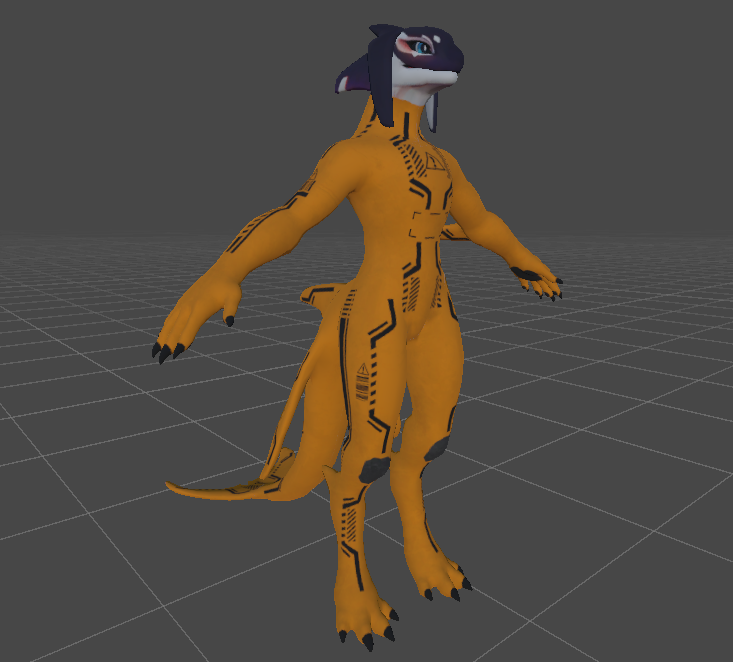
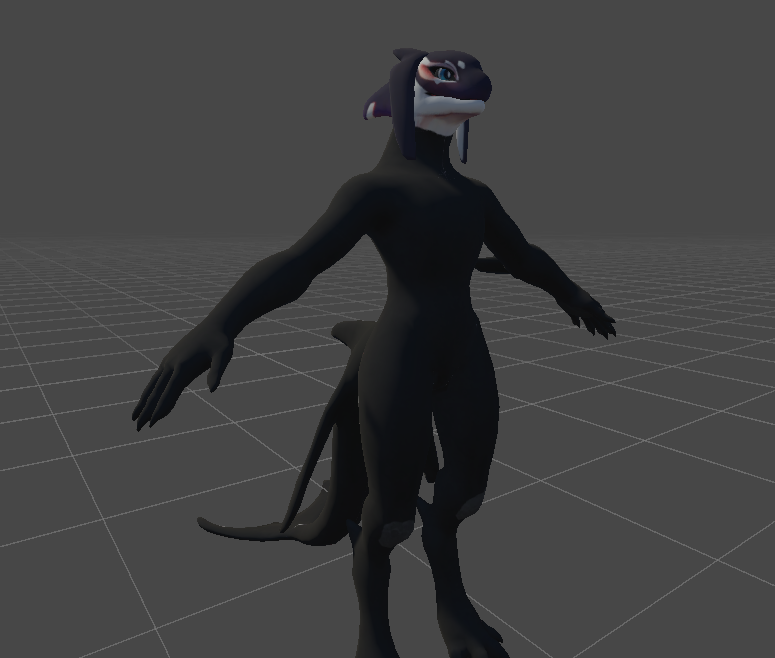
Yes, "Neorca_LatexOutfit_Body_AlbedoTransparency" would go on top of the original "Body_baseColor" texture. The outfits Emissive, Metallic and Normal would conceal the original, except for the head. The Hood mesh(es) conceals the head.
Ive been doing the following to update the original textures with the new ones by layering them. The first file name is the image getting layered over by the second file name. The file names remain the same as the original once placed back into the Textures folder for the Neorca model.
Example, "First file name" becomes -> layered over by "Second file name"
Body_baseColor -> Neorca_LatexOutfit_Body_AlbedoTransparency
Body_emissive -> Neorca_LatexOutfit_Body_Emission
Body_metallic -> Neorca_LatexOutfit_Body_MetallicSmoothness
ORCA_UVed_Body_Normal -> Neorca_LatexOutfit_Body_Normal
However, after performing these steps for both the prison and all black outfit, I end up with the same results ive been getting. The model still ends up looking matted and lacking the changes done with the UV. Heres a few images of what it ends up looking like for me, the prison outfit better showcases it due to the black outfit being dark to see the smaller details. The scene lighting is off for better visibility in these images.
Is there anything else you suggest I try doing?