
On Sale: GamesAssetsToolsTabletopComics
Indie game storeFree gamesFun gamesHorror games
Game developmentAssetsComics
SalesBundles
Jobs
TagsGame Engines

Do you mean this setting?
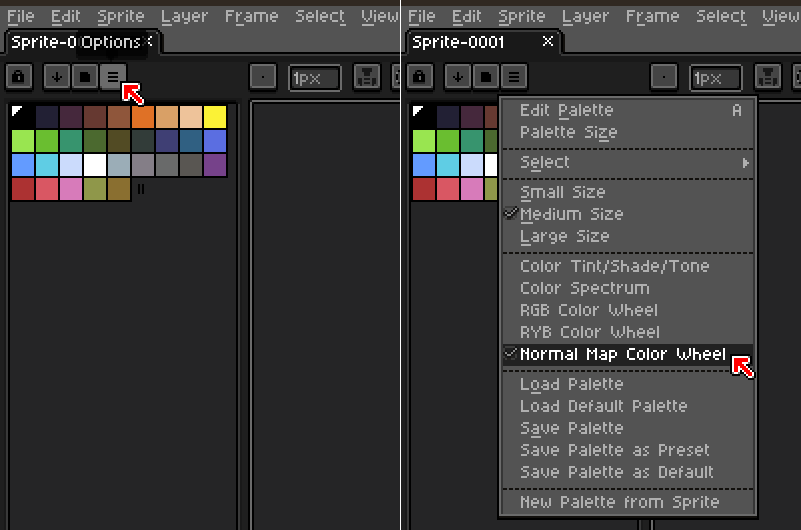
Also, if you want to create a Normal Map palette instead, Aseprite will make it automatically from any Normal Map image that you open, e.g. Examples/Reference images included in NM Inspector package.
Also please remember in Aseprite the RGB Color Mode must be selected, as the Indexed one isn't supported. 

Oh thank you for the reply! 
So I have an indexed palette I use that I created unfortunately, will I now then just need to map out every sprite frame essentially? 
If there is a good video reference for how to properly normal map it would be great help as I haven't seen much resources on youtube.