

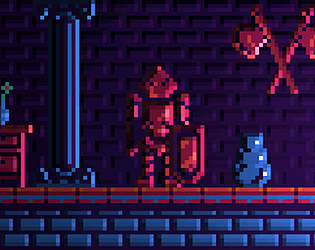
Just made an update and interface scaling is now available.
Press "F5" or "`" (backtick) key to adjust
Thank you!
A member registered Jul 14, 2018 · View creator page →
Creator of
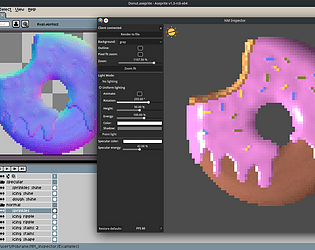
Complete pack with animation spritesheets, font and 16x16 tileset. All with reduced color palette.
Recent community posts
Normal Map Inspector (+ Aseprite & Krita plugins) comments · Replied to Pontax in Normal Map Inspector (+ Aseprite & Krita plugins) comments
Do you mean this setting?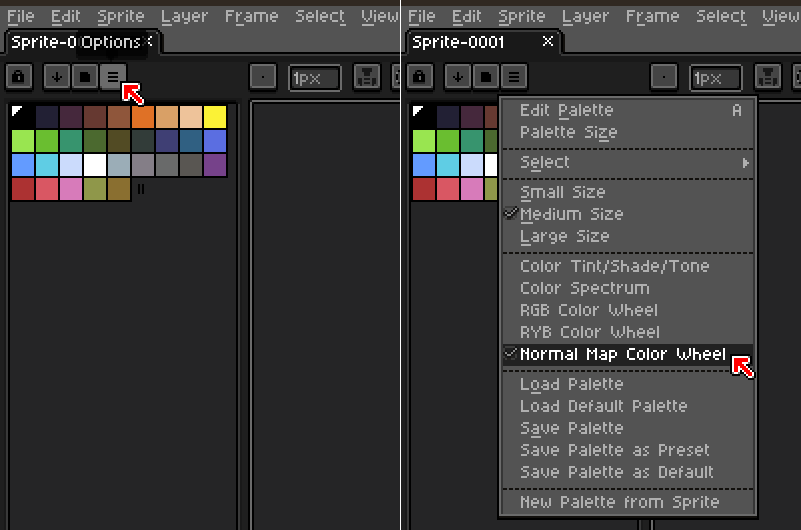
Also, if you want to create a Normal Map palette instead, Aseprite will make it automatically from any Normal Map image that you open, e.g. Examples/Reference images included in NM Inspector package.
Also please remember in Aseprite the RGB Color Mode must be selected, as the Indexed one isn't supported.
Normal Map Inspector (+ Aseprite & Krita plugins) comments · Replied to AzureDusk10 in Normal Map Inspector (+ Aseprite & Krita plugins) comments
Thank you for pointing that out! Here is a fixed version.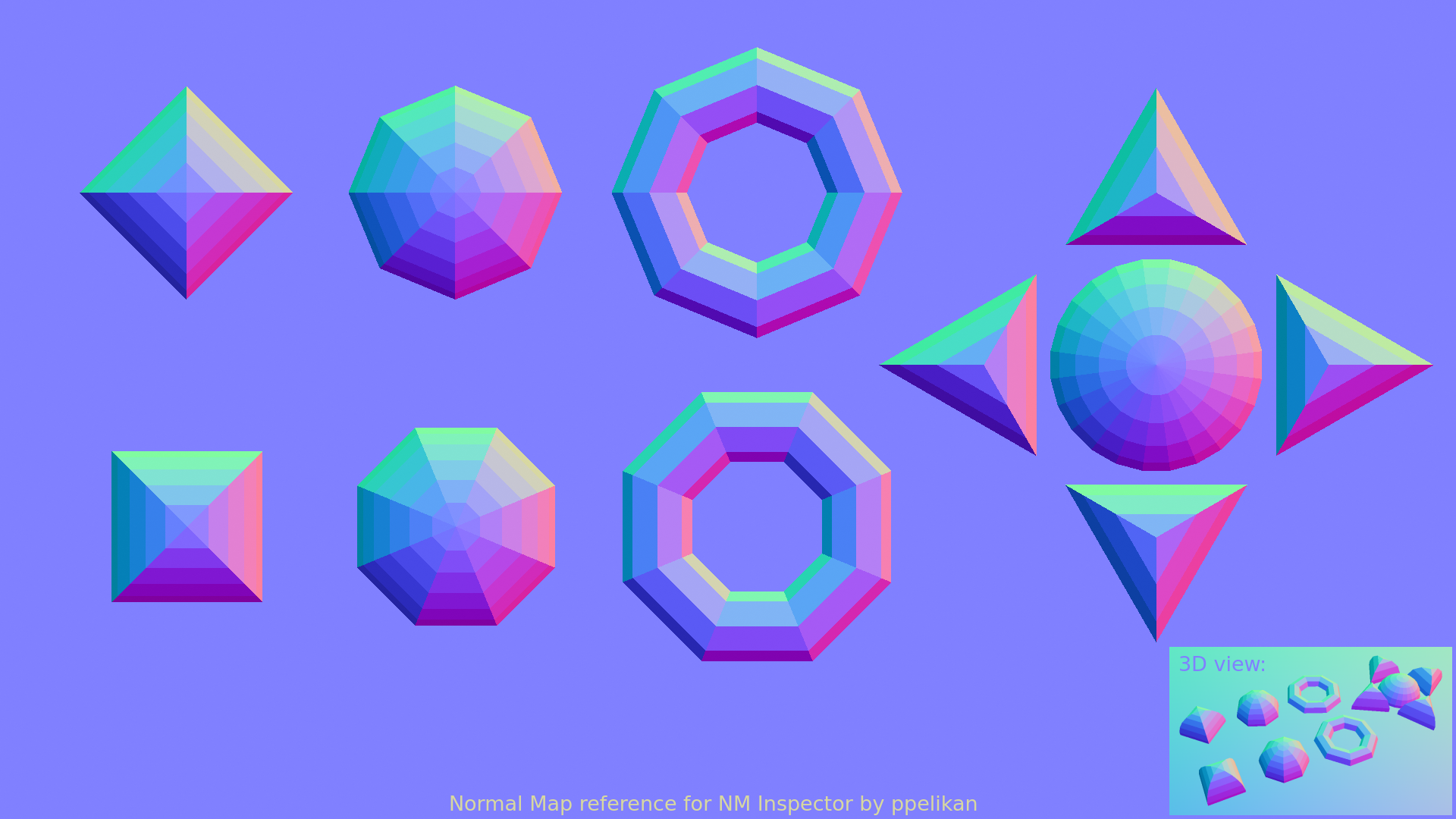
As for the UI problem your'e facing, unfortunately it will take much more time, as I need to not only come up with good solution, but also need to build it for all platforms and then, test if everything works on Win, Linux and Mac. (without access to a Mac device it is very hard for me), so please be patient :)