Hello, Redux_Soul!
As a sanity check, could you please run the game via the editor?
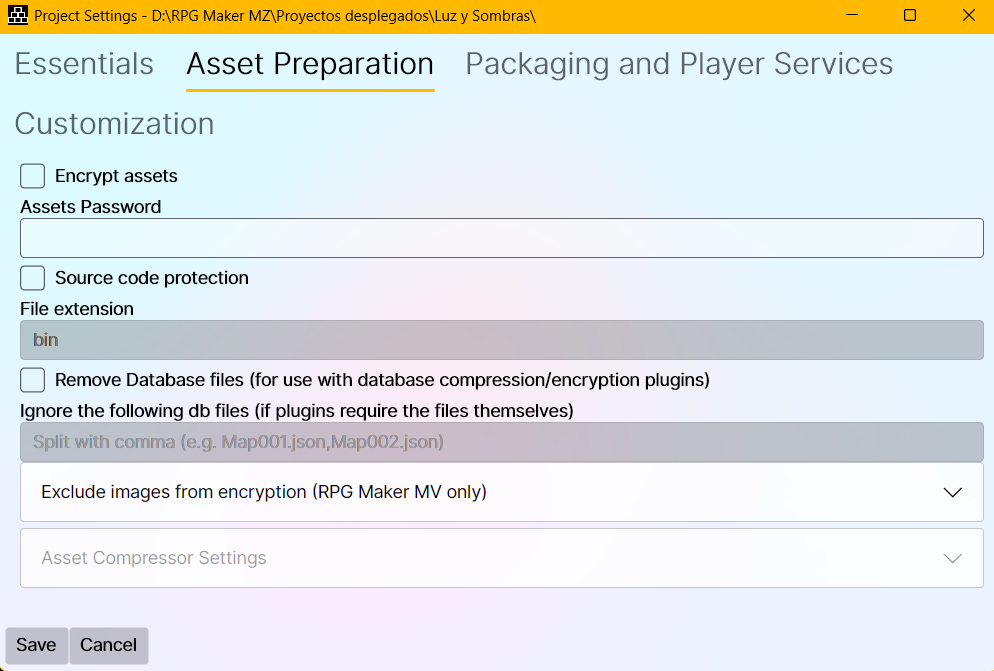
Right. Looks like that there's a conflict with the "Source code protection" feature in your case. It was turned on by default in recent versions of the tool. There are two options for this:
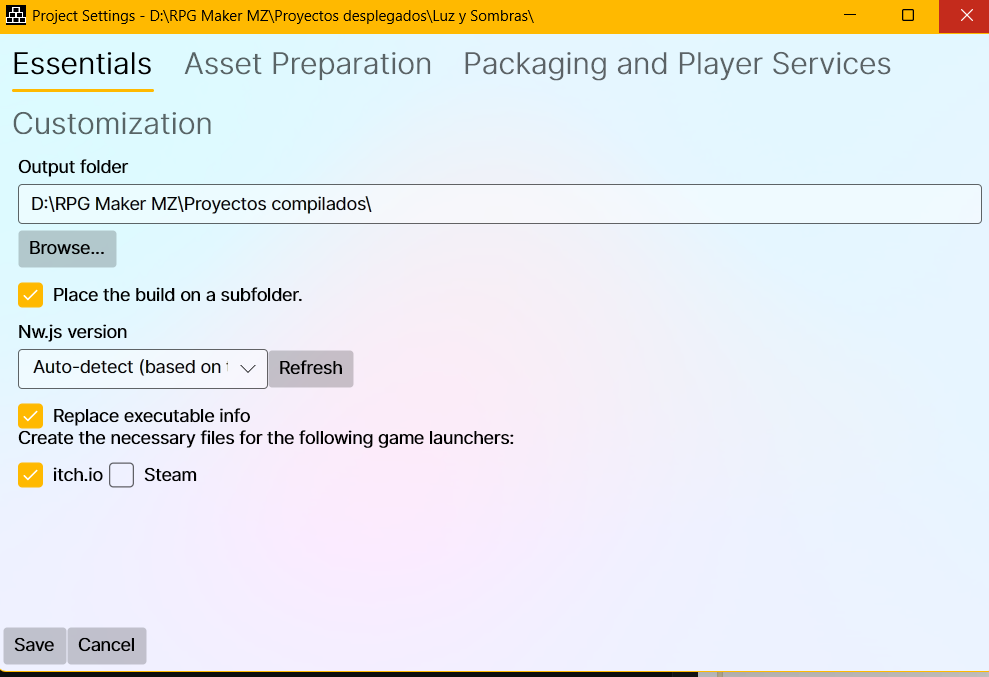
1. Turn off the feature. It's found under Project Settings -> Essentials tab.
2. On the same tab, you can turn on the option to create test builds. Once your create a build, you can run the game as normal and then press F12 to open the dev console. If there is an error, a plugin broke. Usually, it's due to trying to pull its name dynamically (via `document.currentScript.src`) so it can pull the settings. If you have time, I can help out via Discord (same username and avatar as here).
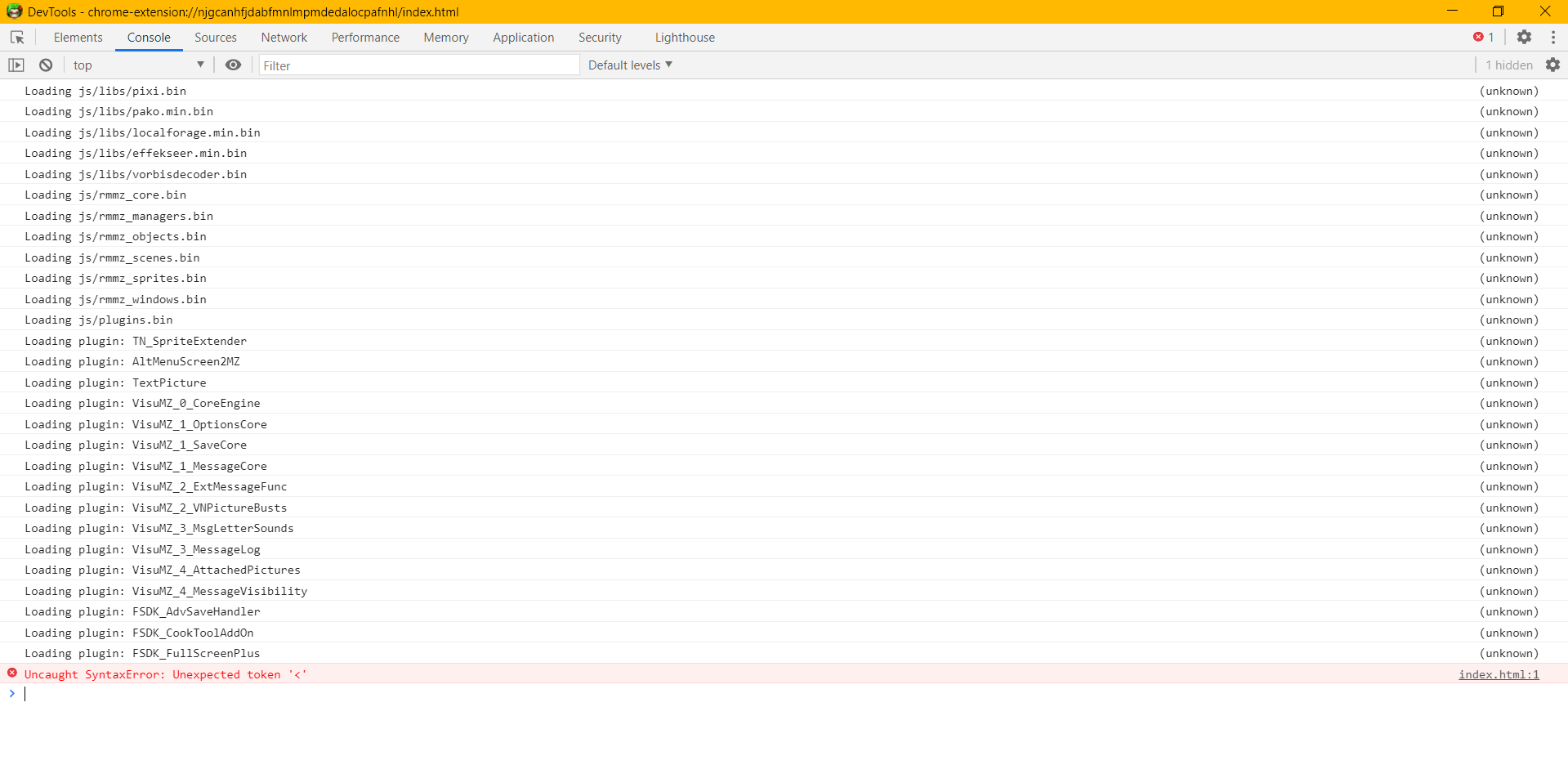
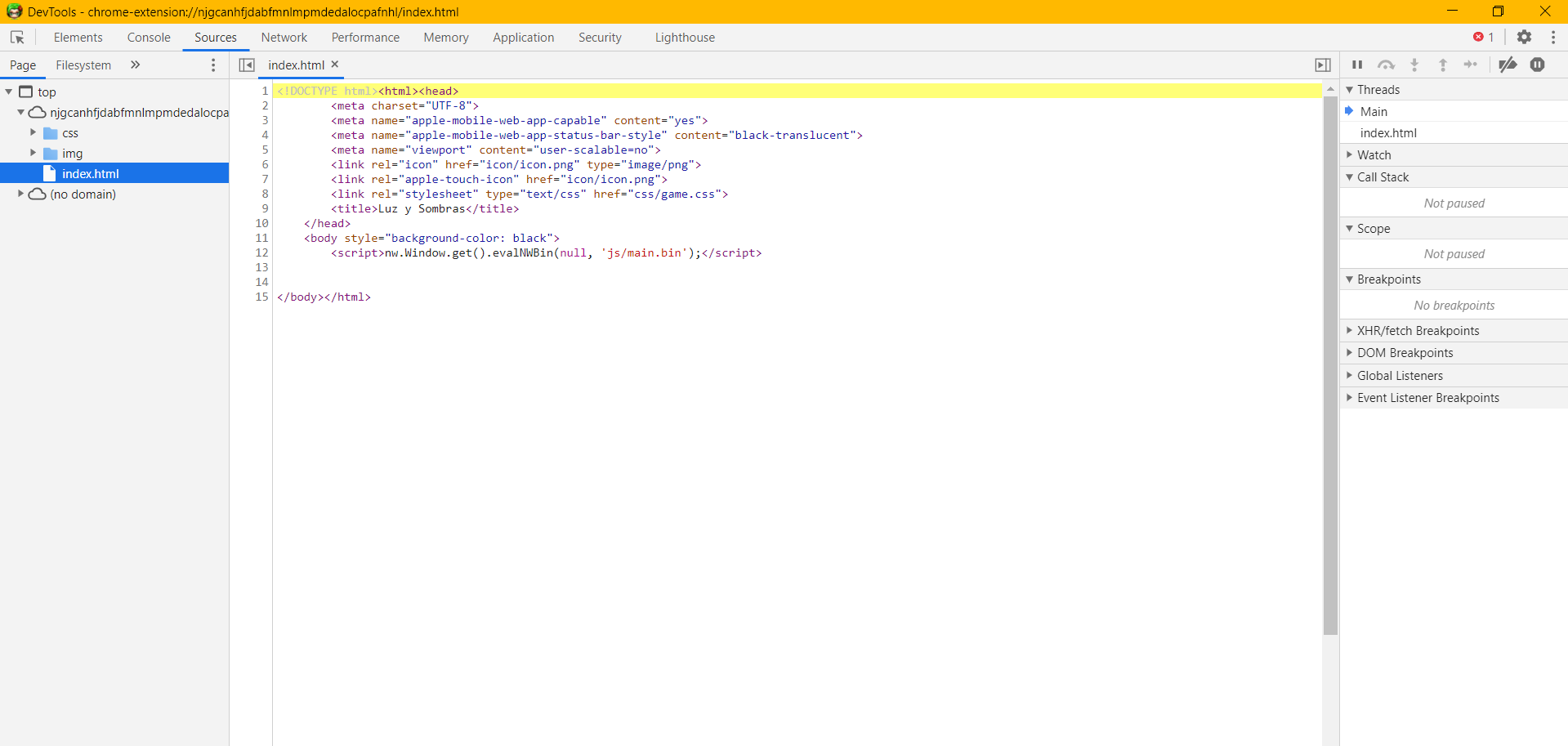
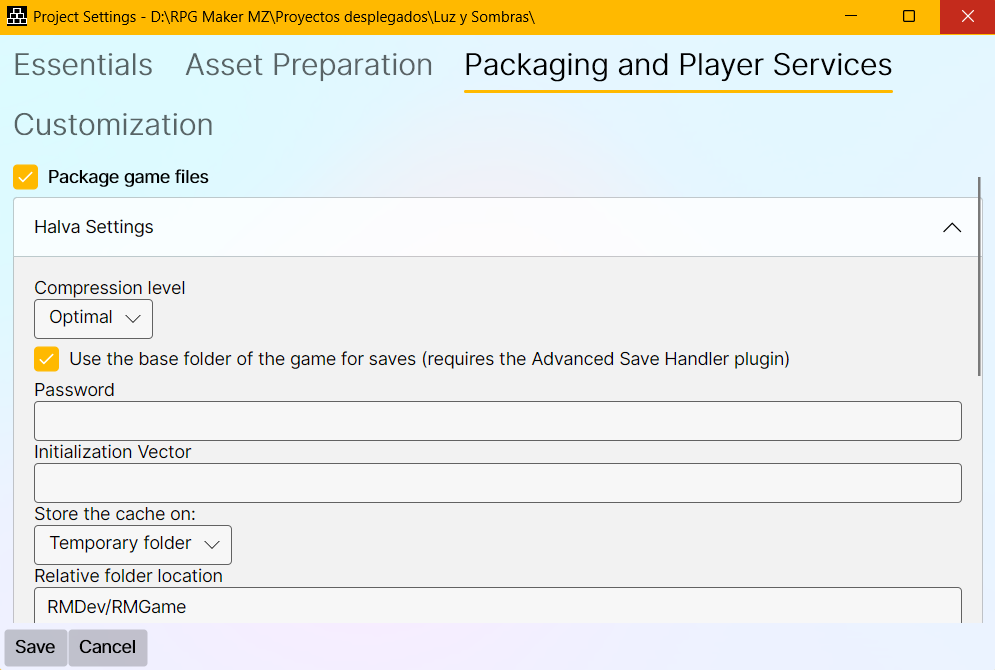
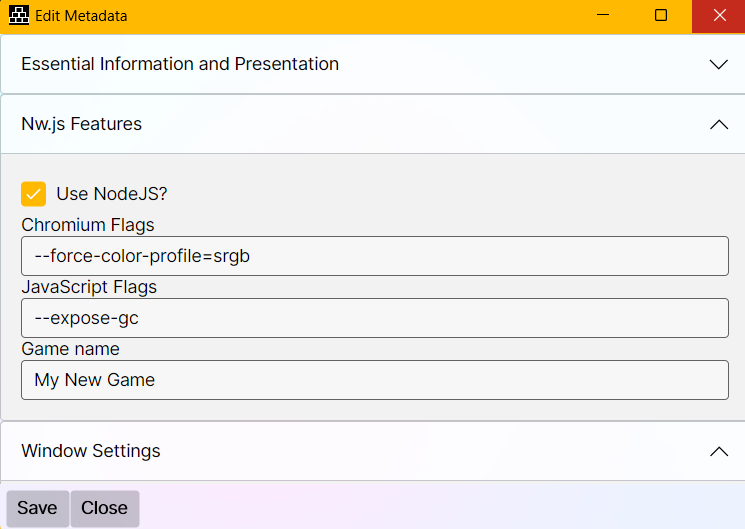
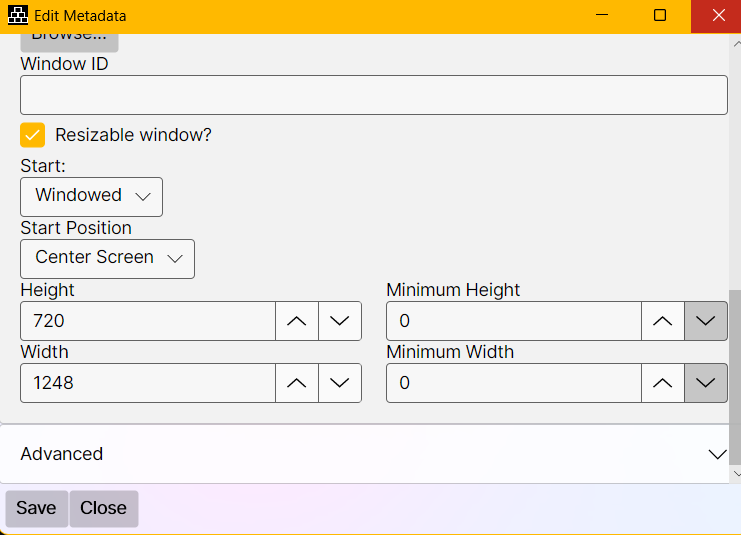
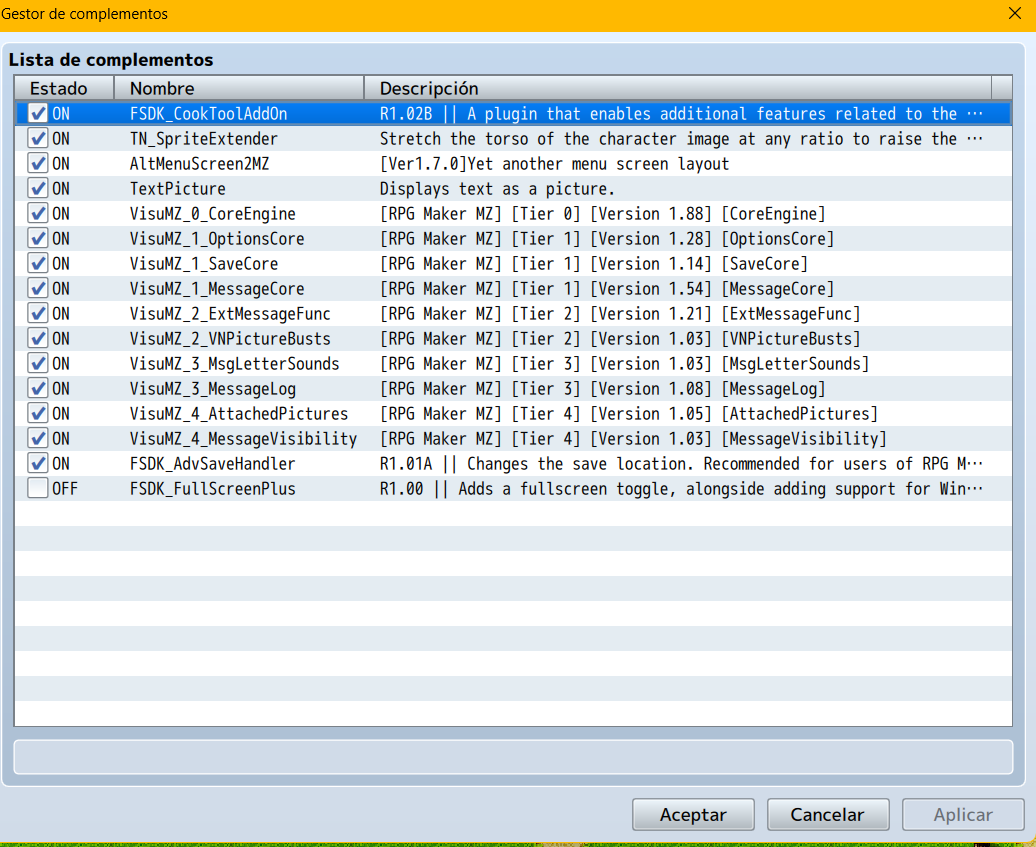
Hello again my dear friend, I was away for a while but now I’m back. I’m sharing some screenshots so you can help me identify the problem. From what you told me, I deduce that one of the plugins might be causing the error. However, I’ve deployed the project by disabling the other plugins and only keeping the fsdk plugins active, and I still get the black screen at startup. For now, I’m having some issues with Discord, so I hope you can please help me here. Thanks in advance. (In the screenshot I have the fsdk fullscreen disabled, but in the many tests and combinations I’ve tried, it hasn’t worked even when enabling it.)