

If you refer to the Decker Reference Manual, grid widgets have a ".rowvalue" property that can be used to obtain the data in the selected row; this will be a dictionary. The "first" of such a dictionary will obtain the value for the first column:
on click do
 f.text:first g.rowvalue
end
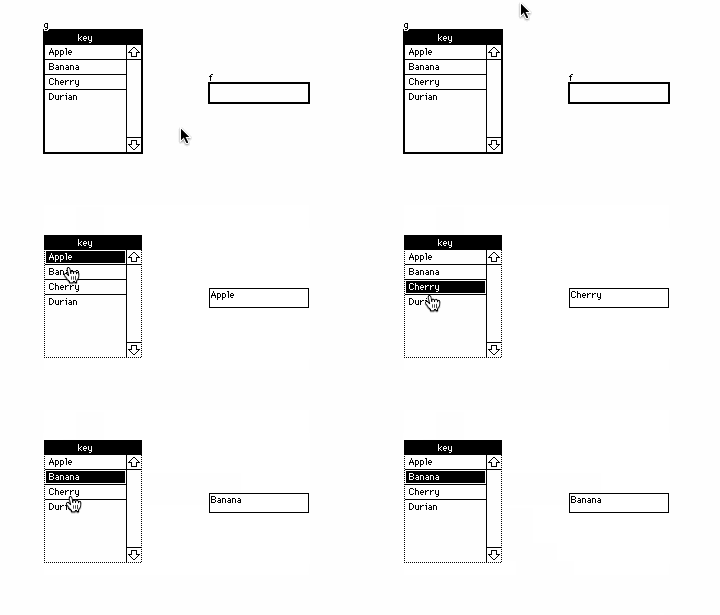
In this particular example it would be equivalent to ask for the "key" entry of the dictionary, as that is the name of the first column:
on click do
 f.text:g.rowvalue.key
end
As for adding rows, it looks like you were consulting a very old example from before the "insert" syntax was overhauled. Given a grid "i" with a single column "name", I think you want something closer to:
i.value:insert name with "sworde" into i.value
The Lil Reference Manual has detailed explanations and many examples of the "insert" query form.
Does that make sense?