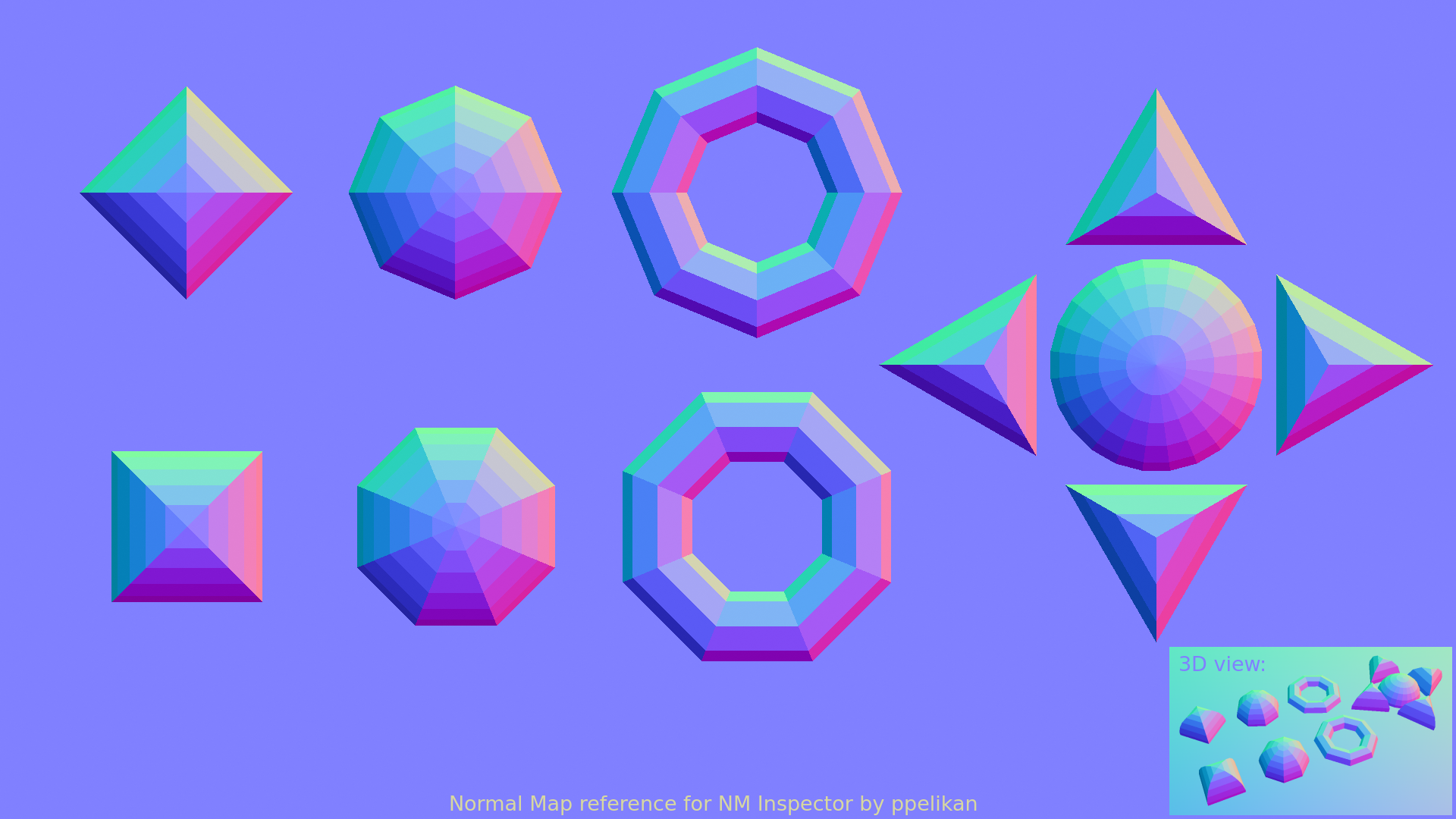
Secondly, the 'Coarse' normal map is *so close* to being a perfect reference palette for me. It's so easy to visualise which direction each swatch points in based on the size of the swatch. However, all of the values I'd like to sample sit *in between* swatches. If it was rotated half a swatch it would be perfect.
I want to take the normal values for the faces that point up, down, left, right, and in the 45 degree diagonals, but the values of these always fall between 2 swatches. Therefore, there are no swatches in this reference which I can use.
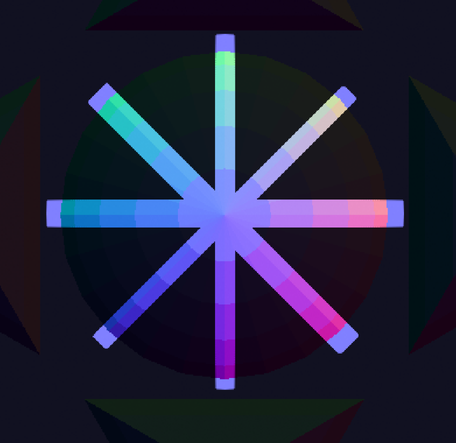
Screenshot of the 'Coarse' reference image, with the irrelevant parts blacked out. Note how the 0, 45 90, 135 etc. degree faces do not have swatches in this reference. The closest values are 7.5 degrees away (e.g if I wanted to sample a face that's at an angle of 0 degrees, the closest values would be for faces that are at an angle of -7.5 or +7.5 degrees)
I'll keep an eye out for any future releases which could help with these. Thanks again for your work, and I will happily donate for the above changes