

GameTranslate_0.1.53 Bug Report
23.2.25
Summary
GameTranslate has multiple issues, including incorrect translations, font compatibility problems, antivirus flagging, instability, and inconsistent performance.
Bugs & Problems
1. Translation Issues
Custom Fonts & Translation Accuracy
- Issue: Some games use custom fonts, making it difficult for GameTranslate to read and translate text.
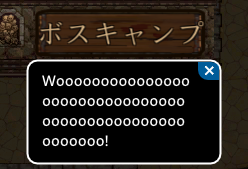
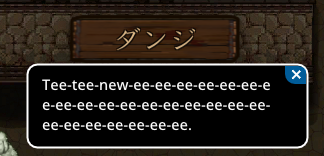
- Example: The internal translation is often completely wrong or of low quality. It struggles particularly with text in unique/custom fonts.
- Tested Case: English → Polish translation using DeepL Free generally works well, though some minor translation errors exist.
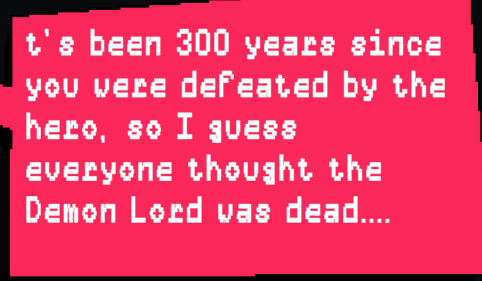
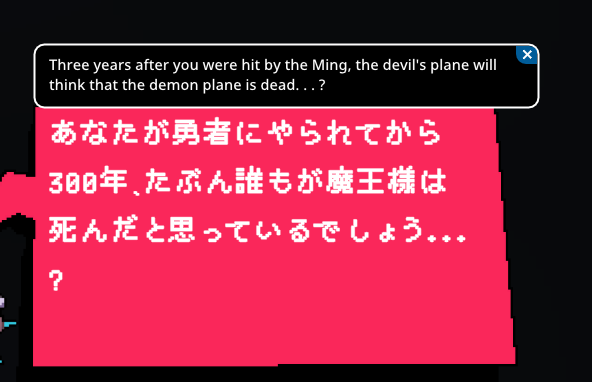
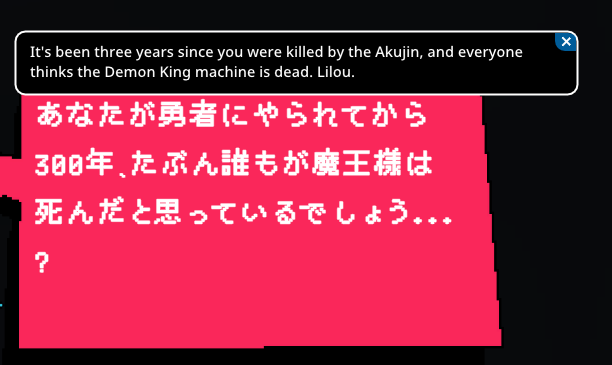
Japanese → English Translation (23.2.25)
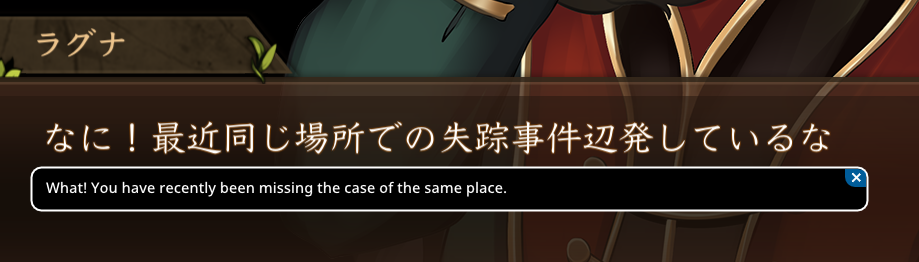
- Issue: Both the internal and DeepL Free translations for Japanese to English are often incorrect and unhelpful.
- Observation: Occasionally, a good translation appears, but most of the time, the output is vague and barely comprehensible.
Examples:
2. Bitdefender Flagging GameTranslate_x64.dll or Gen:Variant.Johnnie as a Threat
- Issue: Bitdefender mistakenly flags GameTranslate_x64.dll as malware (False Positive).
**Do this before launching the program**
- Fix:
- Open Bitdefender → Protection → Antivirus → Settings → Manage exceptions.
- Add an exception for the installation directory (e.g., D:\example or C:\example).
- Additional Issue: Bitdefender quarantining the DLL may cause the "Verify that you have access to that directory" error.
- Fix: Delete the GameTranslate installer and its folder, create a new folder, and reinstall inside it.
3. Inconsistent Game Launching & Stability Issues
- Issue: Sometimes GameTranslate launches a game, sometimes it doesn’t.
- Issue: GameTranslate sometimes crashes when quitting (especially with Alt+F4).
4. Specific Bugs
Bug_1: "Searching for Text" Mode Stuck (Offline, DeepL Free)
- Issue: While playing Deltarune (though likely not game-specific), using the hotkey (Left Shift + Space) to translate text causes GameTranslate to get stuck in "searching for text" mode, preventing further translations.
- Fix: Ensure an internet connection for DeepL Free, as it requires online access.
- Recommendation: Add a popup or notification to inform users when an internet connection is required.
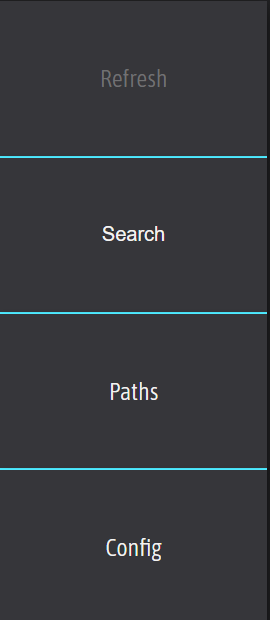
Bug_2: Refresh Button Unclickable
- Issue: The Refresh button sometimes becomes unclickable.
- Fix: Restarting the app temporarily resolves the issue.
10.46pm 23.2.25
edit: found the way to reproduce of the problem, it occurs after adding of removing a "path"
________________________________________________________________________________________________________________
**NEW**
24.2.25
edit 2: after some more fiddling i found a way to consistently make the "Refresh button", unclickable. After clicking the Configuration tab and going back to games, it renders the Refresh button unclickable.
________________________________________________________________________________________________________________
Recommendations for Developers
- Add a Tutorial:
- The software is unintuitive for new users, even for tech-savvy individuals. A guide or onboarding tutorial would help.
- Notify Users About DeepL’s Internet Requirement:
- Switching the translation engine to DeepL does not indicate that an internet connection is needed, which can confuse users when translations fail.
- Also add a notification when internet connection is lost
Additional Notes:
Bug_1
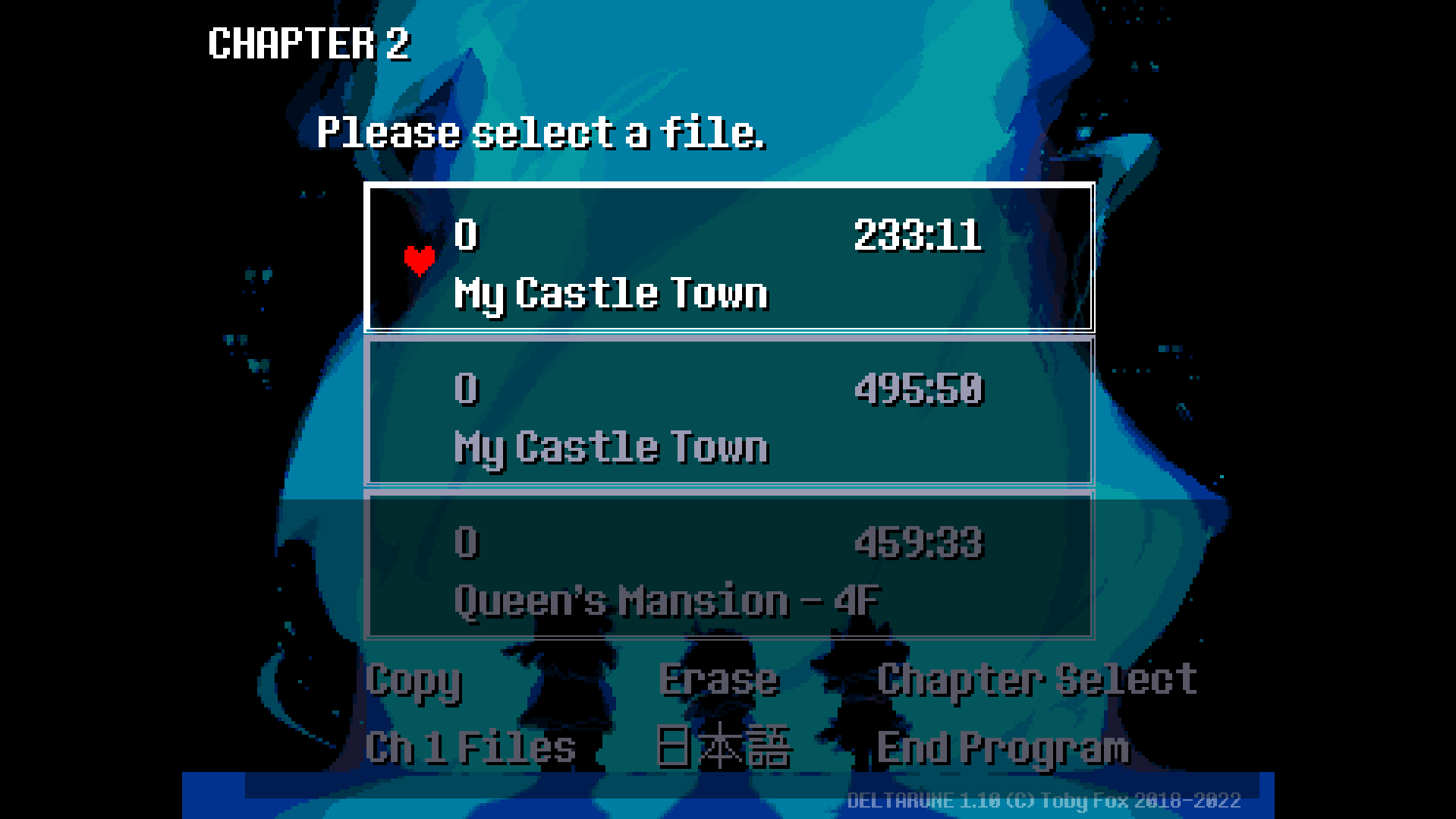
(the dark box is the selected area)
Bug_2
Inconsistent Translations
(original)
(internal translation)
(DeepL free)
(google translation)
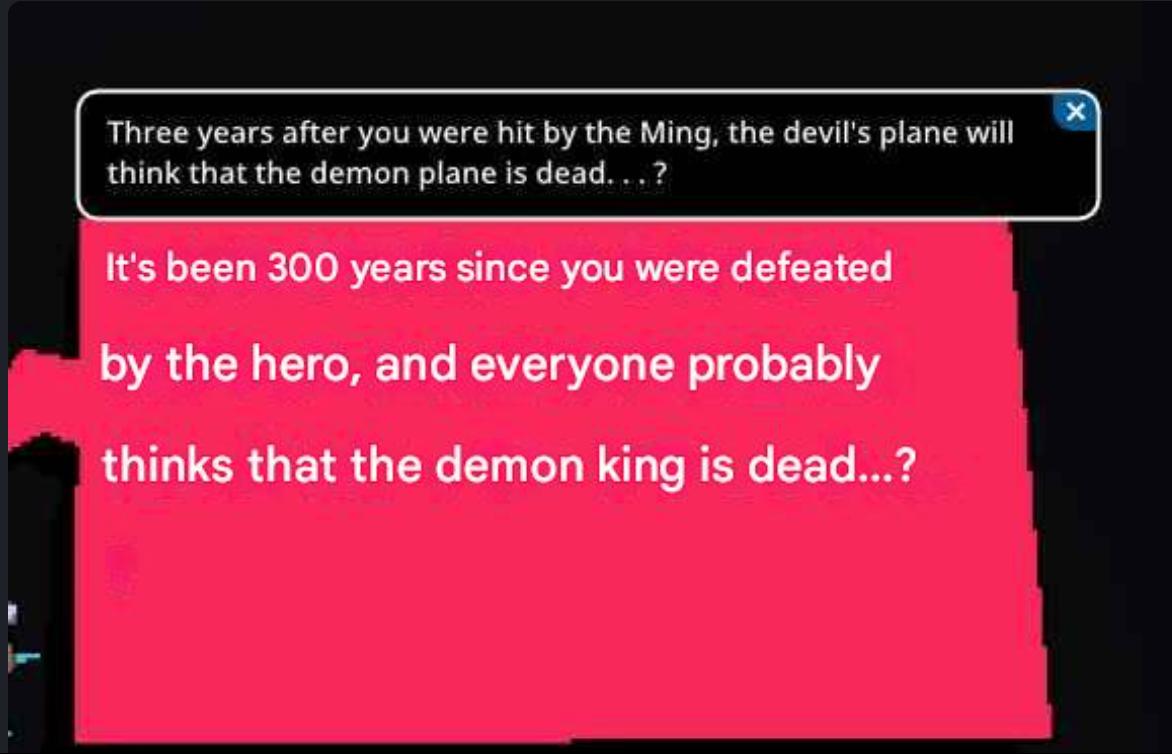
(putting in pictures are a pain)
I used chat-gpt to rewrite my “report”, otherwise it would be a confusing mess. :3