Awesome game!
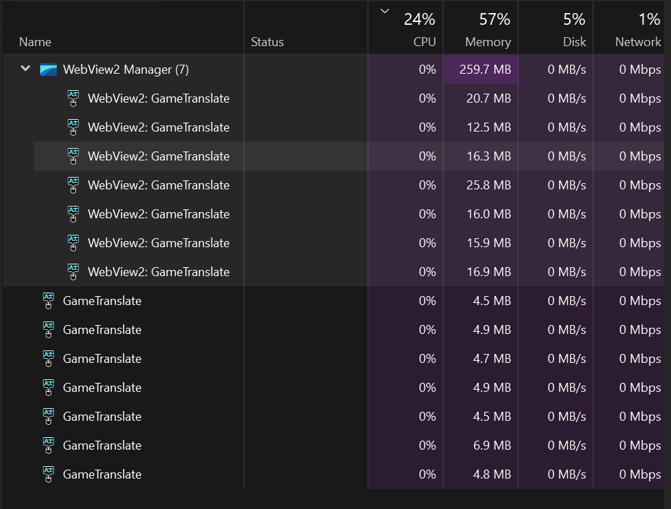
It runs so fast and smoothly that one may say that there is nothing running at all! (i could not find the .exe file)
The graphics 
Hi Godnoken, i have a question about using Ollama as another alternative for Local translation.
i was wondering if it would be possible to use one of the many LLM models in Ollama to improve the quality of translation output?
like:
https://ollama.com/library/mistral-nemo
https://ollama.com/lauchacarro/qwen2.5-translator
website:
Hi Godnoken, I'm sorry for the somewhat bad Bug-Report. it explains it some stuff half assed.
2. i have installed it multiple times (and also deleted it multiple times as well), but I think it may be there from previous installations.
5. I haven't tested it with other translation options, but i doubt it will matter. some of these fonts are big, curvy or to close to the contrast of the background.
I would have posted a picture but ITS A CHORE! From what i have done and tested you cant put in multiple pictures at once and if its in the wrong place you cant move it without deleting it and uploading it again INDUVIDALY.
Its a huge annoyance of mine.
8.
a) no, I hold it in until i click outside the window, then i can go back to the game and it'll look like I'm holding it in.
b) I tried to replicate it again for a couple of minutes but did not manage to get it to work.
Have a good day!
GameTranslate_0.1.53 and 0.2.0 Bug testing 24.2.25
D:\ as the installation directory, GameTranslate still creates a folder and shortcut in C:\.
C:\Users\"username"\AppData\Roaming\GameTranslate\crashdump.
GameTranslate.exe as malware (Atc4.Detection) after launching Omori through GameTranslate.
GameTranslate.exe behind, requiring elevated permissions to remove.
Configuration tab.
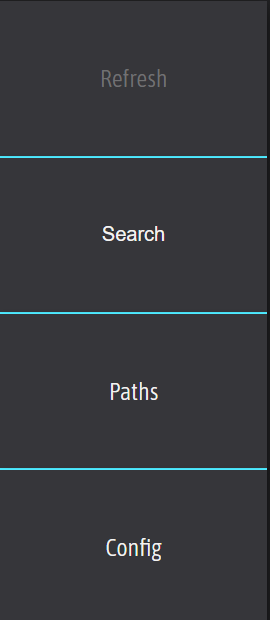
Games and click Refresh.
Refresh button becomes unclickable.
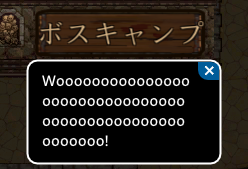
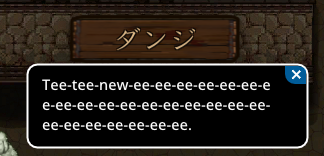
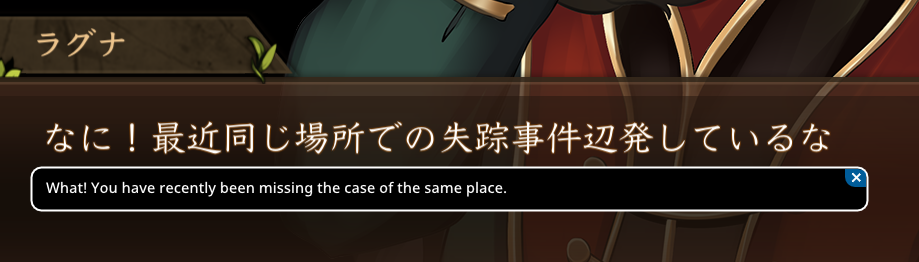
Collection, Shop, Redeem, Unlock Here are either incorrectly translated or not translated at all.
ALT+F4.
FastKey again.
Space key appears stuck.
Left Shift triggers the translation bubble unintentionally.
FastKey.
AutomaticWindowKey twice.
FastKey again.


.exe files, leading to cluttered game lists.
.exe files under the main game executable.
Favorites and Recently Played for better organization.
F7 crashes the game).
GameTranslate_0.1.53 Bug Report
23.2.25
Summary
GameTranslate has multiple issues, including incorrect translations, font compatibility problems, antivirus flagging, instability, and inconsistent performance.
Bugs & Problems
1. Translation Issues
Custom Fonts & Translation Accuracy
Japanese → English Translation (23.2.25)
Examples:


2. Bitdefender Flagging GameTranslate_x64.dll or Gen:Variant.Johnnie as a Threat
**Do this before launching the program**
3. Inconsistent Game Launching & Stability Issues
4. Specific Bugs
Bug_1: "Searching for Text" Mode Stuck (Offline, DeepL Free)
Bug_2: Refresh Button Unclickable
10.46pm 23.2.25
edit: found the way to reproduce of the problem, it occurs after adding of removing a "path"
________________________________________________________________________________________________________________
**NEW**
24.2.25
edit 2: after some more fiddling i found a way to consistently make the "Refresh button", unclickable. After clicking the Configuration tab and going back to games, it renders the Refresh button unclickable.
________________________________________________________________________________________________________________
Recommendations for Developers
Additional Notes:
Bug_1

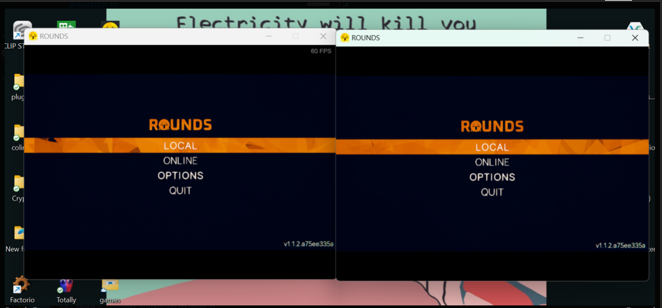
(the dark box is the selected area)
Bug_2

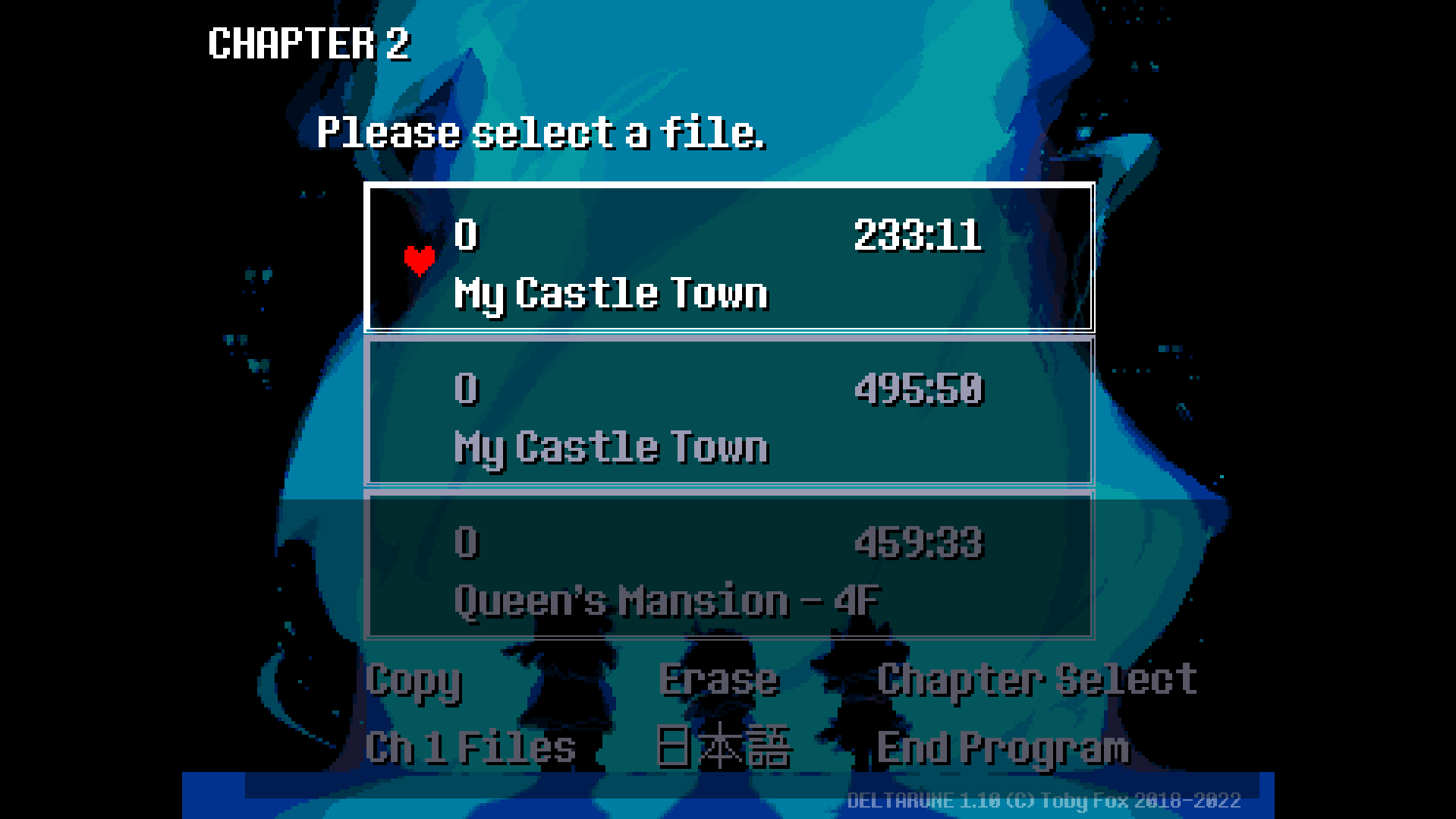
Inconsistent Translations
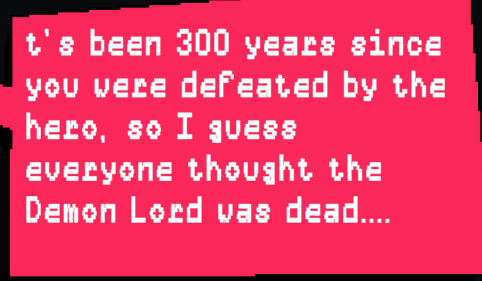
(original)

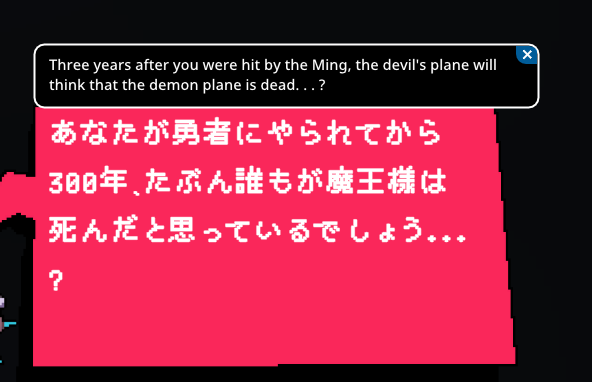
(internal translation)

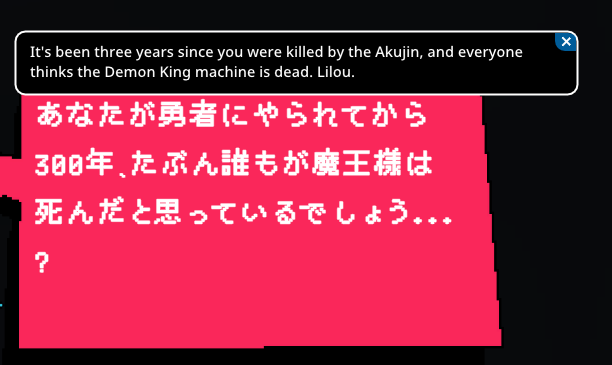
(DeepL free)

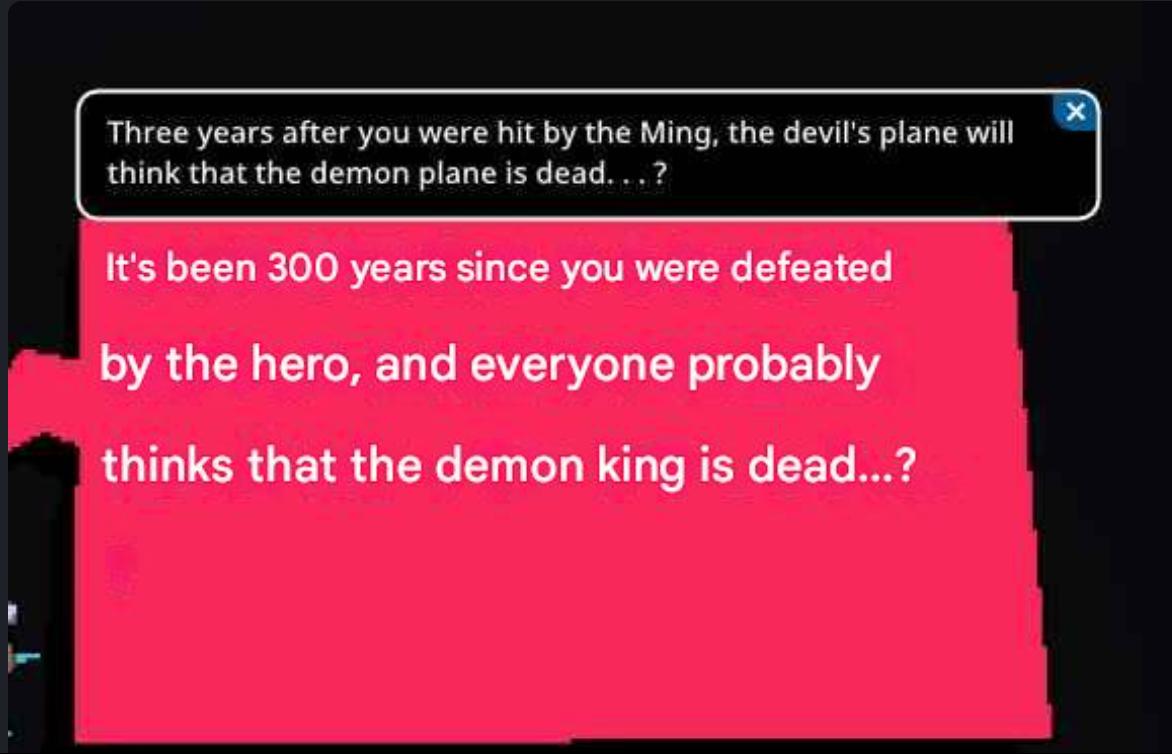
(google translation)

(putting in pictures are a pain)
I used chat-gpt to rewrite my “report”, otherwise it would be a confusing mess. :3