

Hmm... I'll try to replicate the issue in my test project (don't know when I'll be able to do that though). I'll let you know if I find anything.
Sorry it took me so long to look into it... =|
I tested it out both in my MV and MZ debug projects, but I was unable to reproduce the behavior you describe. If I understood your issue correctly, what I did was setup an event with an idle and default poses configured, and then tested its behavior first with a random movement set, then with a custom fixed movement of just turning around and changing directions. In both cases it worked just fine, without the graphics "flashing".
However, I did experience similar issues early in development. Back then, it was due to the pose spritesheet not being loaded to memory yet. In theory, I solved that by adding a preloading system to my code. But I think it could still happen depending on how your pose spritesheets are created. For instance, if there are any blank spaces in your spritesheet, the "flashing" can just mean when the plugin switches between then it first lands in a blank sprite before changing it. For this example, you could solve this making sure there are no blank sprites in your character sheet.
I hope this is helpful... otherwise, I would need you to send me a sample project with the issue present so I could take a look =/
I understand that it may be difficult to find time to respond. Don't worry.
I am using individual sheets for the actor (sheets with the "$" prefix). There are no blank sprites.
Maybe I was not clear, sorry. When I rotate the actor (with the "Set Movement Route" function), a frame of the walking animation "flashes" between the idle pose. It's as if, when rotating the actor, the plugin understands that he is walking and not rotating on his own axis.
If I send you a sample project, how should I proceed?
That changes things... now I understood what you meant, and I could replicate it here.
I managed to track down what was causing it, and I did find a minor bug that would result in this behavior when switching between two poses. I'm uploading version 1.3.6 with a fix... please try it out and let me know if it solves it for you!
Hello! I tested the fix, but the problem persists. But... I think I figured out exactly what's going on. When the "turn to x" command is used (for events and actors), the "idle" pose is replaced by the "default/walk" pose. The problem is: my "default/walk" spritesheet doesn't contain a "idle" frame, like the RTP spritesheets. I have three spritesheets: one for "idle", one for "walking" and one for "running".
P.S:
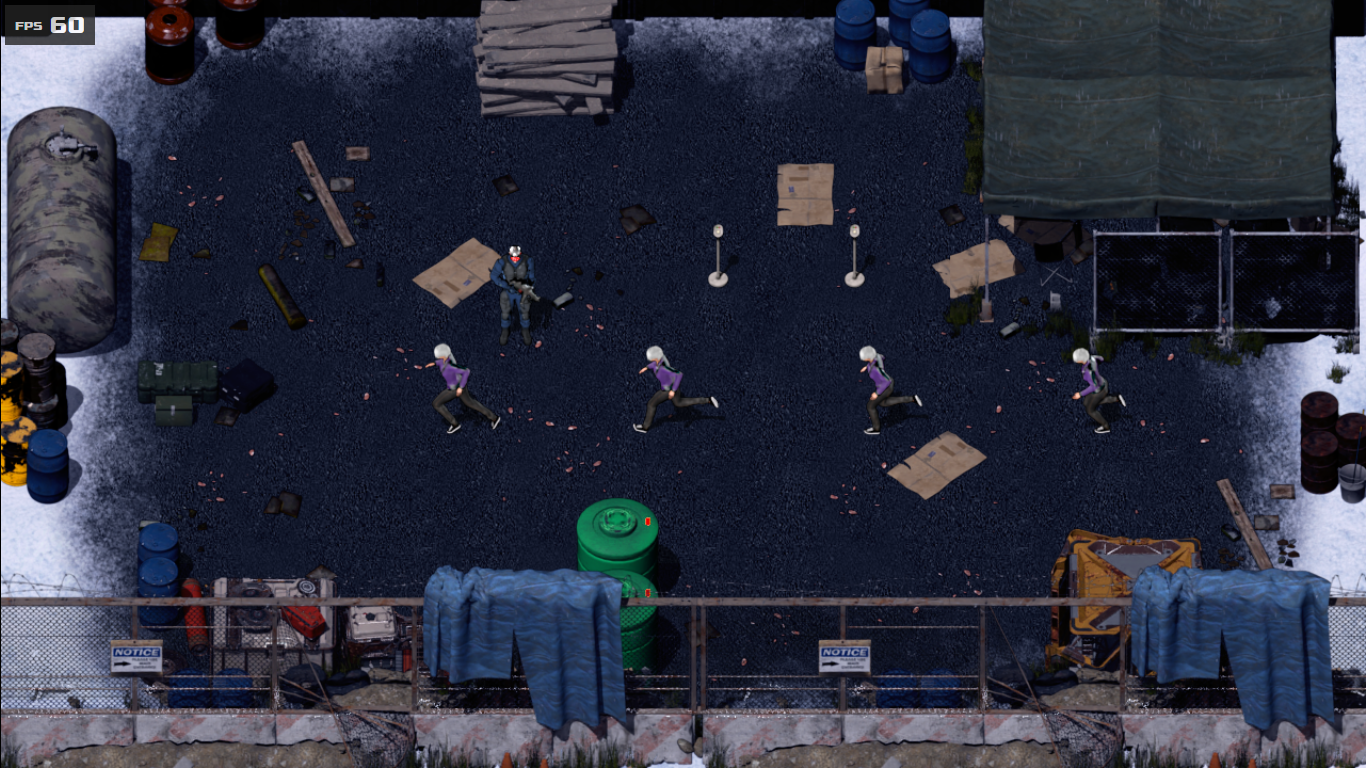
By the way, I discovered a new bug while testing the 8-direction function. The plugin can't read the spritesheet when it has more than 3 animation frames (like [f8]).
Hello!
I'm glad you figured out what was going on with the character turn! Indeed, when it switches back to the default/walk pose it will assume a frame from that pose. If the pose does not contain a "standing still" frame it will cause the "flashing" on the walking animation when the poses are switched. The easiest fix for this is to include an "idle" frame in the default walking animation (or at least one sufficiently close to it so as not to draw much attention).
As for the new issue, I would need more details on what you're trying to do, what is your setup, and what is the results you're getting that don't match what was intended. My demo project has an idle animation with 5 frames, which is working nicely, so if there is indeed another bug here I'll need more information to try and replicate it =/
I'm posting two images below. As you can see, when I use a spritesheet with multiple sprites and more than three frames of animation, the plugin can't interpret it. It reads the spritesheet as a single sheet (like sprites of type "$sprite").
<img src="https://img.itch.zone/aW1nLzIyNDQ1OTk3LnBuZw==/original/yAOC%2FW.png">
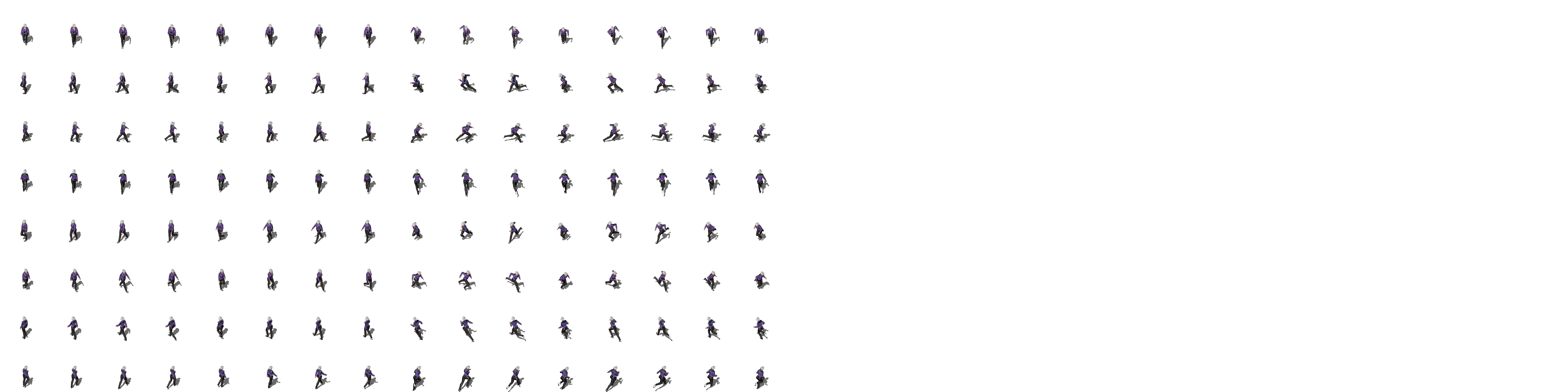
The Spritesheet (The file name is "!Anastacia_Sheet[f8][d8]"):
<img src="https://img.itch.zone/aW1nLzIyNDQ2MDAwLnBuZw==/original/NUvzRp.png">
In fact, I ran some tests and the problem isn't diagonal movement, but a spritesheet with more frames. Individual sprites (with more frames) work, but sets don't.
Edit: the explation I gave here turned out to not be fully correct. However, I've decided to keep the original post and just highlight this with this note, so anyone following this thread in the future can go through all the discussion and know I'll correct this info in a later reply! =]
Hello!
From your links, I think I understand what's happening.
The thing is, regardless of whether you are using the default 3 frame or a higher frame count, the plugin expects the spritesheets to be compliant to the spritesheet sizes commonly supported by the engine. That is, a spritesheet with 8 characters sheets, or a file with a single character (with the filename starting with $).
From the second image you linked I can see it may have 4 sheets with 8 directions and 8 frames each, one for walking, one for running, and two blank sheets. Because the engine expects the file to have 4 more sheets below, it will mess the calculations used to isolate each frame and behave erratically.
You need to either isolate each character sheet into a single file (with its name starting with $), or expand the image file adding 4 more blank character sheets below the ones you already have.
I'm not sure if my explanation is helping or making it hard to understand, so here's an example using your file. I've edited it to highlight each character sheet, making it more visual, and also bluring the images to prevent it being copied without permission:

Hello! I followed your instructions, but the problem persists.  When I use a single sprite (like "$sprite"), the plugin works perfectly, but I can't use 8 directions because, according to the plugin's instructions, diagonal sprites should be below normal sprites.  I'm sending a sample of my project with the settings I use. I don't know what I might be doing wrong.
https://drive.google.com/file/d/1-i1umGNc2HUuAfnzUY21xEB5WYKg3PQ_/view?usp=sharing
Thank you for your patience. I hope I'm not disturbing you.