Hello! I downloaded the new version and tested it. The bug was fixed. Now everything works as expected. Thank you for your kindness and support. Your plugin is amazing and has become a must-have for my projects. I'll let you know if I find any other issues. :)
BlackCatFM
Creator of
Recent community posts
Hello! I followed your instructions, but the problem persists. When I use a single sprite (like "$sprite"), the plugin works perfectly, but I can't use 8 directions because, according to the plugin's instructions, diagonal sprites should be below normal sprites. I'm sending a sample of my project with the settings I use. I don't know what I might be doing wrong. https://drive.google.com/file/d/1-i1umGNc2HUuAfnzUY21xEB5WYKg3PQ_/view?usp=sharing Thank you for your patience. I hope I'm not disturbing you.
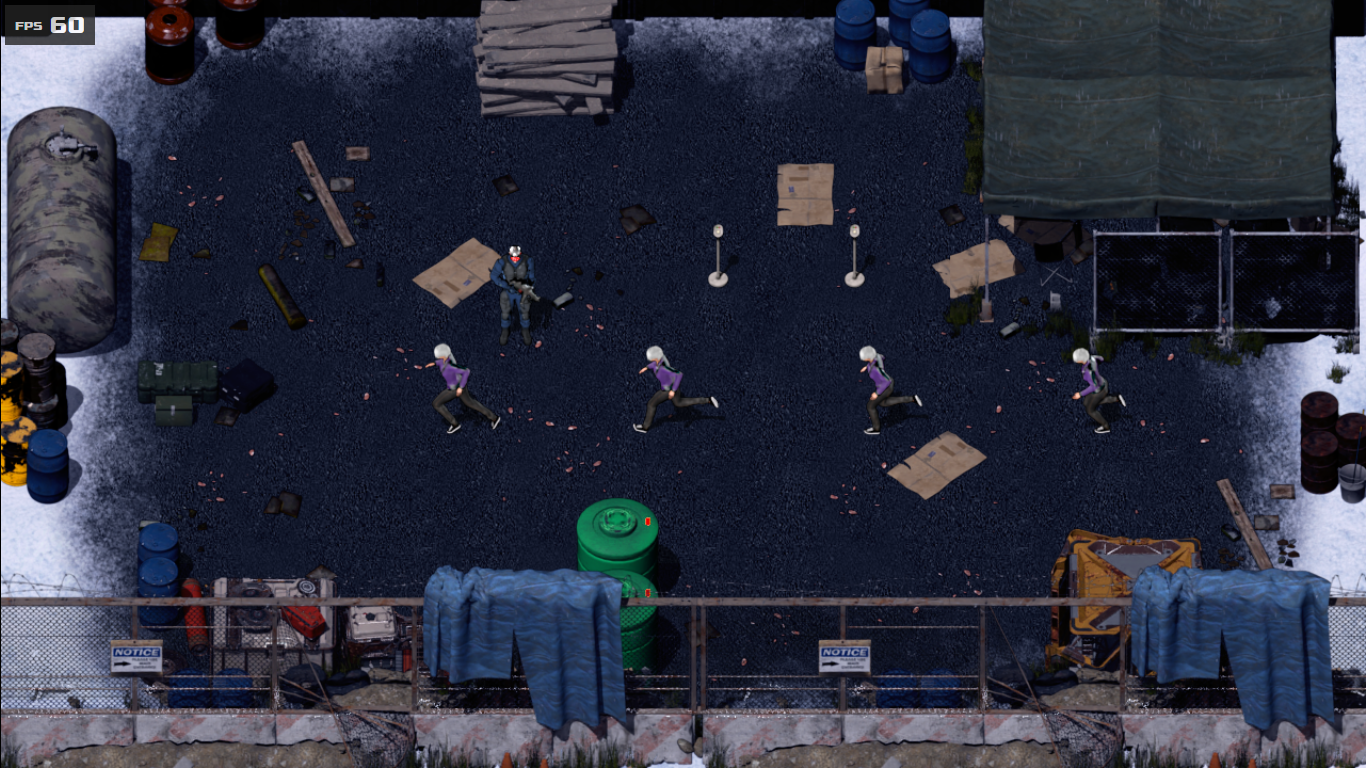
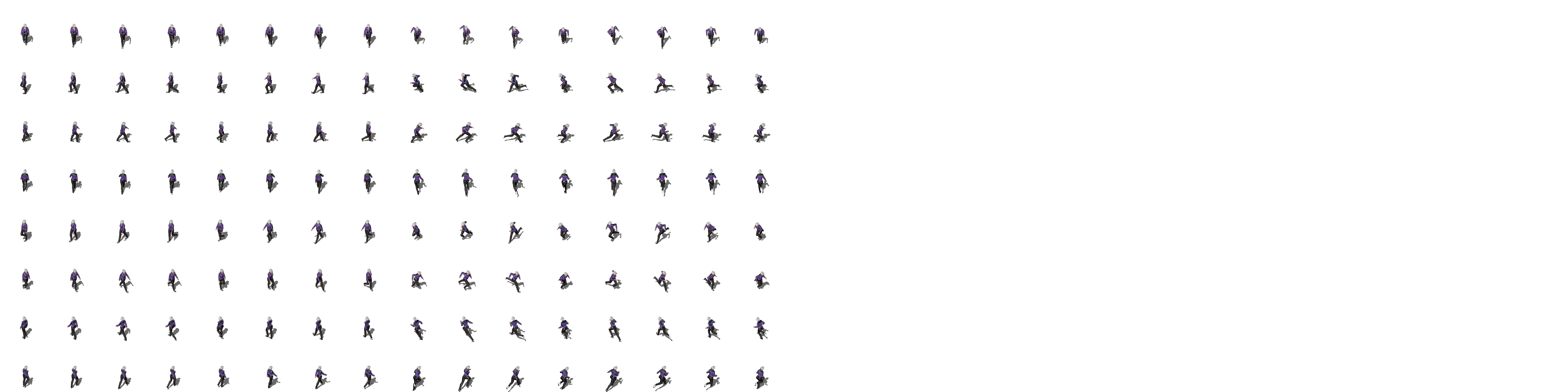
I'm posting two images below. As you can see, when I use a spritesheet with multiple sprites and more than three frames of animation, the plugin can't interpret it. It reads the spritesheet as a single sheet (like sprites of type "$sprite"). <img src="https://img.itch.zone/aW1nLzIyNDQ1OTk3LnBuZw==/original/yAOC%2FW.png"> The Spritesheet (The file name is "!Anastacia_Sheet[f8][d8]"): <img src="https://img.itch.zone/aW1nLzIyNDQ2MDAwLnBuZw==/original/NUvzRp.png"> In fact, I ran some tests and the problem isn't diagonal movement, but a spritesheet with more frames. Individual sprites (with more frames) work, but sets don't.
Hello! I tested the fix, but the problem persists. But... I think I figured out exactly what's going on. When the "turn to x" command is used (for events and actors), the "idle" pose is replaced by the "default/walk" pose. The problem is: my "default/walk" spritesheet doesn't contain a "idle" frame, like the RTP spritesheets. I have three spritesheets: one for "idle", one for "walking" and one for "running".
P.S:
By the way, I discovered a new bug while testing the 8-direction function. The plugin can't read the spritesheet when it has more than 3 animation frames (like [f8]).
I understand that it may be difficult to find time to respond. Don't worry.
I am using individual sheets for the actor (sheets with the "$" prefix). There are no blank sprites.
Maybe I was not clear, sorry. When I rotate the actor (with the "Set Movement Route" function), a frame of the walking animation "flashes" between the idle pose. It's as if, when rotating the actor, the plugin understands that he is walking and not rotating on his own axis.
If I send you a sample project, how should I proceed?
Hello! The plugin is great, but I have a problem. When I configure the animations for the events (idle and default), the event graphic flashes when using the "Autonomous Movement" function. And the actor has the same problem, but when I use the "Set Movement Route" function, but only to rotate (turn right, turn left, etc.). I ran a series of tests, but didn't discover the problem.