Any chance you can record a video of this for those of us without two PCs? Perhaps do a recording from each PC and merge them into a split screen view? I don't want to miss out on the fun.
I tried to give this a go but was unable to get it running with only 1 PC. If you had added a standalone export or even just the ability to run two copies of the game and select "join" on one it could have worked, but with a headset detected the "join" option isn't even available for the second copy.
Very good point and is something we realized just after we submitted. You have to be two people on different PC:s to be able to play it in the current state. Will make it hard for people to rate the game, but oh well.



Comments
Any chance you can record a video of this for those of us without two PCs? Perhaps do a recording from each PC and merge them into a split screen view? I don't want to miss out on the fun.
I tried to give this a go but was unable to get it running with only 1 PC. If you had added a standalone export or even just the ability to run two copies of the game and select "join" on one it could have worked, but with a headset detected the "join" option isn't even available for the second copy.
Very good point and is something we realized just after we submitted. You have to be two people on different PC:s to be able to play it in the current state. Will make it hard for people to rate the game, but oh well.
Didn't have time to add an install guide but here it is for anyone struggling getting things working:
Requirements:
2 PC's, each of them running the .exe
1 VR headset
Up and running OpenXR runtime (we've tried running it in Meta Link)
Guide:
1. Start the exe on both machines
2. It will be grey in the VR headset, so take it off and set up the correct port and wait for the other player
3. The other PC player writes in the host's (VR) IP and port and connects
Objective:
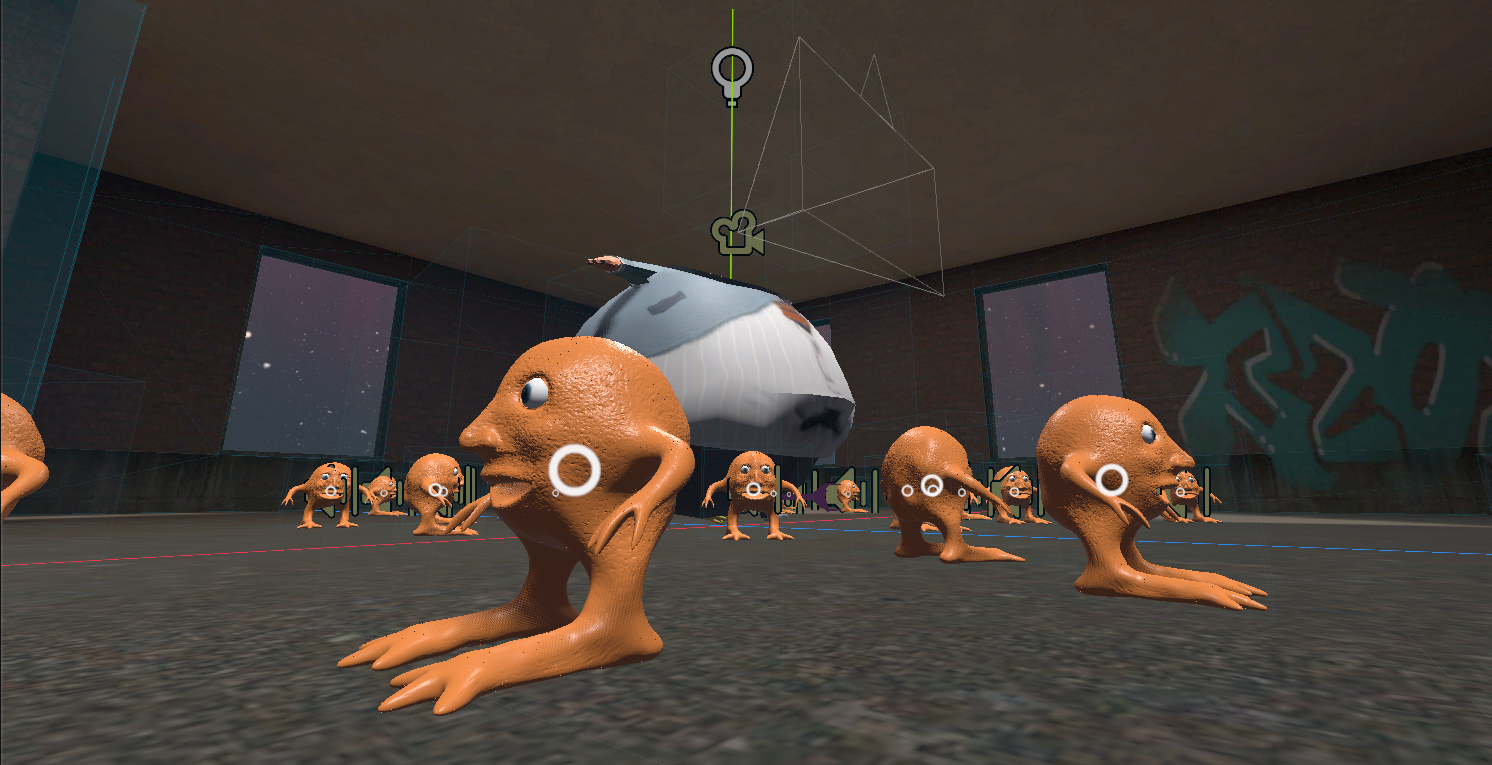
Catch the meeples
Catch the meeples
Eat the meeples