

Misc Tutorials
A Game Jam Step-by-Step Guide I started participating in game jams earlier this year. After submitting three rather successful entries, I took time to analyze w...

With the jam having run for a couple of weeks now, I've got more of a sense of how people are using this template, what's throwing them off and stuff. So here's...

I'm defining midgame as the time at which you've gotten most of your starter items and you begin to check different locations depending on what you have collect...
The goal of this guide is to help you with two things: Direct you to learn things that are useful more often (in every seed or multiple times throughout a seed)...

In the previous devlog, I described how a Place in Scribarchy can be used to simulate travel, like climbing aboard a starship and inching through space via a ca...

Today, we’re kicking off a two-part series on vehicles ; those narrative conveyances that get your Teams from one Place to another. In Part 1 , we’re going...

Greetings, Multiverse Curators! Have your players been clicking the same Choice over and over again, hoarding a suspiciously large pile of identical Things? May...

You've drunk the Kool-Aid and decided to GM a play-by-post RPG campaign on Scribarchy. First of all, congratulations, and possibly, condolences. Either way, you...

Scribarchy uses an abstraction called the Role to encompass almost everything in a Multiverse. A Role can be an occupation, a membership, a skillset, a trait, a...

For my final project, I'm using P5JS to create a procedural emotion garden Concept I'm making a system where flowers dynamically grow on the canvas, user can al...
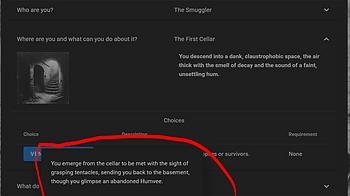
Scribarchy encourages concise writing by enforcing character count limits on names and descriptions. It's part of the challenge of the game. But sometimes, you...
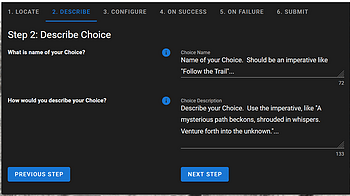
Creating a Choice in Scribarchy requires some planning: 1. Move a Character to the Right Place First, move one of your characters to the Place where you want to...
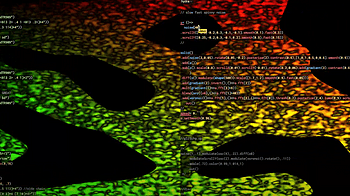
This week @flemin and I are using flok to do live coding with strudel and hydra. Here's a short YouTube video of our performance Here are a few screenshots of t...

This week, @flemin and I are using P5JS to create a smart robot that picks up objects from one side of the canvas and drops it off at the other. We used the in-...

This week, Jack and I are creating a P5JS sketch using a seed that changes daily. Every day that you come back to the sketch, you will see a new image, quote, a...
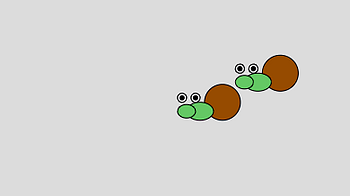
This week, I'm creating a derpy snail named Robert that moves across the canvas using basic shapes, classes, objects, and vectors in P5JS. When the screen is cl...
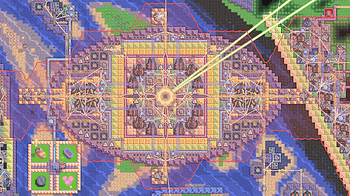
Ok, so if you're reading this you've probably been stomped at least once. That's fine, you don't need to apply every single advice in this guide, since most of...
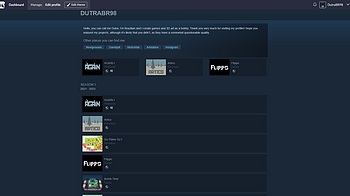
Settings - My Projects: Grid only, it hides on mobile devices because it was buggy - Collections: Optional - Banner: optional (247x50) - Border Radius: 0 - Colo...
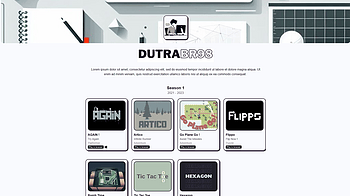
Settings - Banner Required,I recommend using a logo - My Projects: Grid only, all hidden - Collections: optional - Border Radius: 15 - Colors: #f9fafd, #1f102a...

KIT207 Devlog - Week 2, Study 1: Starting Strong At the start of week two, I got straight into creating my second object. This was requested to be one related t...
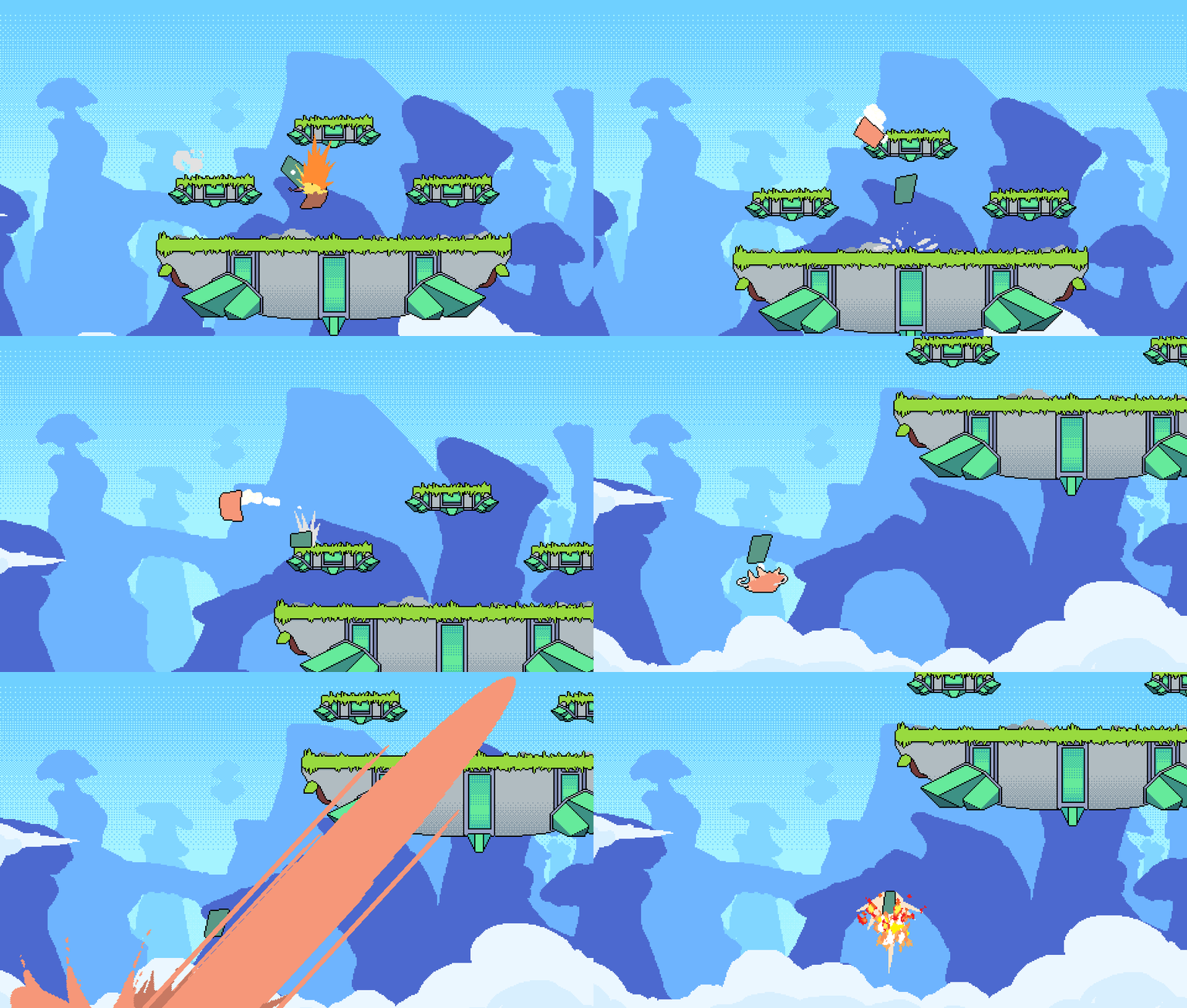
The latest version of the normal branch of GameMaker (v2023.8.1.148) causes PFE to crash on the stage select. This is due to backend changes in GameMaker. PFE o...
2 files
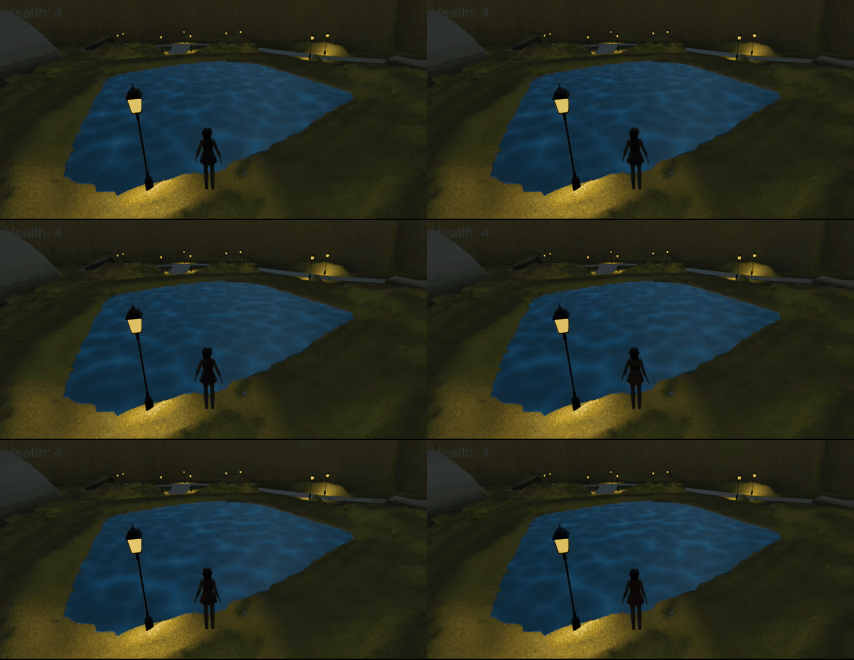
This week the focus was on lighting within unity and the impact this feature has on game feel. To begin this self-study, a tutorial by Brackeys ( www.youtube.co...
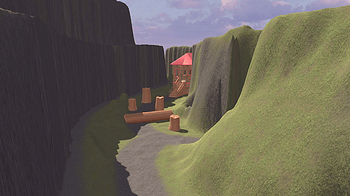
(Figure 1: Video exploration of created terrain) Terrain and Probuilder were the area of focus for this week’s self-study and it was enjoyable to build on my...
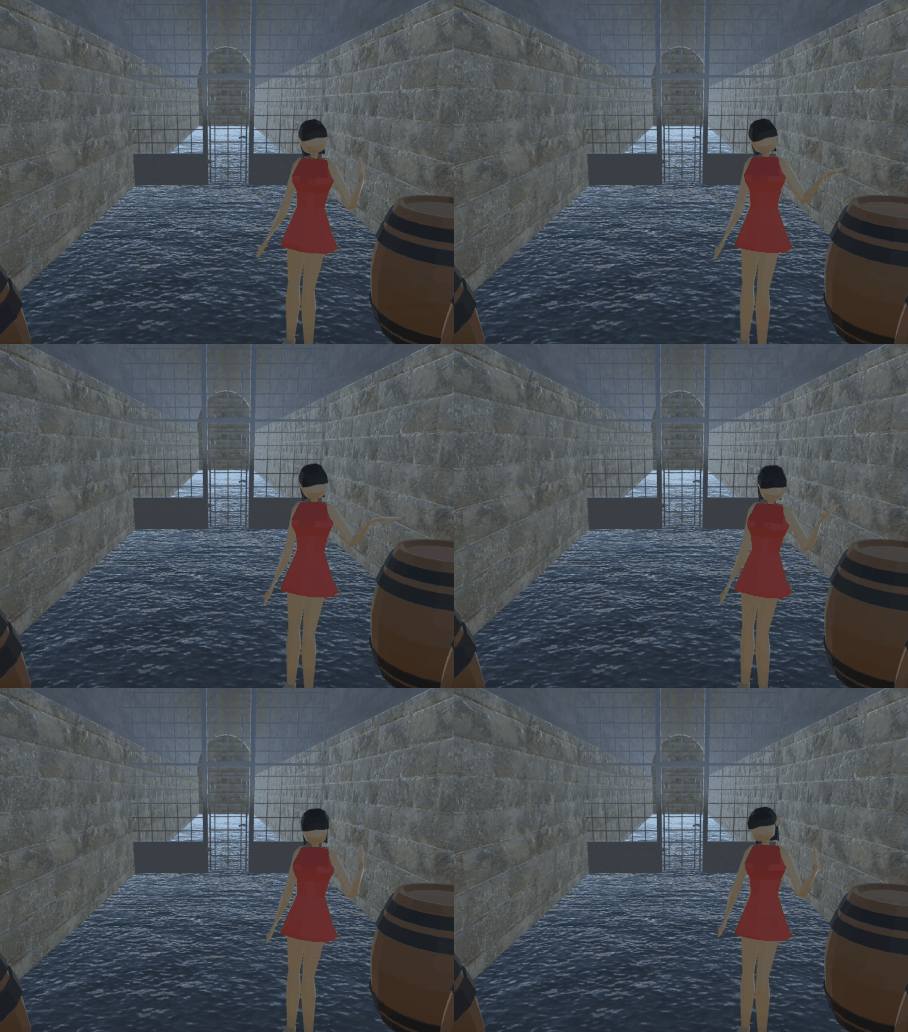
Movement and animation were the topic for this week’s tutorial and the various connections between these two proved to be essential for realistic character ac...
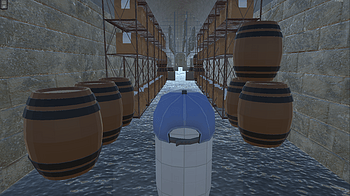
(Figure 1: Video exploration of created Unity scene) The challenge for this week was to implement the previous model of the Tunnel Hill Mushrooms farm into Unit...
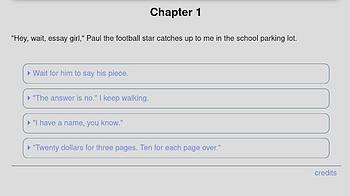
<<choice_shown '"You know what, I\'m just going to write something vague. Ten bucks."' _next>> You may notice in some choice text that I had to add in backslash...
Global variables ($fname, $money, etc.) can be “set” (created) anywhere, and then they exist until they are “unset”. Depending on how many level of undo...
located: src/twee/meta/storyinit.tw :: StoryInit [illumeIgnore] ... Think of this like the *create variables section in startup.txt of ChoiceScript. It’s not...
located: src/twee/meta/storydata.tw :: StoryData [illumeIgnore] { "ifid": "", "format": "SugarCube", "format-version": "2.36.1", "start": "Start" } :: StoryTitl...
located: src/js/config.js It’s like a configuration file for programs, if you have ever needed to make changes to .ini files in Windows. Regardless, you can c...
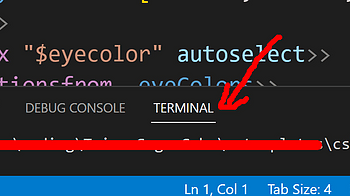
@ECHO OFF Rem Below variables should be changed to fit your setup Rem example zip tool: https://www.7-zip.org/ set COMPILER="C:\Users\yourname\Desktop\tweego\tw...
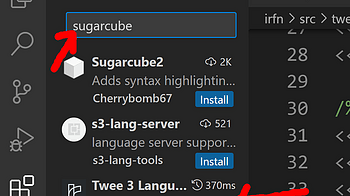
Prepare a code editor (technically notepad will work fine). I recommend Visual Studio Code. Check that you have the useful extensions installed for it: In the E...
1 file
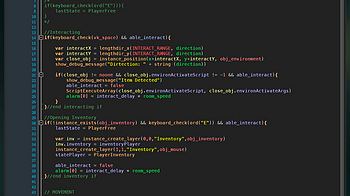
This week we'll cover the basics of state machines and how to utilize them in your project. A State Machine is defined as a device that can be in a set number o...

For the first TA devlog this semester, we'll be doing a tutorial on how to integrate Github with Gamemaker Studio. Github is a version control tool that you can...

Bienvenido, este tutorial está destinado a servir como manual para aquellas personas que deseen utilizar Cheer-App --------------------------------------------...
1 file
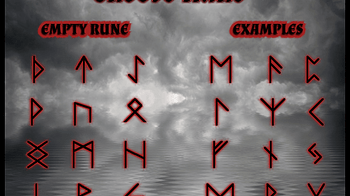
Guys, please don't be hesitated to write your questions, or your personal runes if you need help with interpretations. Any feedback will be appreciated! Thank y...
1 file
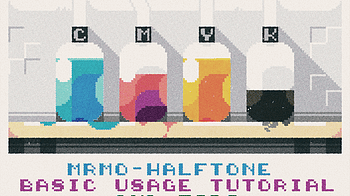
I've formatted this in a FAQ form- if any new questions crop up, I'll try and answer them here! Will this work on my PC? -If Blender (at least version 3.1) work...

To avoid hard, jagged halftone edges when processing pixel art, you can export or rescale your art to a larger scale factor before loading in into the shader- a...
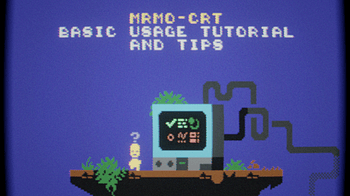
I've formatted this in a FAQ form- if any new questions crop up, I'll try and answer them here! Will this work on my PC? -If Blender (at least version 2.93) wor...

IF Statements Los IF son unas estructuras de programación que nos permiten cambiar el flujo de ejecución de nuestro programa. ¿Recuerdas que dijimos que el c...
Funciones Las funciones y variables son dos de los conceptos más básicos de cualquier lenguaje de programación. Hasta ahora hemos usado funciones que ya esta...
Desarrollo de videojuegos con PICO-8 Antes de nada… Este tutorial o quizá, mejor dicho, serie de apuntes, están basados y se han hecho siguiendo el fantást...
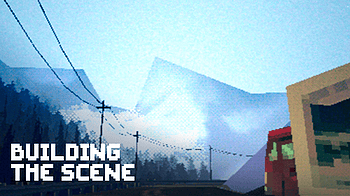
Hello again! In the current state of the project, I still have a couple of things planned for the build and have already started talking to composers for music...
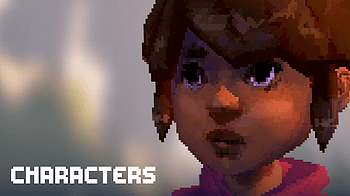
Today I want to talk about my process for creating characters from concept to model to in-engine. Concept Before I begin the modeling process, it's important to...
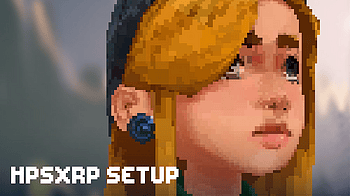
What is the HPSXRP ! Please note that this tutorial is outdated ! The HPSXRP (short for: Haunted PSX Render Pipeline) is a render pipeline for Unity3d that emul...
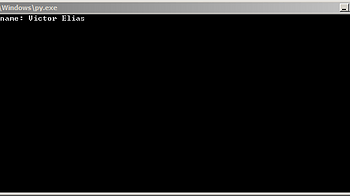
In 'System:' the command 'addex' start the explorator of aProgram, where you start the aProgram. For more help, type 'help' in '-->'. This '-->' is a prompt, wh...
1 file

Back to the main page <- Back to During the event - Creating the emulation and the excitement The Jam is finished, you are totally smashed, and only want to res...
Back to the main page <- Back to During the event - Accompanying the participants to the success -> Continue to After the event - Nail your success It is great...
Loading more posts...