

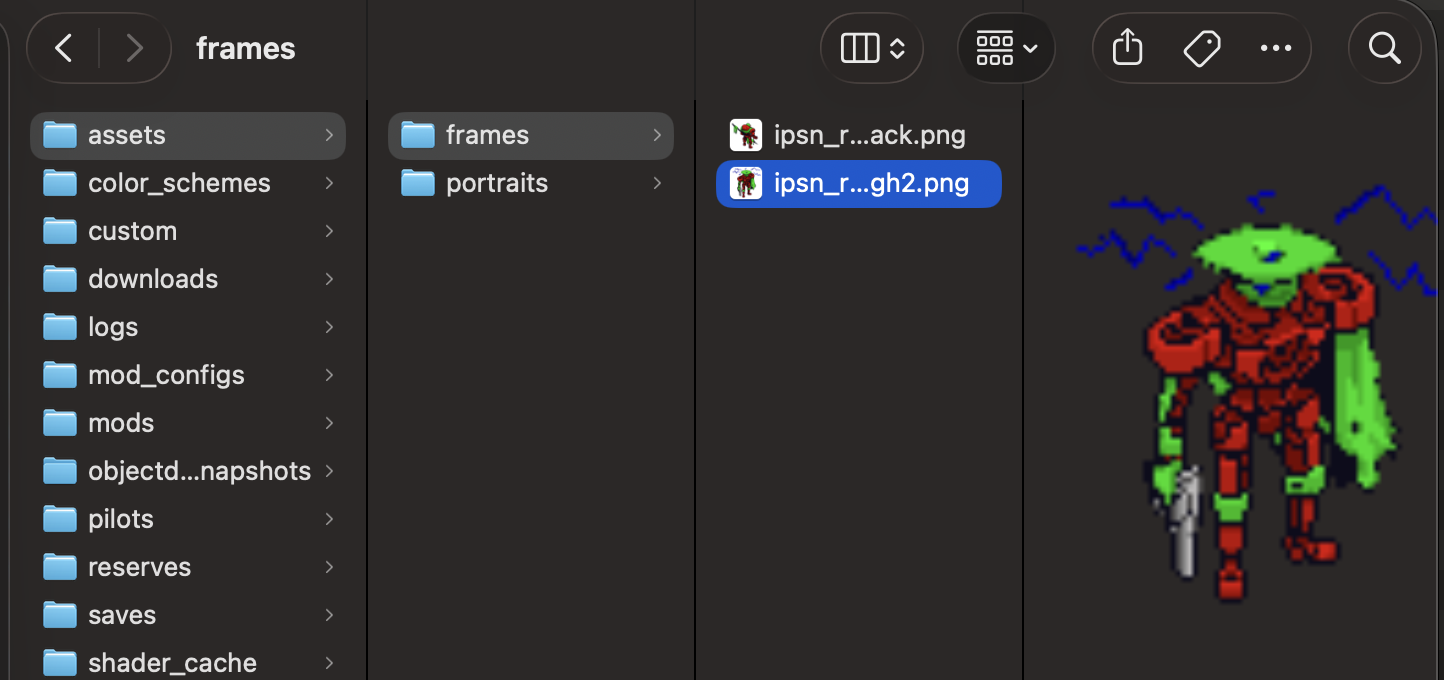
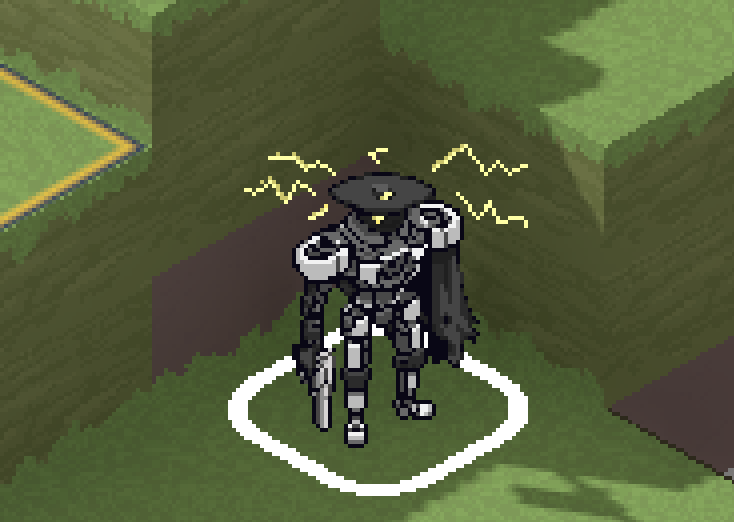
I was originally really excited for the custom mech assets, but so far they have not saved properly. Admittedly, I just put em under assets/frames, but they show up either way, but just don't stick when i close the pilot interface. I wanted to know if it has something to do with the godot files that mods need to accompany them or if that is exclusively for mods. It may also be because I do not give them a color map because they are literally the sprites of my tabletop mechs, but older versions saw some temporary sprites without coloring features, so I am unsure on that too.
Also, I was wondering if there is some way to finagle pilot portraits so it only shows a custom image, or if there is some degree of inherent animation I haven't realized that prevents that. Super sorry if this is a dumb question, but I've truly searched everywhere I can, and not really found a direct answer, so this is my last resort so to say.
Thanks for your time (and for making such an awesome game),
mai <3
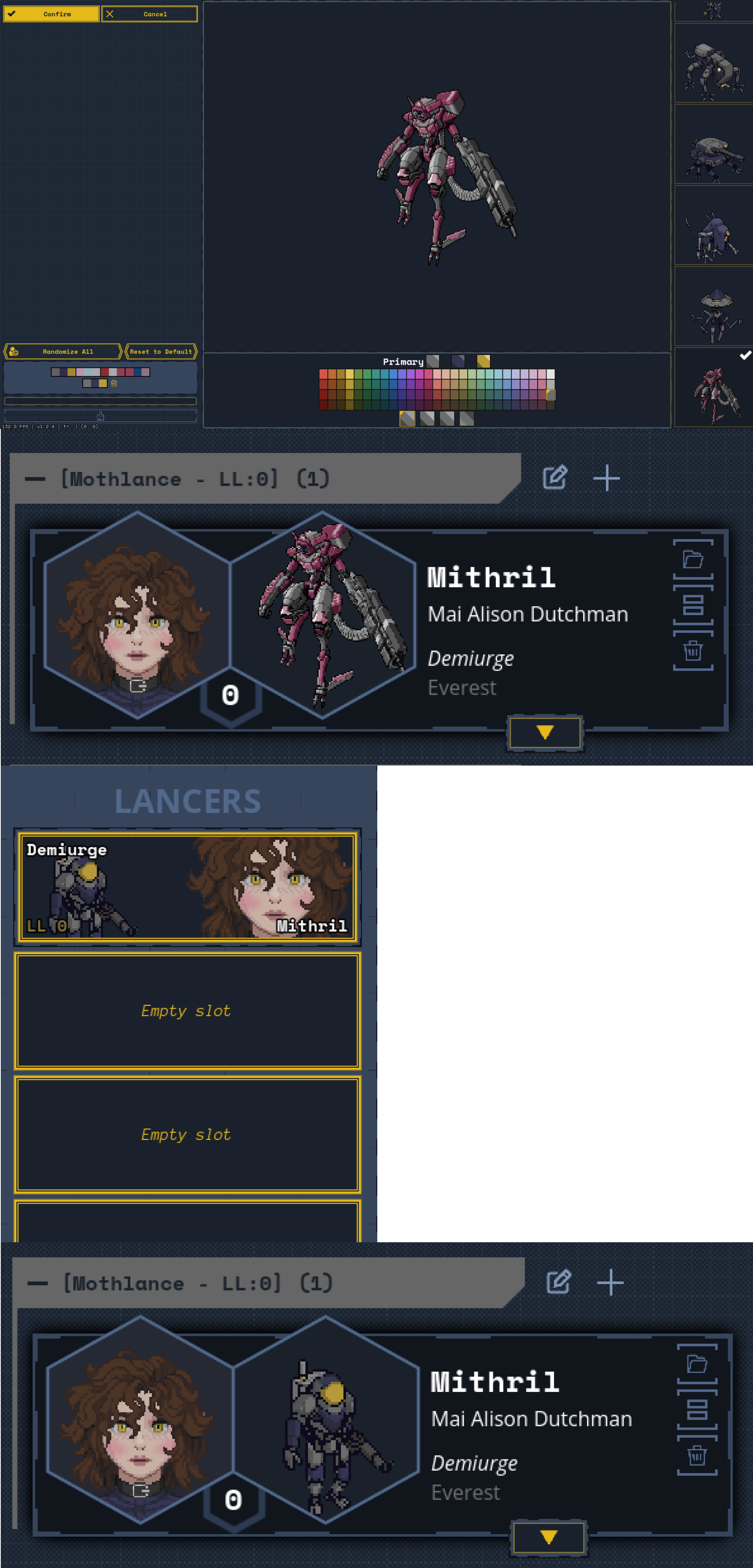 the main issue is that once i leave the pilots menu, it resets to the basic frame portrait 9 times out of 10 :(
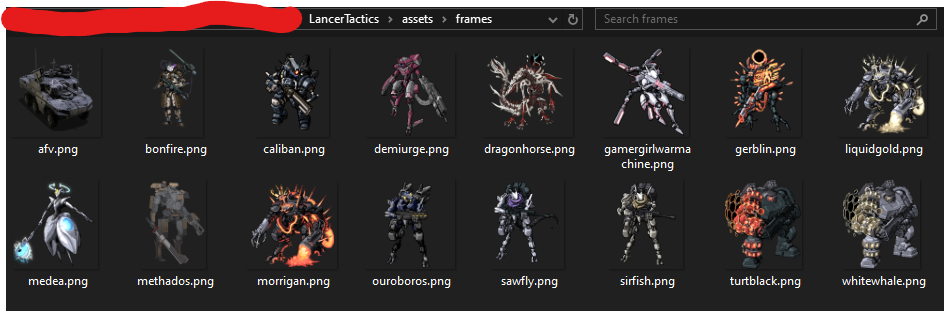 maybe it has something to do with a lack of separate front and back sprites, but when i tried to designate front and back, it just showed as two separate images in the editor :(