
Indie game storeFree gamesFun gamesHorror games
Game developmentAssetsComics
SalesBundles
Jobs
TagsGame Engines

Native mouselock for GameMaker

Constrains the mouse cursor to a rectangle at system level · By YellowAfterlife

crash

A topic by begbeg created 2 days ago Views: 81 Replies: 11
Viewing posts 1 to 11

I purchased Native Mouse Lock directly from the official GameMaker website—not from itch—and have been a long-time user of your Native Mouse Lock. It crashes on the latest Windows environment. It works correctly when I disable Native Mouse Lock. I would appreciate it if you could fix this. I also sent an email through GameMaker, but since I wasn’t sure if it was sent properly, I decided to post here as well. Note that the crash does not occur if I set the output to GMS2 YYC instead of GMS2 VM. However, it’s inconvenient not to be able to develop using GMS2 VM, so I would appreciate it if you could fix this.
Developer

Hello, I checked and I’m not seeing anything, which is only somewhat surprising considering the state of GM Marketplace.

Please send me an email with your purchase reference and I’ll generate you an itch key - GM MP uploads broke even before it has been sunset.

(1 edit)

I'm surprised you weren't able to reproduce the bug. Is this happening only on my system? It was working fine before I installed the Windows update.

It's also strange that it launches when I disable “Native mouse lock,” and that it runs normally when I launch it via YYC instead of in a VM.

Just to be safe, I'm attaching my purchase history. What should I try next?

By the way, the version of Native Mouse Lock was v1.0.1, released on May 23, 2021.

Developer

I meant that I’ve not seen an email from you / marketplace “contact” form. Please send me an actual email so that I can send you back an itch key - I’ve released an update since then.

For now, I've sent an email to your email address.

I received an itch key. I tried the latest version, but it still didn't work. It seems there's a compatibility issue between my PC setup and Native Mouse Lock. It's probably just my setup. I'll try a few things on my own. Thank you for your help. I plan to delete this thread eventually.

Developer

Don’t delete your thread, perhaps someone else will have the same issue but might have ideas on what’s causing this. Is there an error message / exit code shown when the runner.exe crashes?

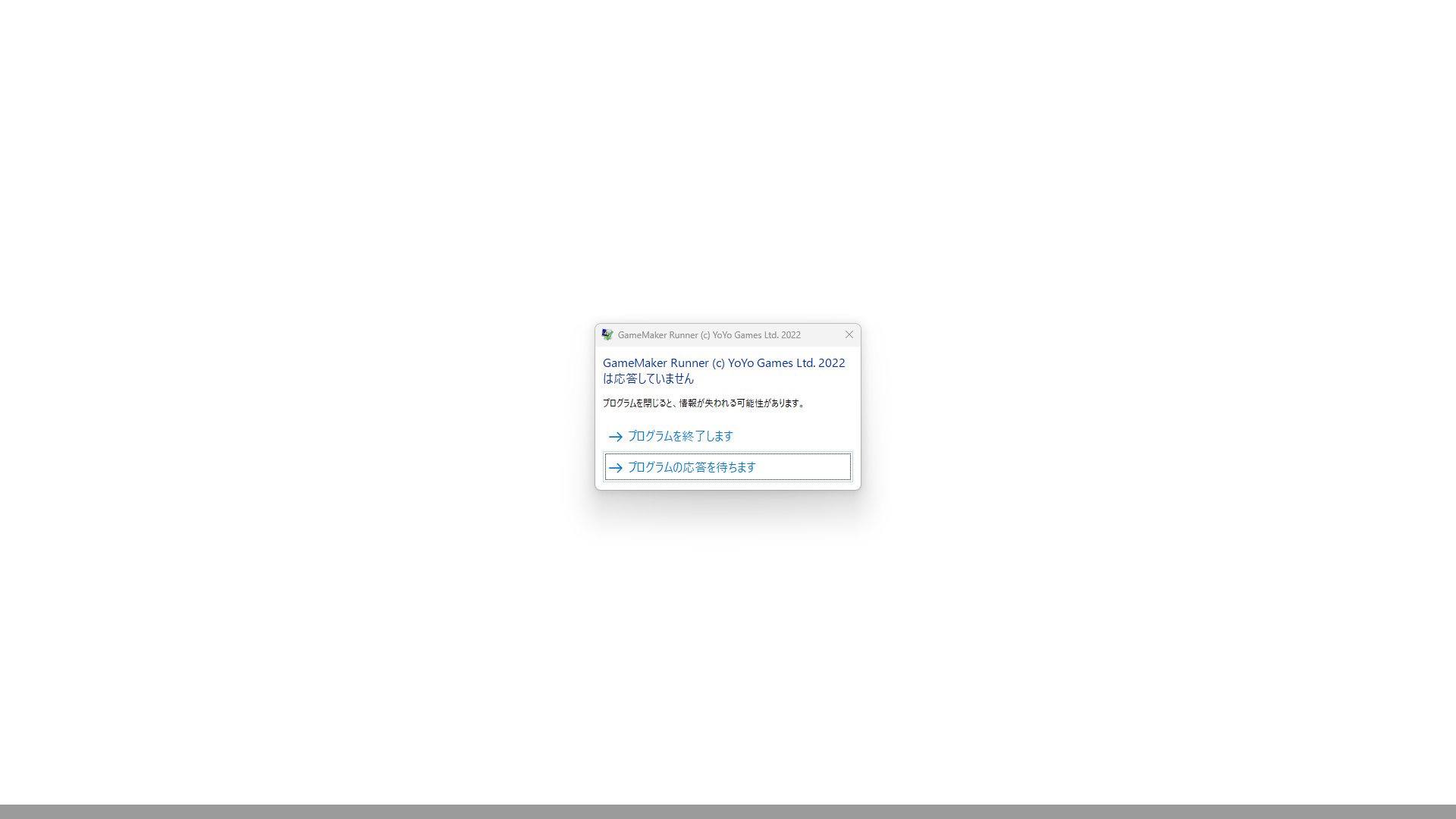
It doesn't display an error message. The screen just stays white and doesn't respond. If I disable “Native Mouse Lock” or launch it via YYC, it starts up without any problems, but when I launch it in a VM, I still just get a white blank screen.

Here's another strange phenomenon. When I launch the game using the regular RUN button, it freezes on a white screen just like before, but when I launch it using the debug button, it starts up normally even on the VM. It's very puzzling.

(1 edit)

Here’s also another strange phenomenon. If I press the “Clean” button first and then the “Run” button, the game actually launches normally the first time. However, once I close the game and try to launch it again by pressing the “Run” button, it freezes on a white screen just like before. On the second and subsequent launches, the screen will remain white blank. If I press the “debug” button to launch the VM in this state, it will launch correctly two or more times; it will also launch correctly two or more times even if I disable “native mouse lock.” 

Developer

I added an LTS2026 example project, can you check if that works?

Or what GM version are you using in general?