

LINK TO THE ENGINE IS RIGHT HERE -> JAVASCRIPT GAME ENGINE by JERALDTHEBOB
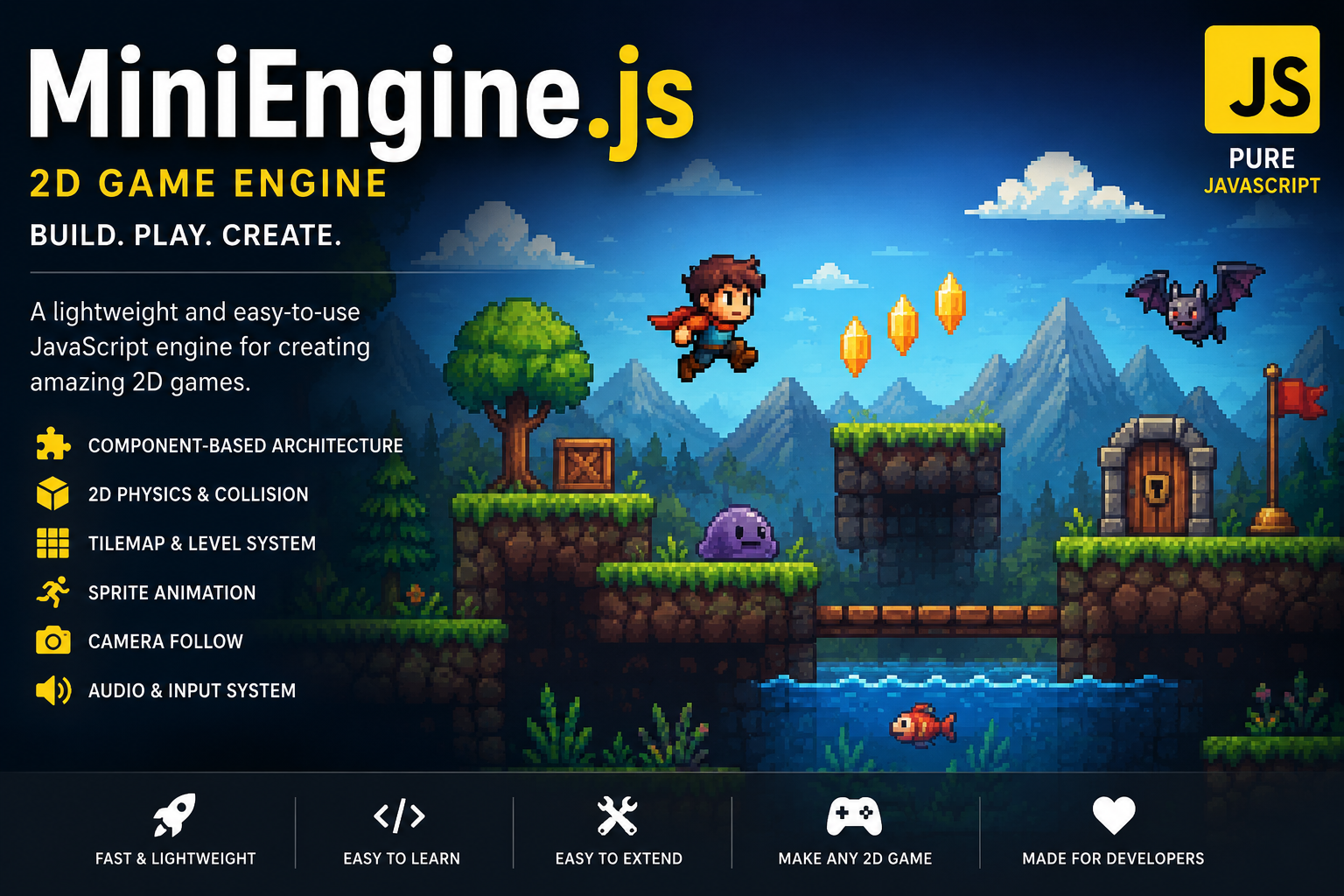
MiniEngine.js — A Lightweight 2D JavaScript Game Engine
MiniEngine.js is a lightweight, component-based 2D game engine built entirely in vanilla JavaScript. Designed for simplicity, performance, and flexibility, it gives you everything you need to create complete 2D games without the overhead of large game engines.
Whether you're building platformers, top-down adventures, arcade games, RPGs, or experimenting with your own ideas, MiniEngine.js provides a clean and easy-to-understand foundation.
Features
🧩 Component-Based Architecture
Create reusable gameplay systems by attaching components to GameObjects. Keep your code modular, organized, and easy to extend.
🎮 GameObject & Scene System
Manage your entire game through GameObjects and Scenes with simple creation, destruction, and scene management.
🎨 Sprite Rendering
Render images, sprites, colors, and sprite sheets with built-in support for scaling and flipping.
🎞️ Animation System
Create smooth sprite-sheet animations with:
- Multiple animation states
- Adjustable FPS
- Animation switching
- Looping support
🧱 Tilemap Rendering
Build levels quickly using tilemaps with:
- Palette-based tiles
- Automatic rendering
- Optional tilesets
- Automatic collider generation
- Water and trigger tiles
⚡ Physics
Built-in Rigidbody physics including:
- Gravity
- Velocity
- Collision response
- Ground detection
- Configurable gravity scale
📦 Collision Detection
BoxCollider system with:
- Solid collisions
- Trigger volumes
- Collision callbacks
- Trigger callbacks
- Automatic tile collisions
🌊 Water System
Create lakes, rivers, and pools with trigger-based water physics:
- Swimming
- Reduced gravity
- Water movement
- Trigger detection
📷 Camera System
Keep the player centered with:
- Camera Follow
- Zoom support
- Smooth world rendering
🎵 Audio
Play sound effects and music with standard HTML5 Audio integration.
🎮 Input System
Easy keyboard input handling using simple methods like:
Input.getKey()Input.getKeyDown()Input.getKeyUp()
🏷️ Tags
Organize GameObjects with tags for quick searching, collision filtering, and gameplay logic.
🎲 Utilities
Includes helpful utilities such as:
- Random number generation
- Vector math
- Object management
- Game loop handling
Included Systems
- ✅ Component System
- ✅ GameObjects
- ✅ Scene Management
- ✅ Rendering Engine
- ✅ Camera
- ✅ Rigidbody Physics
- ✅ Box Colliders
- ✅ Trigger Volumes
- ✅ Collision Callbacks
- ✅ Tilemaps
- ✅ Tile Palettes
- ✅ Sprite Animation
- ✅ Audio
- ✅ Input Handling
- ✅ Water Physics
- ✅ Utility Functions
Perfect For
- Platformers
- Top-Down Games
- RPGs
- Adventure Games
- Puzzle Games
- Arcade Games
- Educational Projects
- Learning Game Development
Lightweight & Easy to Learn
MiniEngine.js focuses on readable, well-structured JavaScript instead of complicated editors or hidden systems. Every part of the engine is designed to be understandable and extensible, making it a great choice for beginners learning how game engines work and experienced developers who want full control over their projects.
With over 1,200 lines of carefully written code, MiniEngine.js provides a complete foundation for creating 2D games while remaining small enough to understand, customize, and expand.
Start building your next game with MiniEngine.js.