Indie game storeFree gamesFun gamesHorror games
Game developmentAssetsComics
SalesBundles
Jobs
TagsGame Engines

PLEASE READ: Initial Feedback Template Sticky

A topic by WhitePawGames created 24 days ago Views: 137 Replies: 8
Viewing posts 1 to 4
Developer (3 edits)

Hi all, 

I'm keen to get some initial feedback on the prototype, particularly in the following areas:

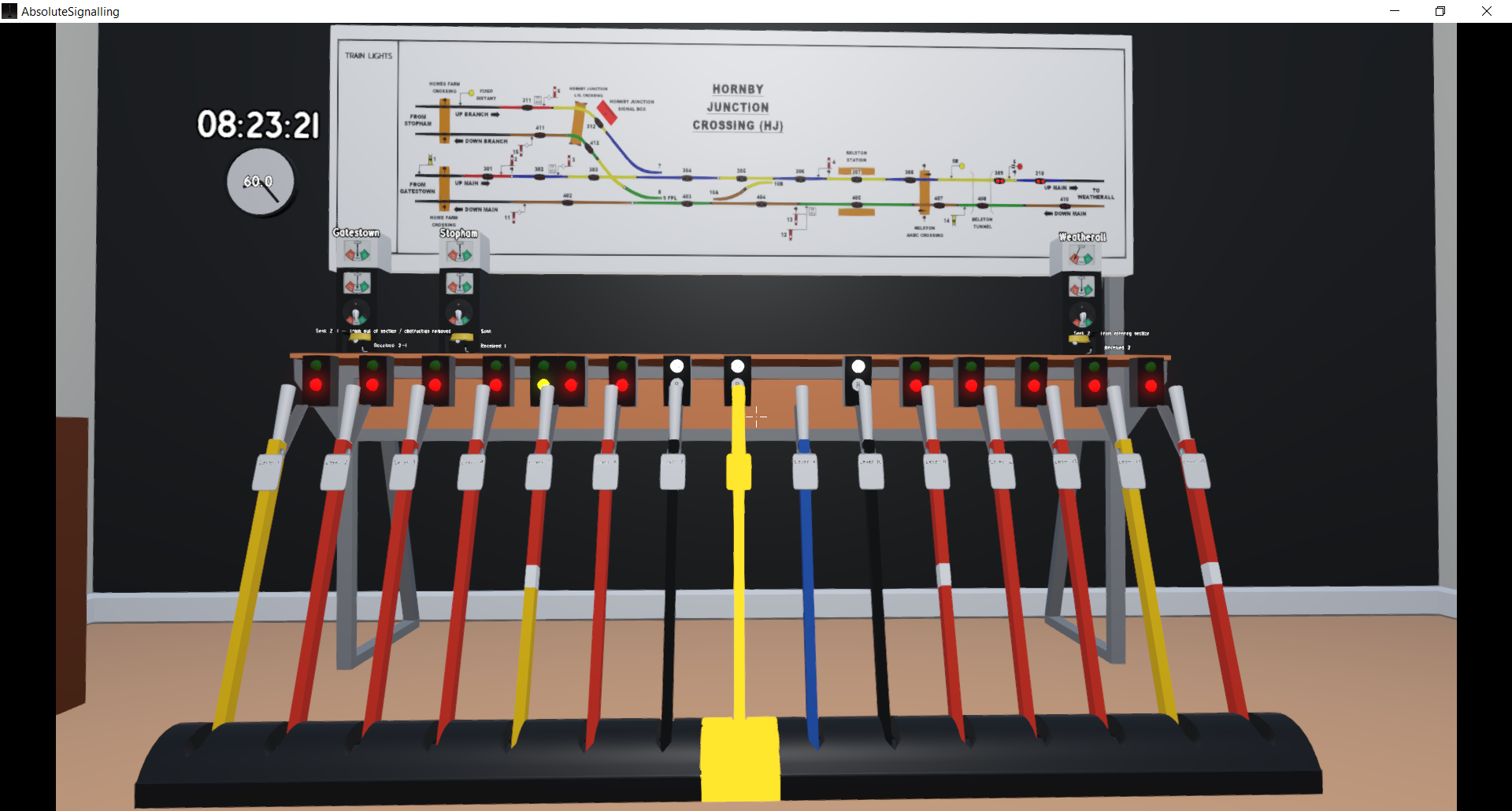
  • The interaction mechanics. How does interacting with the levers, commutators, and bells feel? Are there any tweaks people would suggest?
  • What core features would players like to see in a signalling simulator like this? 
  • The intention is to go to full size stations and trains. Is the Hornby Junction simulator a good tutorial level to then progress from?
  • Any game breaking bugs.  
  • Any other comments
  • If you hit any bell conversation issues please share your logs at %APPDATA%\WhitePawGames\logs

If you're able to format your feedback based on answering the above that'd be appreciated! 
Anthony
(+1)
  • For the levers, I think it might be better to just tap W/S instead of holding, but this is personal preference
  • Commutator lever feels a little small to click, so an optional keybind for it when standing in front of it would be nice. I have no issues with the belling itself though, that works pretty well
  • I wish the bells had different sounds
  • The text from the other boxes should appear when they bell, not when you reply

  • I think Hornby Junction is a decent tutorial level. It's equivalent to an easy-level Blockpost Software sim. I think the trains should come more frequently though, since it's a bit annoying having to timeskip forward.
  • For timeskipping, I think the intervals should scale instead of being 5s intervals, since the 45s-55s time intervals are not very useful. So something like 60s > 40s > 30s > 20s > 15s > 10s.
Developer

Thank you for the feedback! I'll make a note on the trello! Agree on the bell tones. 

Have wondered about increasing the hitbox size for the commutator and bell. 

I have debated about an early timetable edit ability for people to increase or decrease the difficultly, or just giving a few options. 


Thanks again! 

Developer

@CertifiedPyro - a lot of fixes in v0.0.8 to cover all the below suggestions :)

(+1)

The changes in 0.0.8 are awesome! I appreciate the new sim time intervals, the different bell sounds, and showing sent and received bell codes. I did run into 2 bugs:

  • If I have a faster time intervals set (e.g. 30s) and the game sets it to 60s due to someone belling me, when I press +/-, it does that based on that old 30s interval instead of the 60s interval now.
  • I had an issue where I belled 1 to Stopham to see what the bell sounded like, but it seems like Stopham never sent me the expected train 1C03. I think if the player doesn't bell anything after that 1 after like 10s, it should return to the previous state. Here's the relevant log entries

```

1784631784.429: BlockDialogue: 08:01 → [Stopham] (player) sent 1

1784631784.429: BlockDialogue: 08:01 → [Stopham] (player) sent 1

1784631784.429: BlockDialogue:  → [Stopham] state is now 'fb_wait_ack1'

1784631784.927: BlockDialogue: 08:01 → [Stopham] (block) sending 1

....

1784632176.398: BlockDialogue: [Stopham] busy (state=fb_wait_lc_request) — queuing train 1C03

1784632324.3: BlockDialogue: [Stopham] unexpected player code 1 in state 'fb_wait_lc_request'

1784632328.945: BlockDialogue: 08:23 → [Stopham] commutator set to 0 (stored, no active match in state 'fb_wait_lc_request')

```

Developer

Thanks for thinking they're awesome, and thanks for the feedback! On your first bullet point, I caught where it was happening and adjusted so keeps the set time state when the bell code drops to min sim speed. 

On the second point this is intentional, as there is actually a cancelling bell code 3-5 that the player should use if he wants to return to idle state on the other block. In real life if you sent a 1 and then the other block replied a 1 they would be waiting for a message, and would likely need to follow up in case something had gone wrong etc. That being said, maybe I can fit in something that indicates the block is awaiting a message or requires a cancellation? Maybe a yellow light in place of the red etc.  

(+1)

I did end up sending a 3-5 to try to cancel, but the train still seemed to be stuck anyways.

Developer

Sorry missed this reply. Thanks, I'll take a look into it and see if I can recreate. The block should get to a state where it keeps retrying to send queued trains every minute if its in an idle state. Were both block states (top and bottom) showing Normal? 

(5 edits)

I think this game has great potential! Nicely done.

Bugs I found:

  1. If you let the train pass a main signal (in my case with train IB02 and signal 5), but set the signal back to danger too soon, the train can get stuck, without their being a way to recover, since clearing the signal will be blocked due to the presence of the train. I will try to upload a screenshot.
  2. The two distant signal levers, levers 1 and 14, have green/red signal repeaters instead of green/yellow.
  3. The CCTV screen is see trough, trough the air slits in the back, you can see the table/room wall.
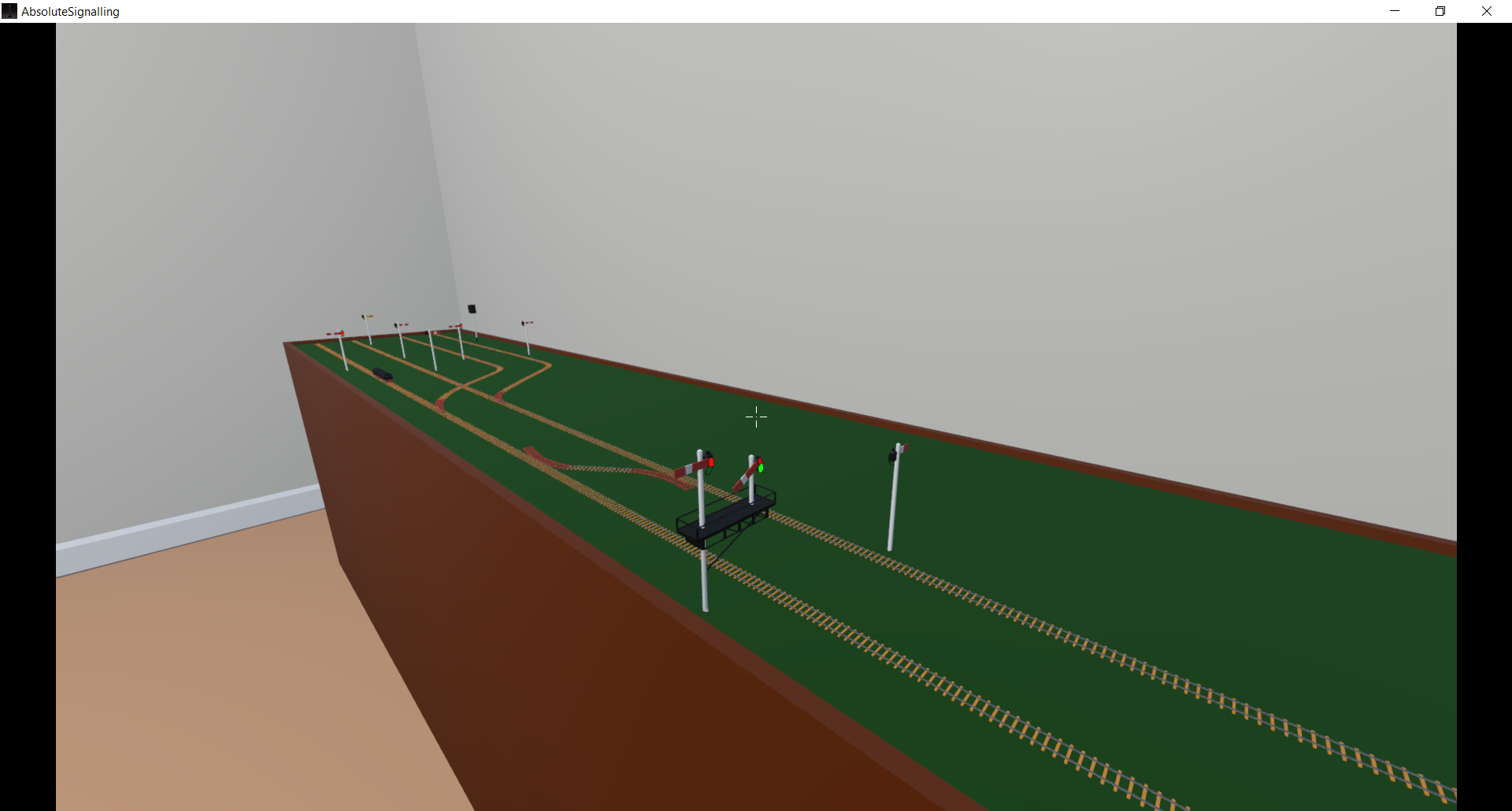
  4. Sometimes a train from Weatherall to Stopham does not take a right turn on switch 8 towards Stopham, but goes to Gatestow, while the switch 8 is pulled / set to Stopham. See picture.
  5. When you dispatch the train from the pervious bug towards Gatestow, instead of its scheduled destination Stopham, the game does accept that perfectly fine, while you send the train to the wrong destination, the other signallers get stuck after the train departed to the wrong destination Gatestow.

How can I send the log file to you? I can not find an option to attach a text file. I could also not find the 'Godot' folder inside my Appdata folder, I am unable to find the logs folder.

Some suggestions for improvements:

  • Its a bit difficult to figure out the timing for pressing the bell codes. I was often to fast or slow. With practise it gets better but its hard to get going. their is also a lack of guidance on how fast to press the bell.
  • I would prefer an outline instead of filling in a pointed to object fully yellow. Especially with the paper timetable it is impossible to read when its fully filled yellow.
  • You pick stuff up with a mouse click but drop with F key, this is very counterintuitive due to being a very different binding.
  • Are the bell sounds for the different adjacent stations/signal boxed the same or different? They seem rather the same to me. But I am a musical idiot so maybe I have not noticed a difference.
  • I had some difficulties figuring out the blue lever number 9. Maybe add a lock symbol to the switch on the model railroad, so the player can easily see when switch 8 is locked or unlocked. I know you are working on key bind settings but this default is odd.
  • Could you add an in game list stating the meaning of lever colours? Red: main signal, black: switch etc. Could be a simple scrap of paper hanging at the wall, maybe somewhere around the locking table? i assume the tutorial will also be of great help here.
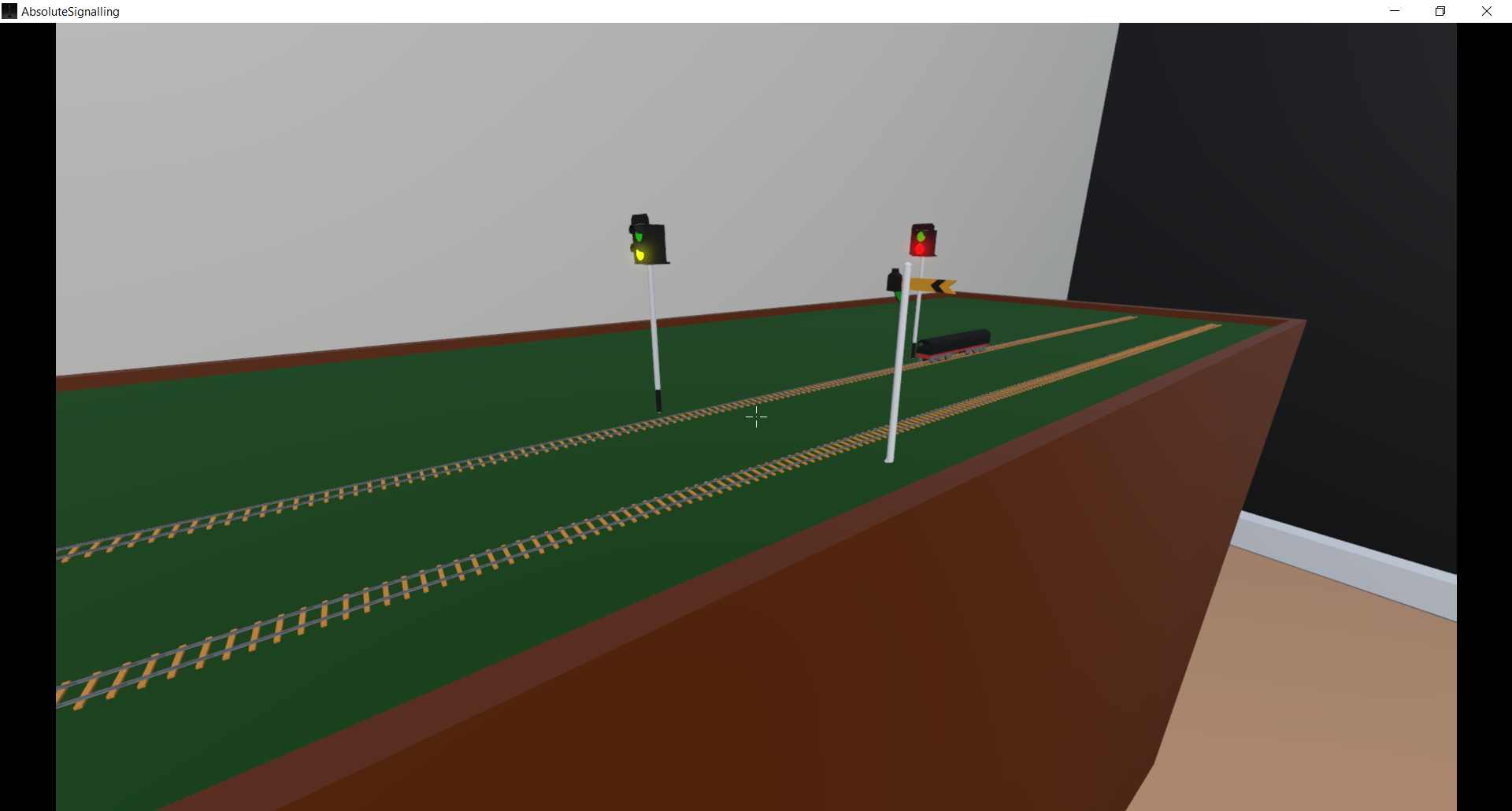
  • It looks like the model train has a cab at one end, but that end is in the rear. Could the model be flipped 180 degrees?
  • On the in game panel of the railroad, their is a Hornby junction level crossing drawn, is this a signaller operated one? Otherwise its an odd addition to the display. Personally I would be interested in having to operate the level crossing too.
  • I assume the model loco is a temporary placeholder, but could you draw in some pixels that represent a head and tail lamp? Some white and red dots would do fine.

The played game version is 0.0.8.

Please keep working on it, its interesting to play already. I am curious how you will develop the game further.