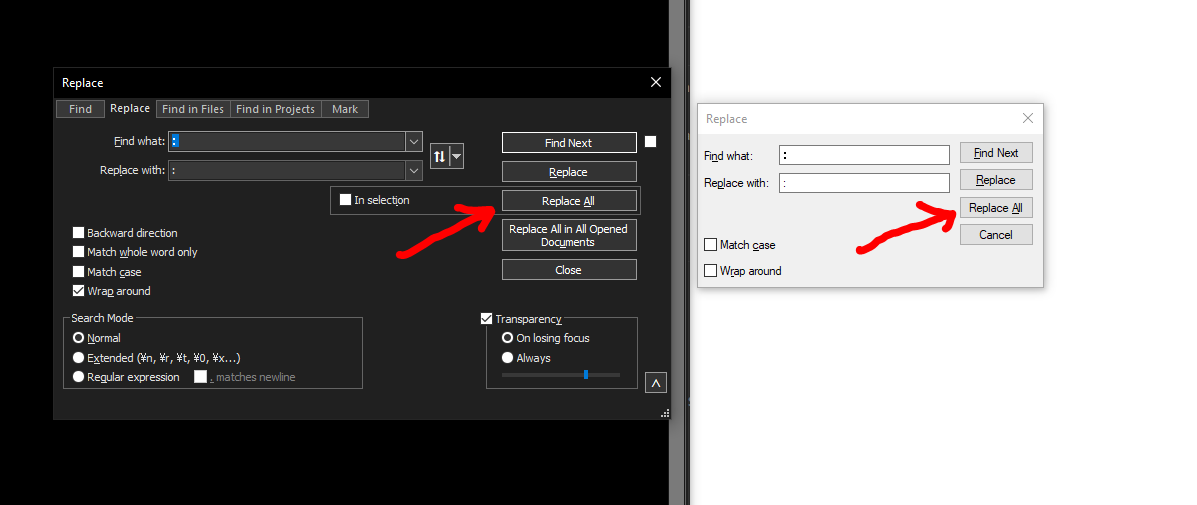
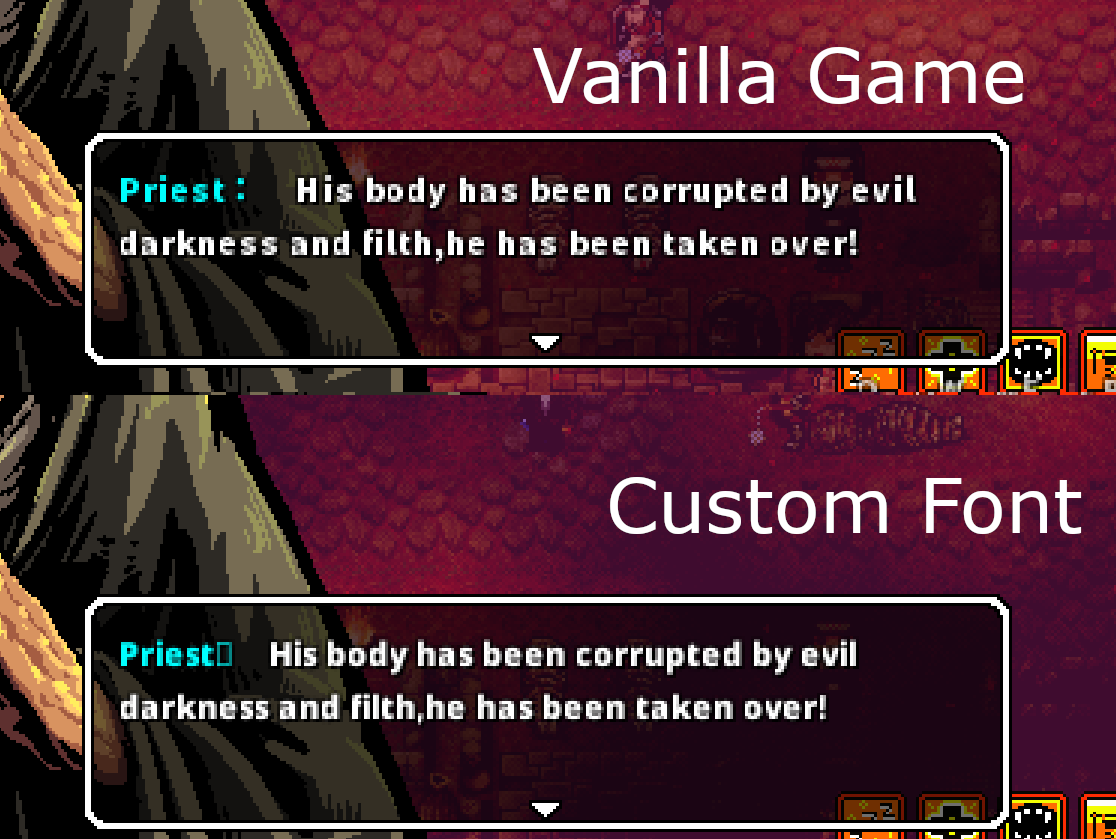
 So, basically, I wanted to translate Lona into my native language (Polish), but there has been some problems with a font. While I was researching how to fix it, I found this archived topic (https://itch.io/t/1871106/adding-a-font) where OP had the same problem as I. I downloaded the font from there and I thought everything has been fixed, but... I was wrong. The text in the game is kinda blurry, and if that was my only problem I wound't really care because its not such a big deal, but the some symbols like : don't appear (pic related)
Any ideas how could I fix it?
Edit: So basically, I (kinda) fixed the problem by merging my font with ukrainian one from gamefiles. The text is still blurry, but at least I don't have any more missing characters, so its better than nothing.