Indie game storeFree gamesFun gamesHorror games
Game developmentAssetsComics
SalesBundles
Jobs
TagsGame Engines

Blades of Exile: Itch Edition

Bringing back the cult classic community-driven fantasy RPG from 1997! · By Nat Quayle Nelson

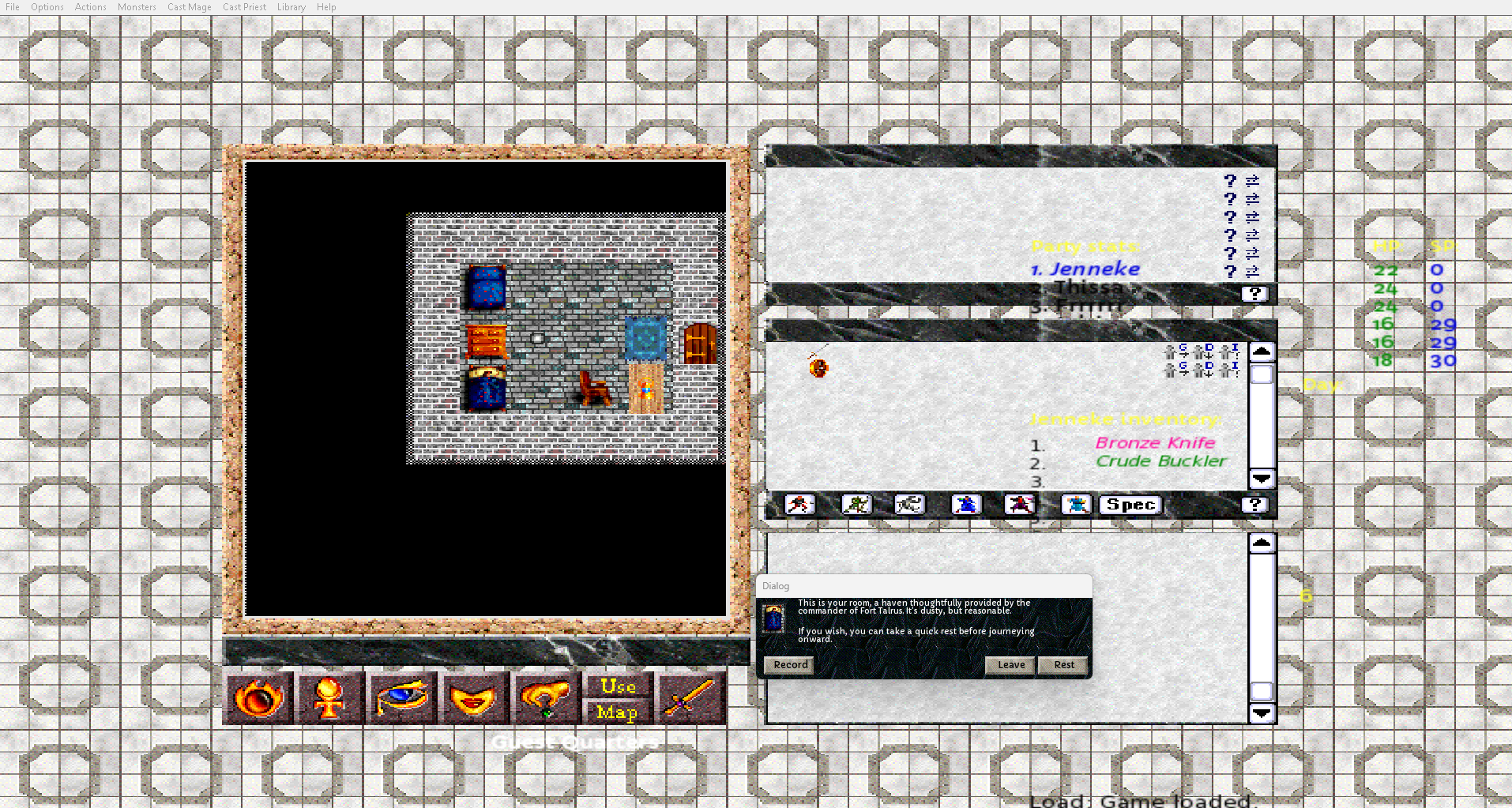
Tiny main game screen

A topic by Athanasius created 14 days ago Views: 52 Replies: 1
Viewing posts 1 to 2
(2 edits)

Hello

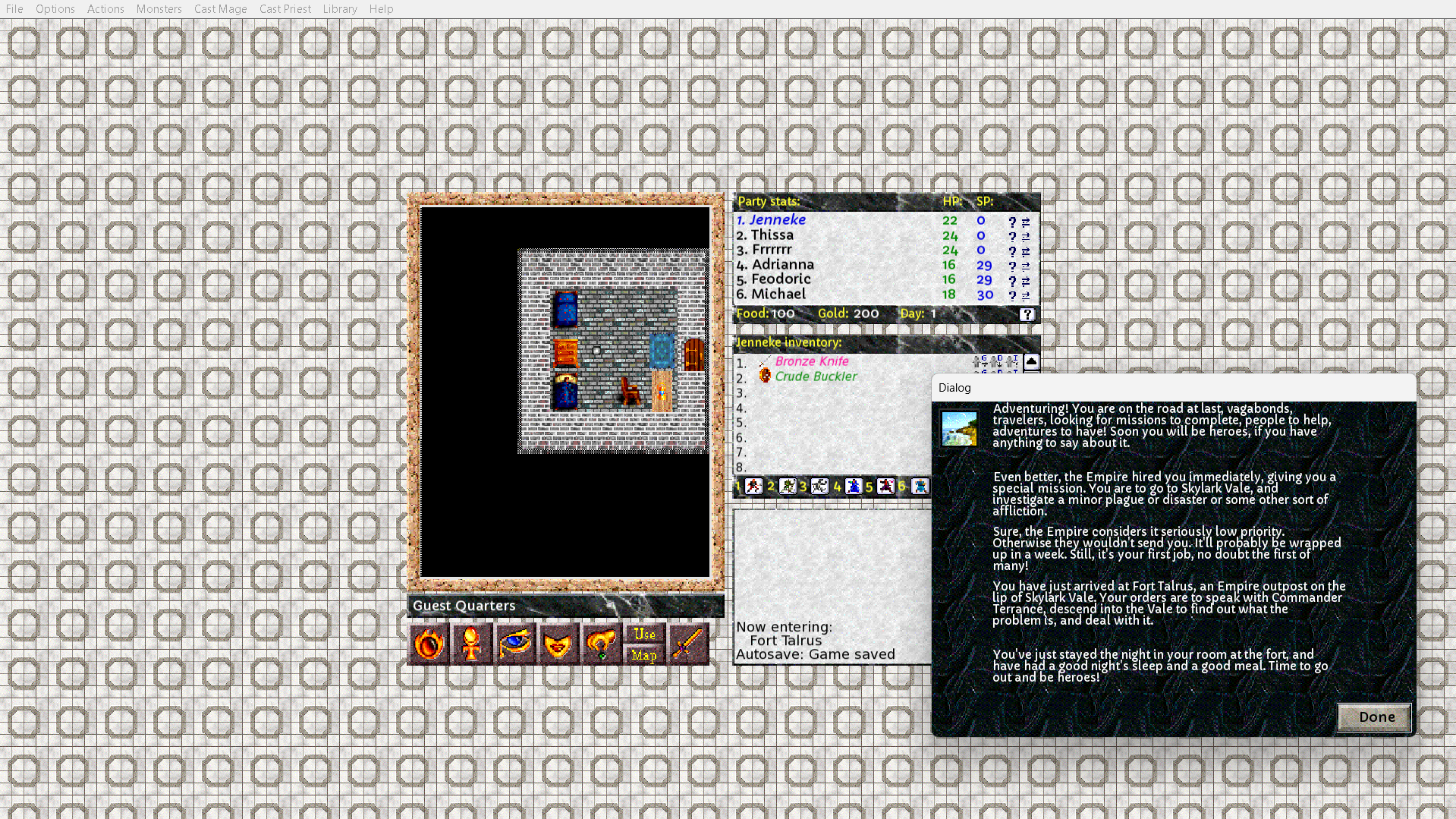
I'm thrilled to see Blades of Exile revived. Is there a way to enlarge the main window and the font? I see that there is only a scaling option of 1,5 in preferences. It's almost unplayable this way unfortunately.

edit: it also doesn't help to change screen resolution in Windows to 800x600 as this distorts the UI, the font stays tiny and the main window still doesn't fill the screen (see screenshot 2 further below).

Thanks for your help!


Developer (1 edit)

Hi! OpenBoE detects the largest scaling option that will fit within the resolution it detects from your operating system, and doesn’t display the higher options. So out of 1x, 1.5x, 2x, 3x, and 4x, it seems to think 2x won’t fit on your screen. I’m wondering if you are using the system setting on Windows that automatically scales windows up for a high-res monitor? I haven’t accounted for that. If you are, setting your Windows system preferences to have a 1X scale, might make the 2x option appear in OpenBoE.

That’s just a theory and I know it would be inconvenient to change system settings every time you play the game — but it would help to know if that’s what’s happening. And if it doesn’t work we can try other things.