


My system is Windows 11 25H2, and my IDE version is 2024.14.2.120. As shown in the screenshot, I triggered window_set_taskbar_button_visiblevia mouse input in the Step event, but the taskbar icon did not disappear — although window_get_taskbar_button_visiblereturns 0.
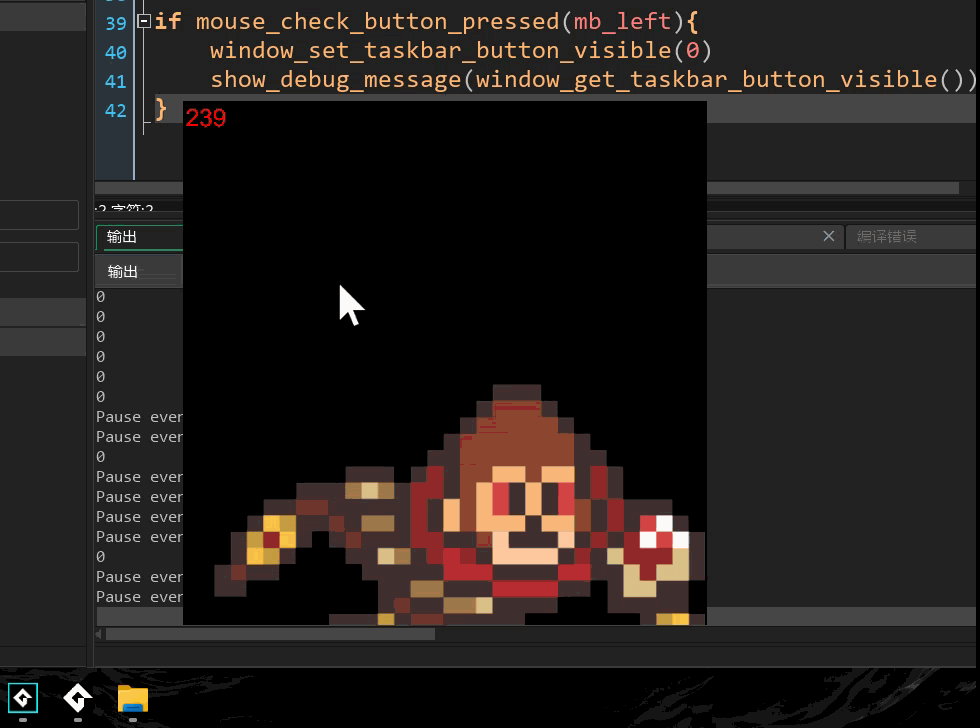
After testing, calling window_set_taskbar_button_visible(0)in the Room Start event correctly hides the taskbar icon, but it can’t be shown again when triggered in the Step event.
Is there a usage restriction for this function? Or could it be due to a partial breakdown of the code caused by a system environment update?