
Indie game storeFree gamesFun gamesHorror games
Game developmentAssetsComics
SalesBundles
Jobs
TagsGame Engines

Tigra and Hulkling hero images not loading

A topic by quantumodo created 32 days ago Views: 79 Replies: 3
Viewing posts 1 to 4

Hi,

Thanks so much for your continuous effort to add all the new content to the game. It is beyond awesome!

I'm now trying the new heroes, Tigra and Hulkling. I downloaded all the images from Hall of Heroes and added them to the pics folder, as usual. I did the "empty cache and hard reload" thing. All the images are showing with the exception of the hero side of Tigra and Hukling, for some reason. Please, see the attached image: 
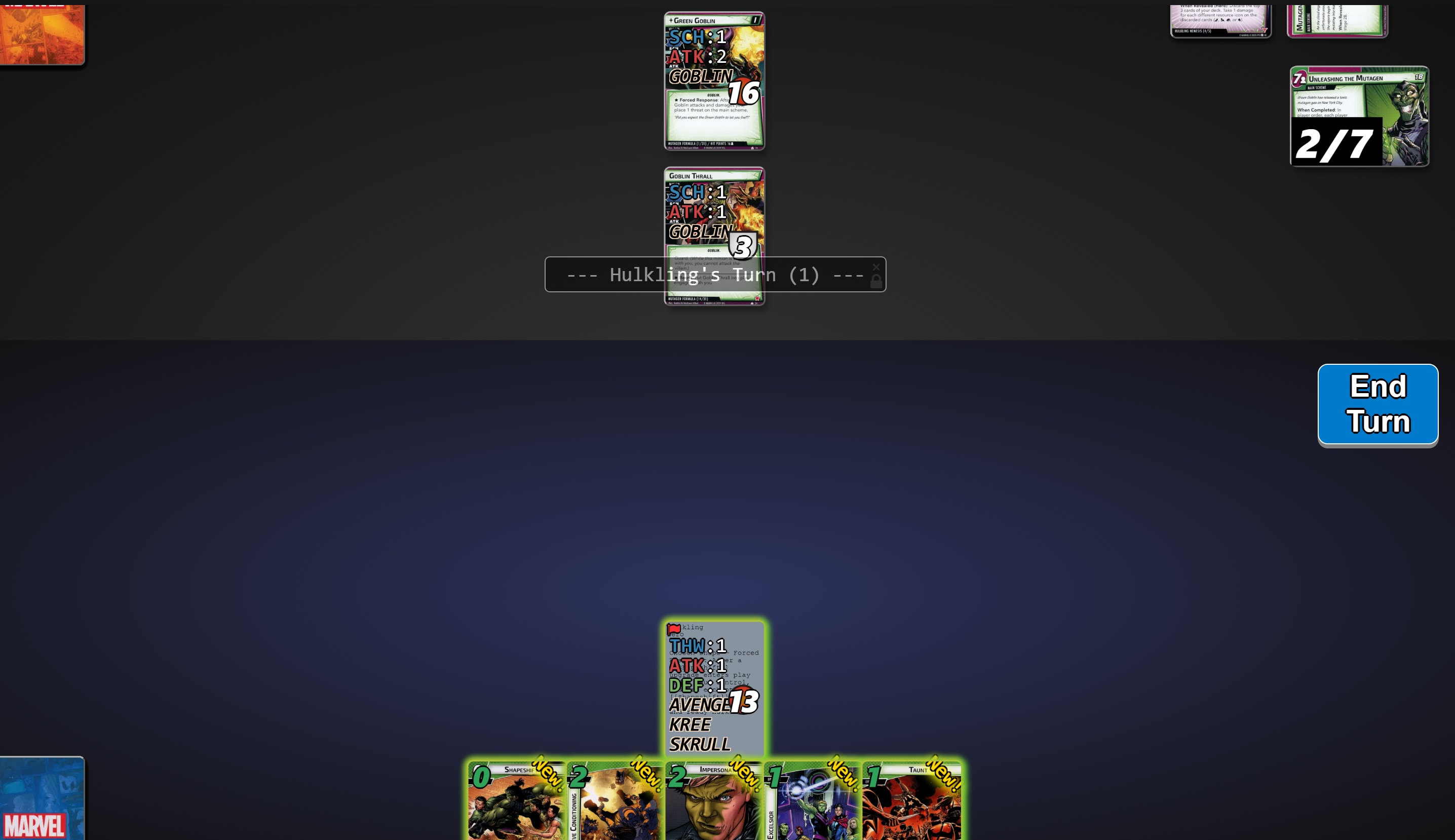

I've checked and I think that the images are correctly named (I did not change the name from Hall of Heroes). Maybe I should add them to a different folder?

Thanks in advance!

I forgot to mention that the alter ego side DOES load correctly. The only problem is with the hero side. 

Thanks!

Developer

Hi @quantumodo,

Thank you for your message!

  • The game loads all images from the image_folders key in the “launch.json” file, which defaults to “./assets/pics/”.
  • The image filenames must follow this format: <card_id>.webp, <card_id>.jpg, or <card_id>.png.
  • For the hero side of Tigra, the card ID is “56001a,” and for Hulkling, it is “56029a.”
  • After updating the images, please ensure you restart the game to refresh the engine cache and perform “empty cache and hard reload” for the client side.

We recommend renaming the image files to “56001a.webp” for Tigra’s hero side and “56029a.webp” for Hulkling’s hero side. Then, restart the game and perform “empty cache and hard reload” again.

Let us know if this resolves the issue!

Thanks! Changing the extensions to webp did the trick!