Indie game storeFree gamesFun gamesHorror games
Game developmentAssetsComics
SalesBundles
Jobs
TagsGame Engines

Abomination Fight Pit Deluxe

A bonkers platform fighter for up to 4 players 路 By Emmet Sirotta

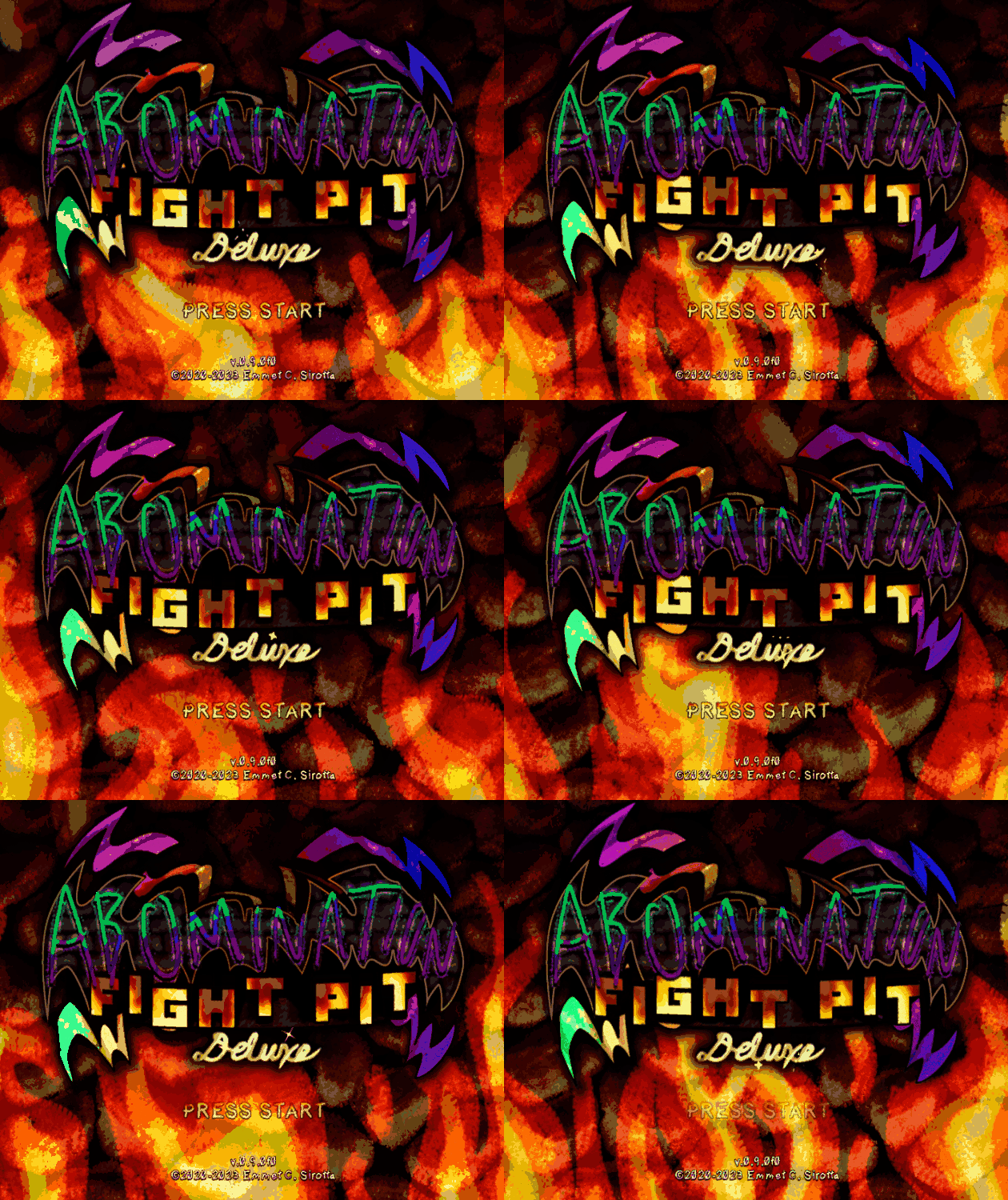
Game freezes on startup screen

A topic by placeboeffect created Mar 24, 2023 Views: 532 Replies: 10
Viewing posts 1 to 3
(2 edits)

When I press anything on my controller on this screen the game freezes and never starts up.

Edit: Looked into this further and when I use the keyboard it doesn't freeze, and trying to rebind controls in the CSS goes through all options near instantly, not letting me rebind anything. Pressing anything on my controller freezes the game still at this point.

Sorry for the delay, ya know I had this happen once and then it just inexplicably never happened again lol

I have a few ideas though,

  • If you had savedata before this update, navigate to [USER]/Appdata/Local(or Roaming, can't remember)/afpd(or Electron, can't remember that either lol) and delete settingsData.json
  • Make sure all controllers are plugged in and that Steam is closed before the game launches (Sometimes the Steam gamepad control mapping interferes with non-Steam apps)
  • You'll want to use either a Mayflash adapter or an Xinput gamepad, other devices should work but are untested. The only devices I'm 90% sure will cause issues are Switch controllers and the official GameCube adapter, even with drivers installed. If using Mayflash, switch to Wii U mode and back to PC mode before the game launches, sometimes it will just function as Wii U mode if your computer boots with it plugged in.

Hopefully something there fixes it, if not lmk what controller ur running and I might be able to debug it

Deleting that file didn't work, or closing Steam.  I don't have a Mayflash adapter either.
It worked in the last version just fine though. Not sure why I didn't mention that in the OP.

I'm using the "HORI Nintendo Switch Battle Pad Gamecube Style Controller".

Thanks for trying! It's pretty strange that that controller worked in the previous build. I have an 8bitdo I can boot into switch mode and try to replicate tomorrow.  You may be able to add afpd to your steam library for switch controller support, but I'm not 100% on that.

So turns out that controller functions as XInput when connected to a PC, so this issue effects Xbox controllers as well. Oops!

Found the issue and I'll have a fix up shortly.

(4 edits)

I just tried it and the issue's still happening the exact same even after deleting everything including the files in AppData and reinstalling.
Edit: Tried my Logitech F310 in both modes and neither D or Xinput mode worked either.
Edit edit: Tried it with my Xbox controller too and same thing. Cleared the settings file after every attempt. Went back to the last version and that doesn't work either now so it might just be something on my end.

(1 edit)

Tested with Mayflash, Raphnet N64 adapter (DInput), and Xbox and can no longer replicate. I'll try and get a buddy to test to see if there's something about my environment that's causing it to work just for me. Not sure what could be causing it if it's on your end. Thanks for your patience with this 馃檹

Edit: buddy could not replicate it either 馃

(+1)

All good, I never have an issue with controllers like this. It was surprising to me how even the older version doesn't work now.
Thanks for working on a fix earlier though, I'm sure that still helped others.

Hi, I'm having the same issue today with both my xbox one controller and ps4 controller, both wired.
Keyboard works fine, but using either controller at all causes the game to freeze immediately (but sound still works)

sorry bout that! my rig is exploded rn ill double check this isnt a new issue when i can. 

Copying from katie's AFPD discord server for anyone with the same issue who might see this post

it seems to be related to the external monitor i'm hooking my laptop up to?? i have a monitor im connected to using usb-c that also acts as a usb hub. when it's connected, even if no other devices are connected to the monitor, the game freezes. if I disconnect from the monitor or turn it off, then the game does not freeze with my controller

interestingly, the following procedure seems to bypass this issue:

    1. Disconnect or turn off monitor/usb-hub combo,
    2. Start game,
    3. Use controller,
    4. Stop touching controller (continuing to use during next step will cause freeze),
    5. Reconnect monitor/usb-hub,
    6. Use controller after monitor is finished connecting,

Also if I connect to the monitor via hdmi this issue doesn't happen