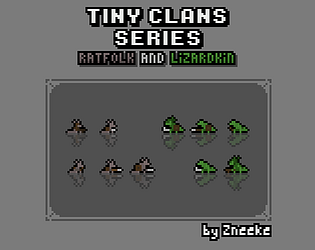
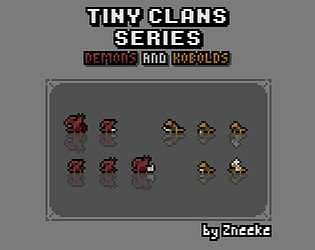
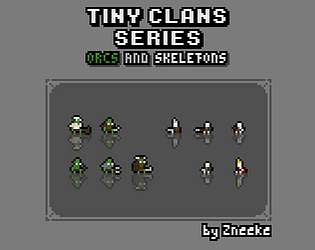
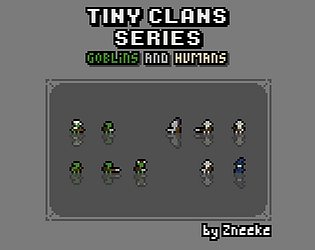
What do you mean? I may animate those, yes
A member registered Jun 26, 2020 · View creator page →
Creator of
tiny characters, for tiny games
tiny characters, for tiny games
tiny characters, for tiny games
tiny characters, for tiny games
tiny characters, for tiny games
tiny characters, for tiny games
tiny characters, for tiny games
tiny characters, for tiny games
tiny characters, for tiny games
tiny characters, for tiny games

Play in browser
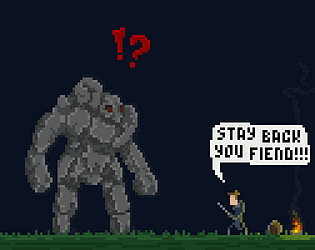
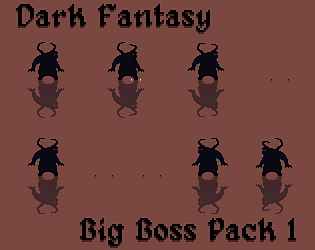
Big boss, main guy, dangerous and deadly
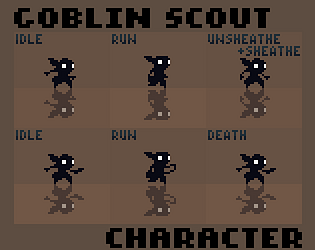
This is goblin scout asset pack - dark variant / silhouette.
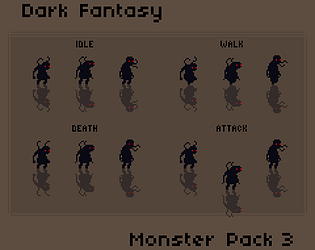
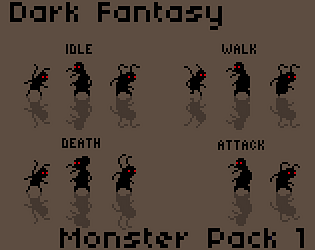
This is a monster pack for dark fantasy setting.
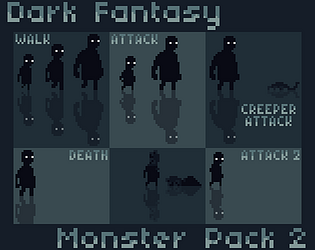
This is a monster pack for dark fantasy setting.
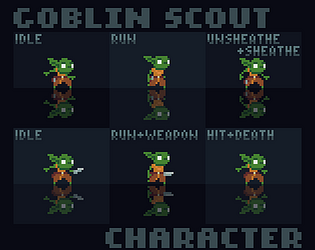
This is goblin scout asset pack.
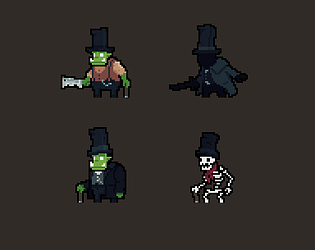
Made by the Pixel Jar team for the 2023 Greenlight Game Jam. A tower defense game where you defend a hotel for monsters.
Play in browser
This is a monster pack for dark fantasy setting.
Recent community posts
Hey, thank you!
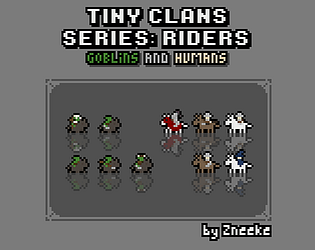
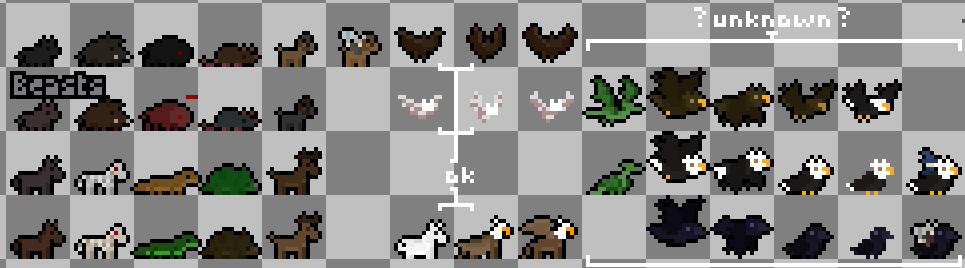
I will continue adding to the series but it will be at a little slower pace. I have planned to add the riders for the remaining factions and design for flying creatures is progressing slowly.
As for single large monsters, it is possible that I do those. I just don’t know which ones at the moment. Let me know if you have any ideas or requests.