

Will do Charlie, thanks for your replies!
A member registered Dec 27, 2025
Recent community posts
Thanks for the insights Charlie, much appreciated!
I couldn’t find a way to add nodes and then removing a specific segment of a shape directly in PixelCNC, so I ended up doing that part in Affinity Designer and then re-importing the vectors. I’d love to learn the pixelCNC native method how for next time.
The result:
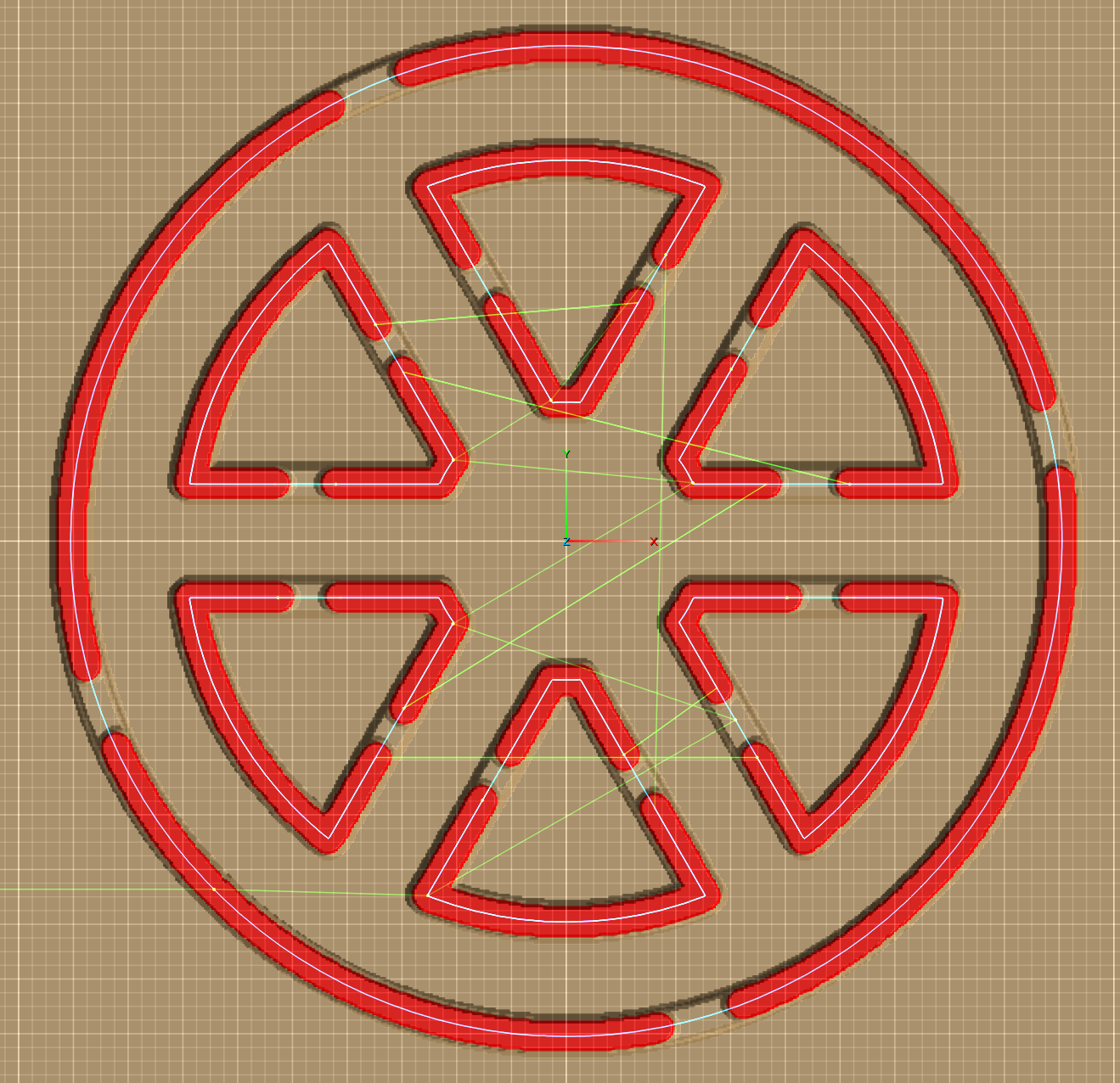
Also, having more control over tab placement would be extremely helpful. I’m the guy who moved from Carveco to PixelCNC a while back (we’ve exchanged a few emails), and I wanted to share this use case with you. An offset parameter would help a lot but precise tab control would really make a difference. If you jump to 4:53 in the video, you’ll see what I mean. This kind of control would be especially useful in situations like the above (being able to keep all in 1 path), or the skull/snake tutorial, where parts such as the tail are quite fragile.
Thanks again for taking the time!
Hi all,
I’m working on a simple 2D project and I’m running into some limitations with tab placement.
As shown in the screenshot below, the outer tabs are fine. For the inner cut-outs (triangles), however, I’d like each triangle to have two tabs, both positioned on the straight edge. The top triangle already has the tab placement I want.
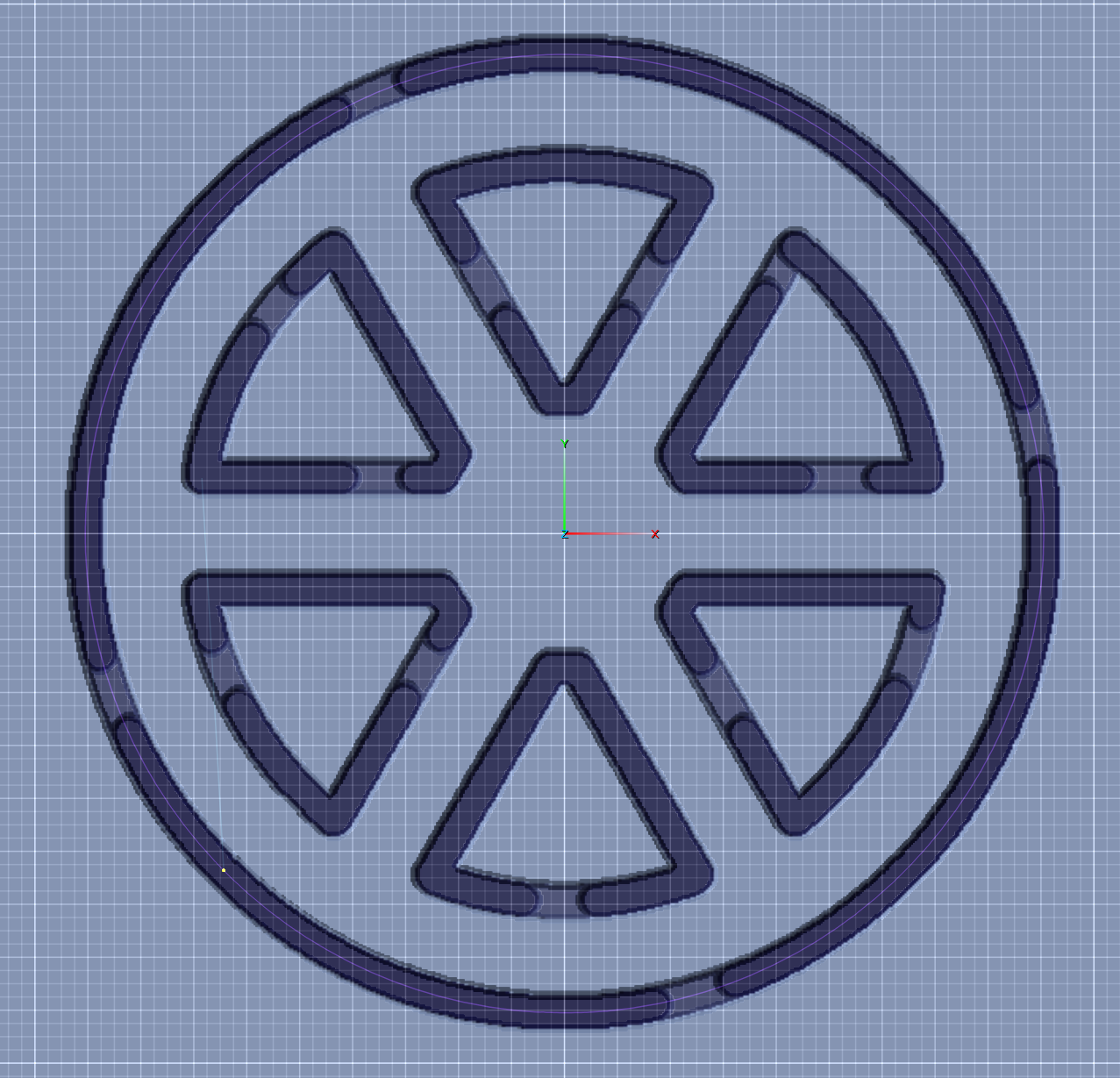
I duplicated that toolpath for the other five triangles and adjusted the tab settings, but I can’t get all six triangles to match the top one in terms of tab placement. It seems the tabs are being distributed automatically, and I can’t influence where they land.
This leads me to two questions:
-
Is there a way to manually place tabs, or control the start point / tab distribution along a profile?
I haven’t been able to find an option for this so far. -
As an alternative approach, I was considering adding a small 2 mm-high ring over the triangles center to act as tabs instead of using the built-in tab feature.
Is this a viable workflow in PixelCNC, and if so, what would be the recommended way to set this up using a simple profile cut?
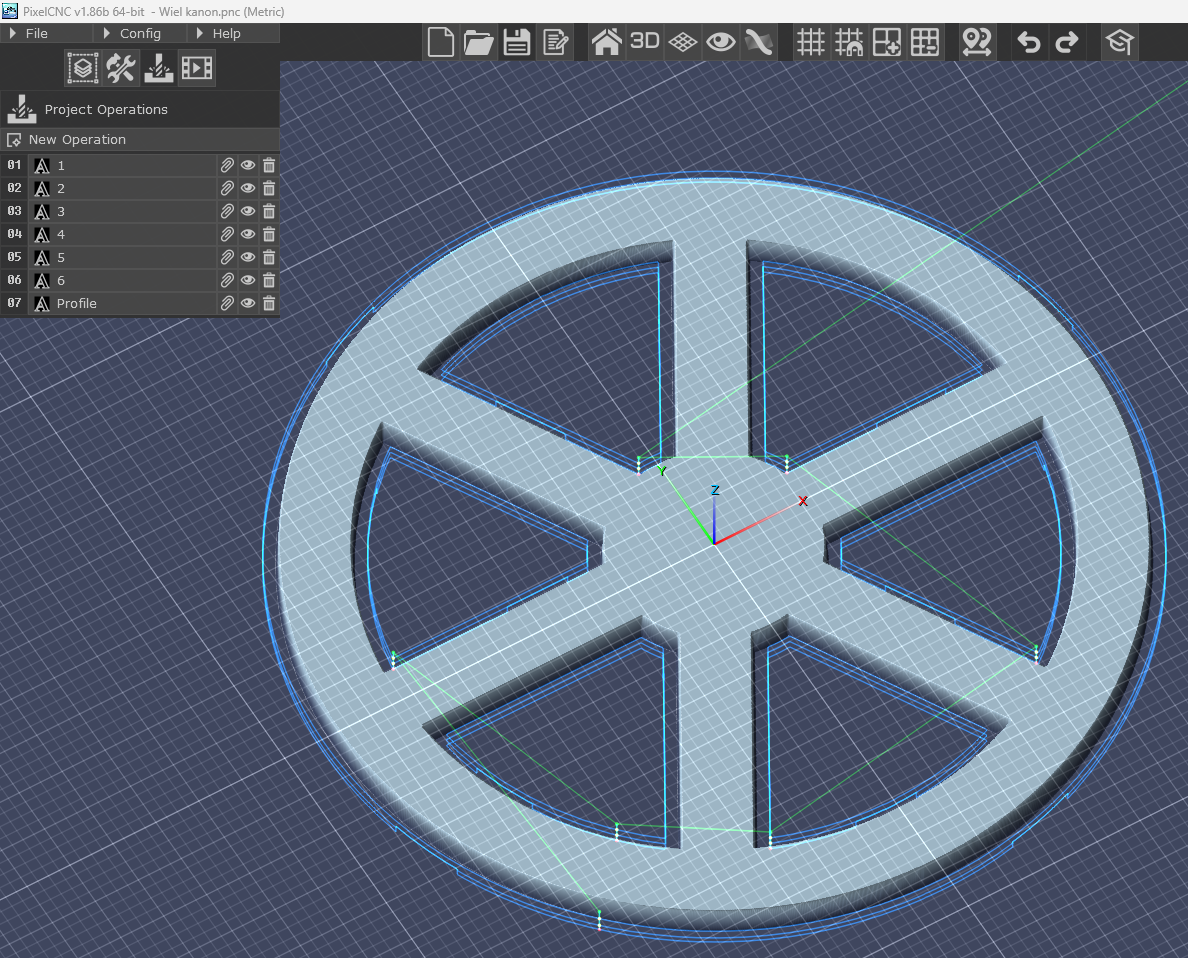
Any pointers or suggested workflows would be greatly appreciated.
Thanks!