
Indie game storeFree gamesFun gamesHorror games
Game developmentAssetsComics
SalesBundles
Jobs
TagsGame Engines

Noah

119
Posts
10
Topics
3
Followers
75
Following
A member registered Oct 18, 2020 · View creator page →

Recent community posts

SynRec's RHYTHM GAME MAKER plugin is currently doing everything I need... Except that I'm having some weird conflicts with another plugin that somehow prevents me from changing the font and placement of the game score.  I really like the way you've set up the score UI stuff on this, might have to pick it up once you get it updated a bit more.
I'd also like to figure out how to do something like having successfully timed presses fill up a gauge for a special ability like a score multiplier or something that helps you "survive" the challenge a bit longer... Sort of like the "star power" from the Guitar Hero games.
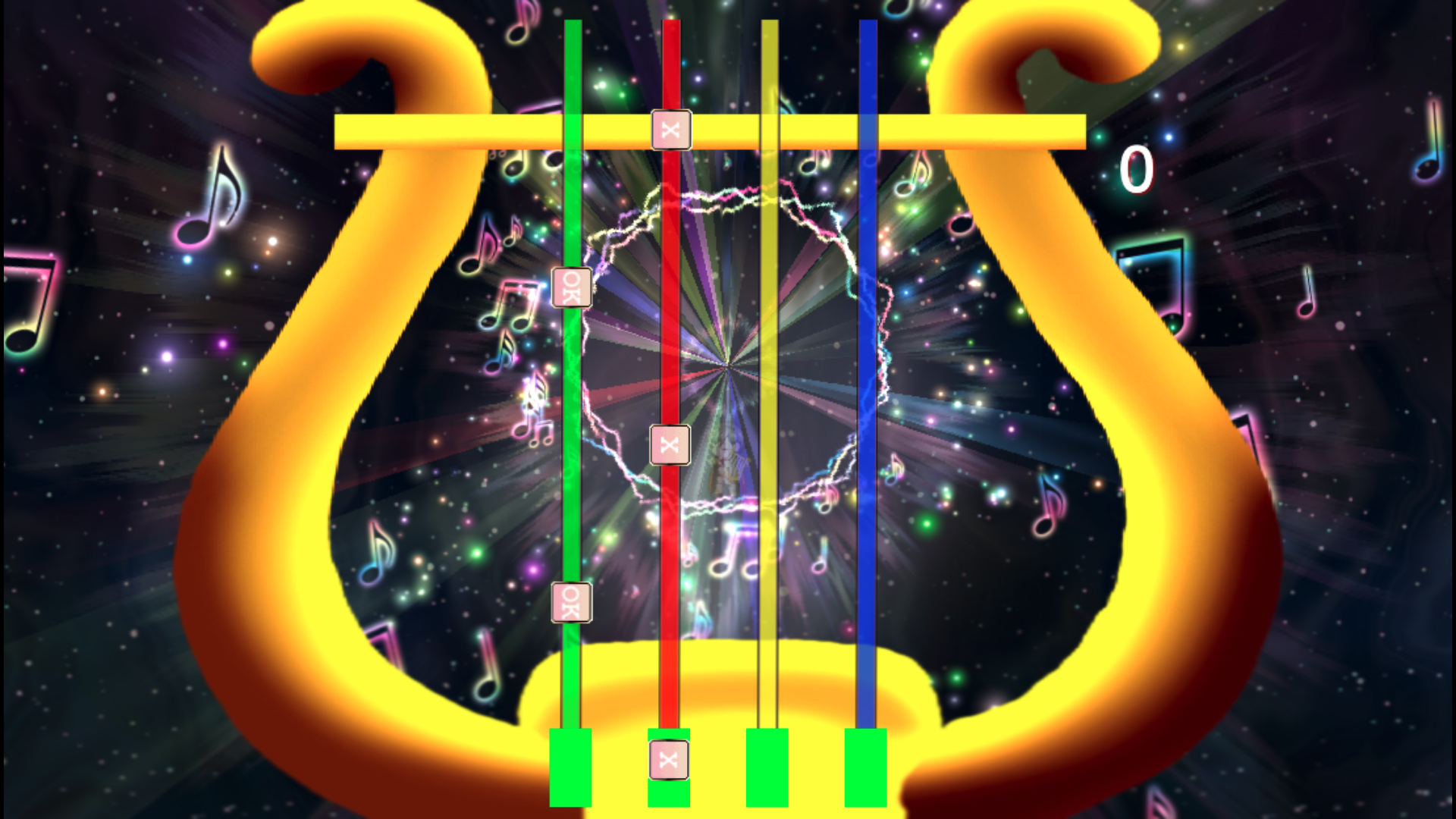
Just a heads up: There is no buy / purchase button. ;)

Interesting... Can you make a quick demonstration video to show us what it looks like in a action?

Pretty old (but totally free) assets from a Japanese person by the name of Vibrato:
https://vibrato08.wixsite.com/p3x-774

(3 edits)

Click on WinLu's name and it should take you to his main Itch page (actually, I think you may have to click on it twice), from there you'll see the "Discord" link just under his name. This is the address:

https://discord.com/invite/RHbW2b9c6j

Sounds like Steam is sleeping on the job -- I had to message Winlu on his Discord site to get the updated pack from him.

(4 edits)

Thanks, that would be awesome. I'm not very familiar with how Discord works, but I just sent you a message on there (Synchromystic Media aka remixomitosis)

Did you ever get the updated tiles? I've downloaded my DLC again and they're still not in there.

(2 edits)

I've done everything I know how to do to try and get Steam to update my DLC -- literally sat here and watched it download the pack all over again -- but I still don't see any of the new tiles from either of the last two updates.

(1 edit)

I got that all working great, but I found one small issue when changing fonts in the Score Sprite Configuration: When using the default "sans-serif" font, changing the font size works as expected... But whenever I use a font of my own, it seems to remain stuck at a really small font size, and if I attempt to make the text larger, it simply pushes the score numbers farther down the screen (as if I was increasing the Y-offset instead of the font size).

How many rails can be used at once? The video only shows two... For a decent rhythm game I would expect to have maybe 4 or 5 buttons being used. And would it be possible to have the rails running vertically rather than horizontal? I'd like to be able to set up something like Friday Night Funkin' or a "poor man's Guitar Hero" lol. 

Instructions are terrible... How do you set this thing up?

Thanks a bunch for this, and for making it free! All the other video player plugins I've tried apparently have major conflicts with some of my other plugins, but this one's working great!

Since I'm a noob about this stuff, figured I'd go ahead and ask: When the Steam version does get updated, will that automatically change the files in the DLC folder that we access from "browse local files," or is there something else that we have to do to manually make it update?

Ditto on the spaceship exterior! Most of the other asset creators that have done spaceships tend to make them too flat, or the proportions just don't look appealing... It'd be awesome to see an airship set from you as well!  ;-)

You're right -- just installed the updated version and now it works fine!

(4 edits)

Think I just found a bug: When your plugin is on in my project, it messes up the way selections are made in the Show Choices dialogue box... It works perfectly fine when I'm using the mouse, but if I try to move up and down through my choices using the arrow keys, I can only highlight the odd choices -- the first, third, fifth, etc. It skips right over the even numbered choices, making it impossible to select choices 2, 4, 6, and so on. This doesn't happen with just the SAN Movement and Mode7 plugins turned on; It only happens with your airship plugin.

(1 edit)

Soooo glad that latest update fixed a problem I was having; I was thinking that there must have been yet another conflict with one of my billions of other plugins, because up until the update I couldn't generate pics below characters or the tile layer -- which is exactly what I was hoping to use this plugin for -- without getting an error message. But whatever you did took care of that, and now it works like a freakin' charm!

YOU ROCK!!! :D

I'm not in any hurry for it, the sci-fi part of my game is still a long ways off into the future, lol. But thanks for the response!

Probably a dumb question, but: It seems I bought this particular pack of yours off of Steam instead of Itch.io -- how do I get the updated tiles from there?

I have the core plugin installed above it and both are the most updated version. I'm using a Mac instead of PC, so pressing F8 or F12 simply closes the entire playtest window. I'm also just now seeing that some other people have been reporting issues with the Console not opening on the Mac version, since more than 3 years ago... It had always worked before that, but now it just closes the game. Still trying to find some way around that, but I have a looooooong list of plugins and this is the only one that simply doesn't work at all, even in an empty project.

I bought this plugin more than a year ago, but only just now getting around to trying it out, and I've only been messing around with it for a few minutes so there is a very good chance that I'm overlooking something, but... It doesn't seem to do anything. I put it in a new project to make sure there wasn't some kind of conflict with other plugins, and added a single track to a subcategory in all 4 categories to test it out, but it literally does nothing; There is no sound test option added to the game's title screen, nothing added to the menu screen, and when I create an Event to try opening it with a plugin command, absolutely nothing happens. Is there some other setup step that I'm missing?

(1 edit)

Dang... I'm already using a ton of Visustella plugins, and I'm having to deal with a lot of conflicts they have with yours: If I try to spawn an enemy using your Action Engine, they can't move, [presumably] because of a conflict with Visustella's EventsMoveCore, and I have a scene where an enemy mirrors the player's movements (which also relies on EventsMoveCore) but it immediately crashes with the Dot Move plugin enabled.

Is there a way to deactivate the Dot Movement system temporarily? Like if I have certain maps where I want to use grid-based movement, but I still want to use pixel movement on other maps...?

Awesome, and thanks! It's not that big a deal tho, I'm still just experimenting with no concrete plans or anything, so no need to rush or prioritize it. Does make a lot of sense to have both options tho.

(4 edits)

Moving right to left, getting thinner = kinda the same thing in my case, lol, because the bar I made was 100 pixels tall but only about 15 pixels wide;  I was going for something more like the energy bars used in the old MegaMan games. Before trying out your plugin, I was using the Variable Gauge plugin from Visustella, which has options for both horizontal and vertical placement... But it seemed to conflict with some other plugins that I needed, so I started looking for alternatives. Yours works, but apparently just for horizontal bars.

This plugin works great except that it seems to be set up only for horizontal bars... I was trying to make a vertical bar but obviously it didn't work as I wanted -- instead of going down as the player's HP decreases, it gets thinner, which looks pretty weird, lol. Is there any easy way to configure it for vertical bars?

I think it worked that time!

Just tried to, but it looks like it's not going to let me: When I hit the submit button, it says "Something went wrong while making an AJAX submission"

I seem to have an old version of this pack -- because I stumbled upon the Steam version of the product just now, and noticed a few assets here that aren't in mine... But I can't find any way to download the new version -- it's possible that I might have originally gotten mine from a Humble Bundle or something, because I don't see any option here on itch to download it again... And I can't even find this pack on the actual KR website (at least not with a Google search). Any help?

Another quick heads-up: You fixed the Demo project file -- and it works great -- but it looks like the link for downloading the plugin on its own still has the PTBS plugin instead. 

No problem, thanks for the quick updates! :D

I think you must have uploaded the wrong files -- it's labeled as Battle Chess but once I unpack it the folder it's actually your Tactical Battle System

Awesome, thanks! Tho no need to hurry yourself over it, we'll both probably be dead and gone before I ever manage to finish a game that I'll be able to use it in, lol.  And yeah -- a lot of games end before that rule ever has a chance to come into play, so it's an easy one to miss... But on longer games, it becomes HUGELY important; Since it's actually possible to have more than one Queen on the board, players have a lot of incentive to aggressively pursue that course of action... Although I personally never owned a physical chess set that had extra pieces for that purpose, so even I didn't realize that was allowed in the actual rules!

The enemy AI has certainly been improved a lot -- I'm not that great a player so I'm definitely getting my butt handed to me now, lol. But the "pawn promotion" rule still needs to be implemented for the game to be fully playable; Pawns can't move backwards, so the way that it's set up now, any pawn that manages to make it to the other side of the board is stuck there, and completely useless for the rest of the game. What should happen instead, is have some kind of choice box pop up where the player can pick which piece they want to promote that pawn to (an extra queen, bishop, knight, or rook). I have no idea how to code or event that, but the game feels kinda broken without it.

Nah, I tried out the Advanced Renamer software that you mentioned, and it worked perfectly, so that's no longer an issue, thanks a BUNCH for that one! :D

Alright, well thanks for the response anyways!