stolen game, and a modded with virus confirmed:
original game is by Bawdy Baron, March 2023. go find original game instead. or run owindows version on linux win emulator like vine
stolen game, and a modded with virus confirmed:
original game is by Bawdy Baron, March 2023.
The file is confirmed identical to the archived original, unsigned, and reports version 1.0.3.0. The deeper scan is reading its PE sections and large appended data area; this is the important distinction between a legitimate single-file Ren’Py bundle and an unrelated packed loader.
This is not a normal native Ren’Py launcher. It is a small unsigned .NET GameLauncher wrapper whose single embedded resource is about 250.66 MB; the entire PE body has near-maximum entropy and a deliberately nonsensical 2103 build timestamp. Those traits readily explain a generic heuristic detection. I’m now disassembling only the wrapper’s managed metadata/IL to see what it writes, launches, or checks—without invoking its entry point.
The wrapper contains unequivocally hostile launcher behavior: on first launch it checks for VMs, checks timing to detect analysis/sandboxes, requires 4.1 GB RAM, silently imports game\gui.reg with elevated regedit, decrypts game\cache\pyanalysis.xml using hard-coded AES keys, and pipes the plaintext into hidden noninteractive PowerShell. Only afterward does it start the legitimate Ren’Py launcher. I’m statically decrypting that script in memory now; I will inspect it but not execute or save it as a runnable script.
Confirmed: this is malware, not a harmless false positive. The registry file disables AMSI and adds broad Microsoft Defender exclusions; the decrypted PowerShell contacts attacker infrastructure, downloads a Python payload, establishes logon persistence as a fake Microsoft Edge update task, runs a downloaded .pyc, and reflectively loads another downloaded .NET payload. It also exits on Russian-language systems, a common criminal-malware safeguard. I’m performing read-only checks for its exact persistence files, registry markers, exclusions, and scheduled-task names to confirm whether it was ever activated.
Ran commands
Confirmed: DevilishBusiness.exe is a malicious launcher. Avast’s detection is valid, not merely a generic false positive.
Static analysis showed that it:
game\gui.reg with administrator privileges.
rundll32, msiexec, and other targets.
game\cache\pyanalysis.xml.
powershell.exe.
miclookmx.com.
63.nl151.seedit4.me.
C:\ProgramData\Windows App Certification Kit\Python
.pyc payload.
MicrosoftEdgeUpdateTaskMachineCore... scheduled task.
The legitimate Ren’Py game is embedded alongside this malware and launched afterward, presumably as camouflage.
Relevant hashes:
44395F60EEC7F7F28E8EE093C63633007CDFA496E7E84A9D8DD9CEA9CD0F7945
A82418FBC0C89A36C6E70000335A37A54A9C7746D4C6E5383EA4E550815D202F
3FB24C1CF71F0389D75AC8FB7AA7D48F304FE630FD5CC5FD228B611D7607A630
There isnt any virus, scans doesnt ping anything anyway, plus user didnt even spelled out what type of virus he gets as a result. my guessis, it triggers pre-launch scan by antivirus (avast does thatbto every new exe file i try to run) and he thinks its a virus. Some ppl shouldnt be using computers altogether
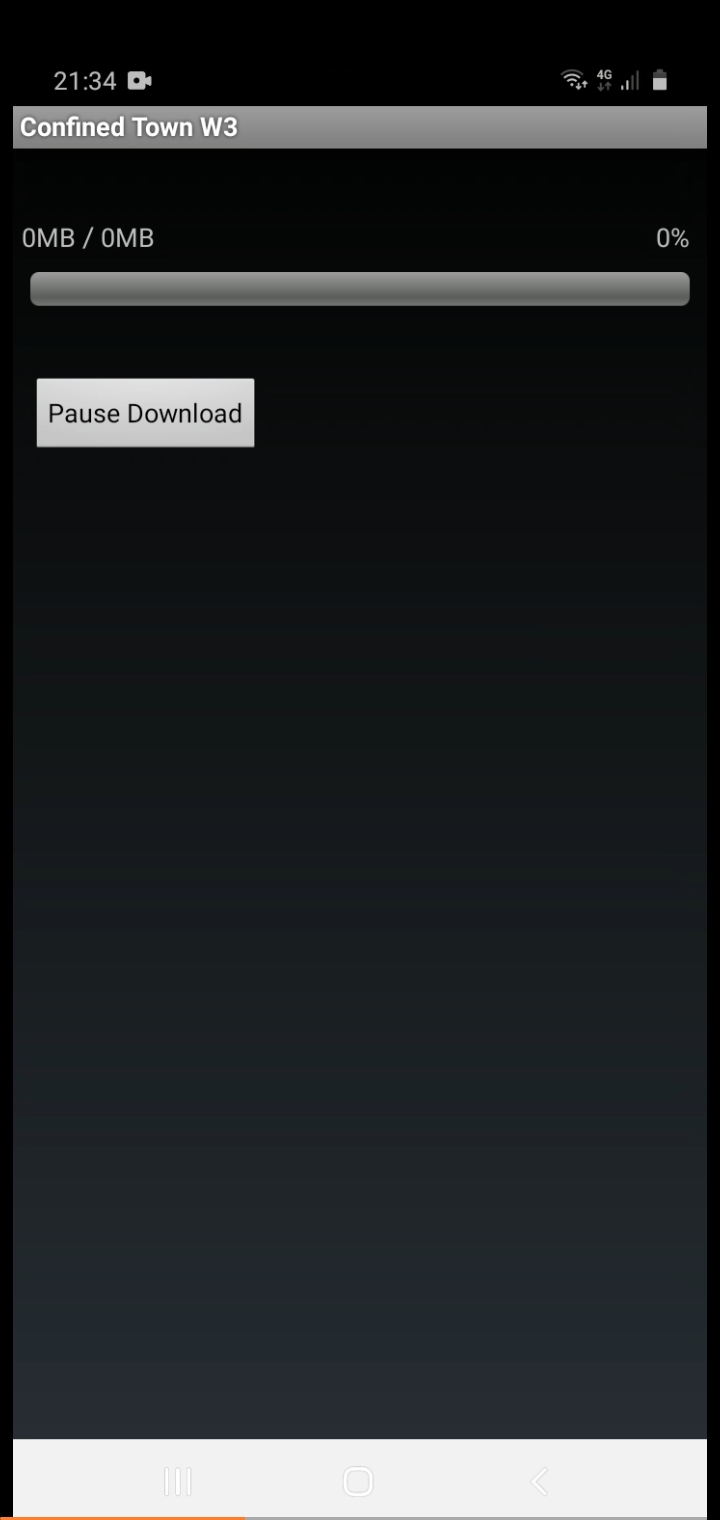
ehrm no? obj files must be in android/ subfolder (under data or obb slash[/] yourgamename or something.
it tries to download said file when you start app but coz it isnt online to download it cant...
so we need to know what folder it expects to be in (im not soo sure either is com.yourcompanyname/your game or something like that)..
not sure if game creates said folder upon launch, but knowing com.xxx folder name would be nice...
i have hundreds of apps installed so is too much for me to sift through and see exact folder