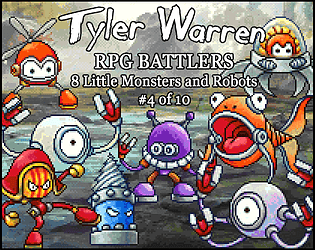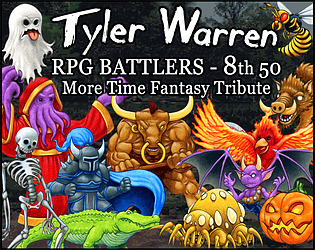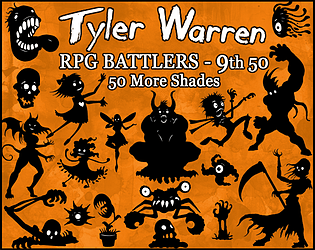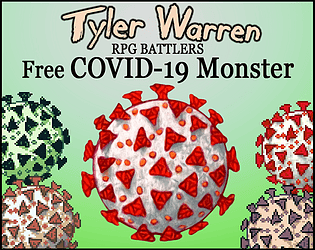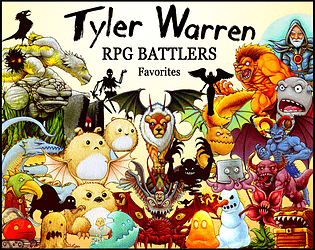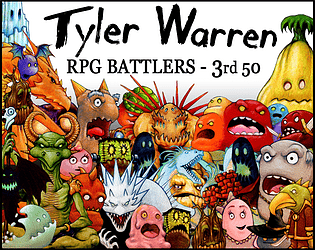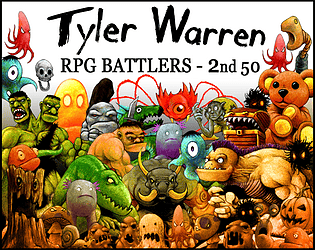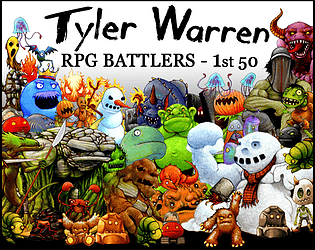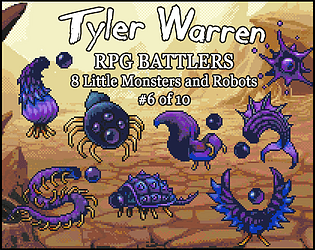
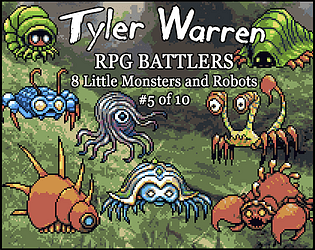
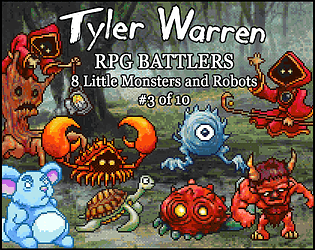
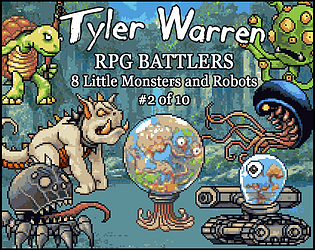
If you send me an email: tyler.jacob.warren@gmail.com I will send you whatever pack is missing, or having issues.
On the Pixel Style packs, the 3 packs are remasters of images found in earlier packs. I had not been creating pixel style work previously and I wanted to bring the library together in that style, so created the pixel-style packs to catch up what was already created. My later packs included pixel-style assets in them, so those monsters are not in the 3 pixel-style packs, but instead are included in the packs themselves. Hope that makes sense.
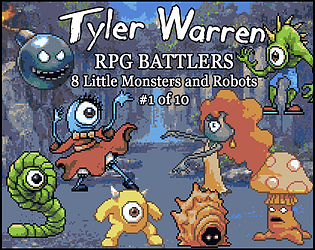
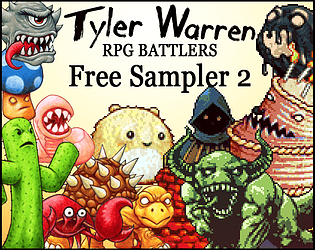
Tyler Warren RPG Battlers
Creator of
Recent community posts
Hi. I'm still around. Happy to explain the process for you. All of the drawings are hand drawn on water color paper (Hammermill 300lb) with colored pencils (prismacolor). Then I scan them into the computer and do some edits in Photoshop. It's not a lot of editing. Mostly color corrections/some shifting of shapes/cleaning up specs and scratches/etc. aa needed, and eliminate the background to be transparent. Most later packs have pixel-style versions that are just edits in photoshop and a program I used called pixatool (also available on itch.io).
I should make a walkthrough video sometime.
You're team should be proud! I love it. Literally super close to the game I have in my head (if I ever get around to making it). If you're old enough to remember "Swords and Serpents" for the NES, that's a game I always wanted to build from conceptually, and "Snake Eyes" hits really close to that, so I'm happy to sort of see something come alive that's in the ballpark of what I would hope to make.
I hope you don't mind, I did a quick write up on my Patreon to celebrate your awesome game! https://www.patreon.com/posts/game-highlight-102823451?utm_medium=clipboard_copy...
Oh nice!
I barely started like earlier this week, but creating RPG Monsters Live now. So far my streams have managed like 1 viewer, but I find it actually helps focus me to get something done, whether or not anyone else is watching. I admit I am a total noob to streaming. I don't have a regular schedule yet, just whenever I'm working it, I put the stream up.
Joel,
For steam items I don't have much control, so I'd recommend going first through Steam support, then if they can't resolve it, contact RPGMaker support. And if none of them can figure it out, give me a shout. With the Official DLCs for RPGMaker on Steam they have a autodownload function within the program itself, so best case solution is through them.
Chris,
As you've described it, yes, that would be fine to use as an artwork within your game that then is turned to NFT as a part of the game. I would only object to someone simply taking my art, turning into NFTs and doing nothing else. This makes me think I should add language to this affect in my TERMS OF USE, so no one is confused. Thanks for the heads up.
Tyler
Cheers back to you,
Those battlers mentioned were original monsters not based on TF monsters. Partly because I had some items to throw in and partly because I was still targeting the "50" number and needed some fillers. Jason has made a few monster sprites from my guys in the past (because he is an awesome guy), but I don't know that we'll see those listed come to life. Never hurts to ask (or commission him). I think most of the battlers are from only two of his packs (TF Monsters and TF Mythical Monsters), I didn't realize it at the time, but Mythical Monsters is a Patron exclusive, but I really liked the characters in it and wanted to draw them. And I may have snuck in a few that match monsters he created on Patron. When I get some time, I think you're right it's worth making sure the description is as accurate as possible. Thanks.
Interesting, I don't know specifically why it would do that, I double checked the .zip files to be sure the images are in there and used the import option within MZ, everything worked for me. You can always just find the folders for enemies and copy the images you want into it directly into it (outside MZ. So the default folder would be:
Documents - RMMZ - [Your Project's Name] - img - enemies
or
Documents - RMMZ - [Your Project's Name] - img - sv_enemies
You should copy all the images you want to use into those folders (respectively) and they will show up in the enemies list. My only other thought is if you already have a file named the same thing it may reject the import...I don't know if it overrides or keeps originals on import.
Hope this helps. Good luck.